How to install machine cable Assemblies correctly on industrial equip...
Machine cable assemblies are the “nervous system” of industrial equipment, responsible for transmitting power, signals, and data. Incorrect installation can lead to equipment downtime, signal interference, safety hazards, or even permanent damage to expensive machinery. To ensure the reliable and efficient operation of industrial equipment, mastering the correct installation method of machine cable assemblies is essential. This article will detail the step-by-step process, key considerations, and common pitfalls to avoid.
1. Pre-Installation Preparation: Lay the Foundation for Success
A well-prepared installation saves time and prevents errors. Before starting the physical installation, complete the following preparatory work:
- Review Technical Documentation: Carefully read the equipment manual, cable assembly datasheet, and wiring diagram. Pay special attention to the cable’s rated voltage, current capacity, temperature range, and signal transmission requirements. For example, shielded cables for high-frequency signal transmission require specific grounding methods, which must be confirmed in advance.
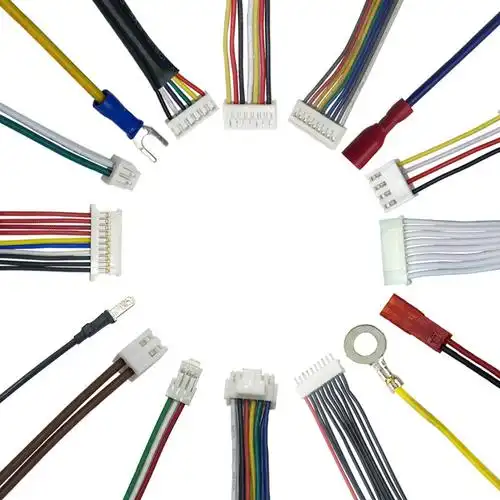
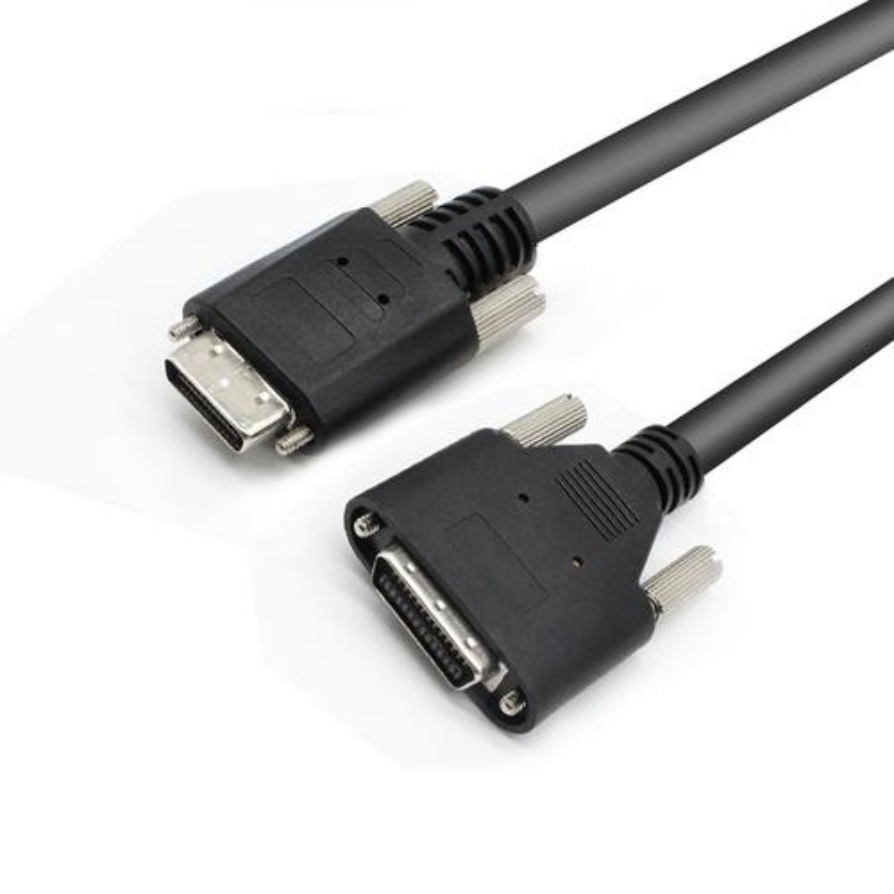
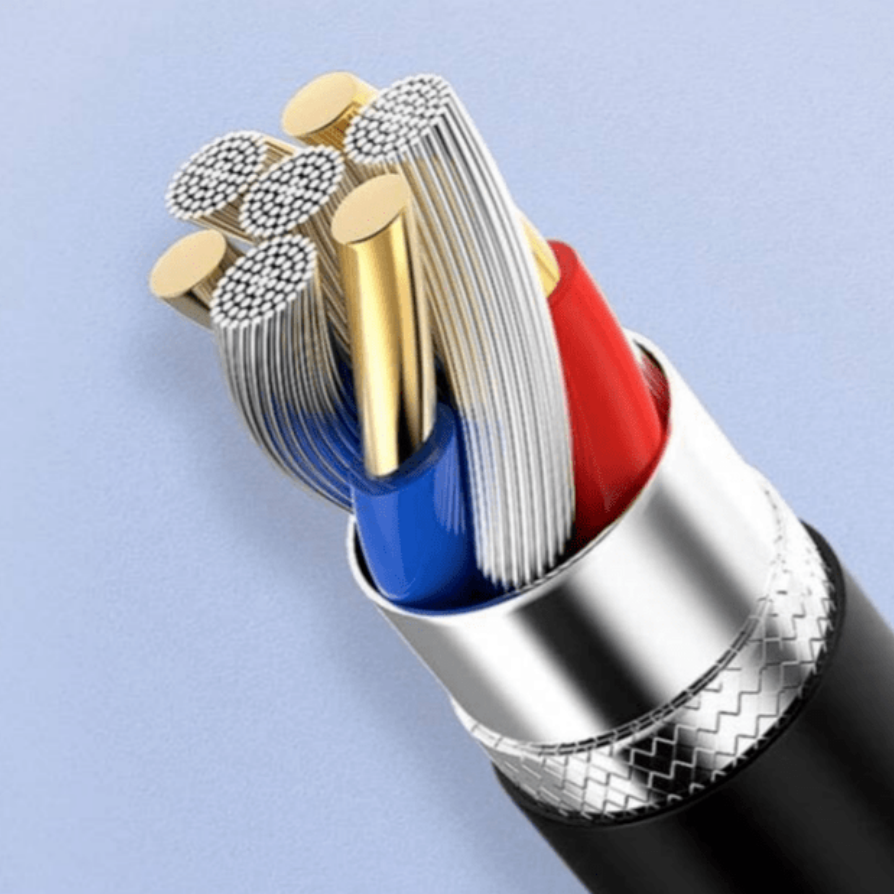
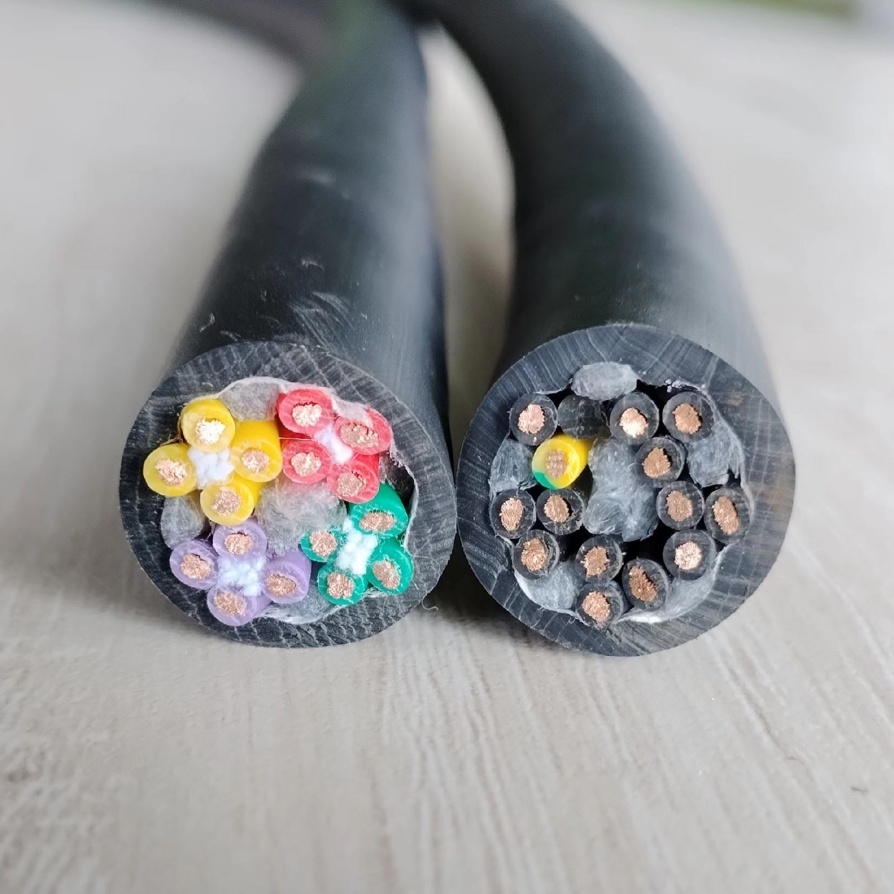
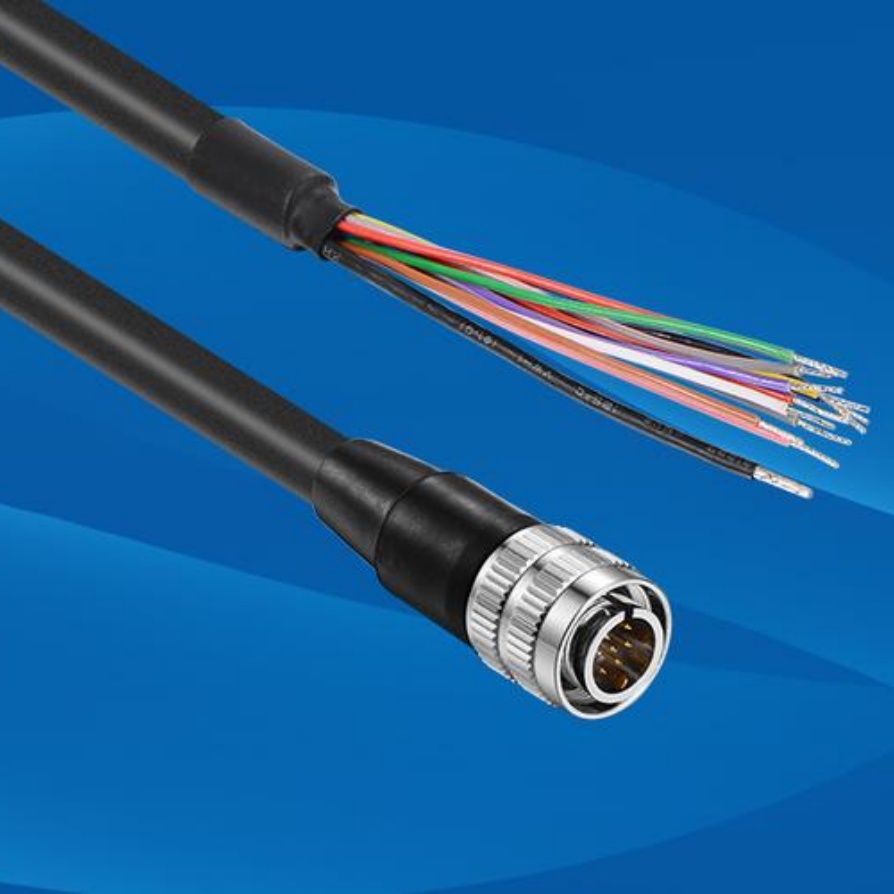
- Inspect Cable Assemblies: Check for any visible damage to the cable jacket, connectors, or pins. Ensure that connectors are properly crimped or soldered, and that there are no loose wires. If the cable assembly has a shield, verify that the shield is intact and properly connected to the connector shell.
- Gather Tools and Materials: Prepare the necessary tools, such as wire strippers, crimping tools, screwdrivers, torque wrenches, and cable ties. Also, have insulation tape, heat shrink tubing, and labels ready. Using the correct tools is crucial—for instance, a torque wrench ensures that connectors are tightened to the specified torque, preventing over-tightening (which can damage threads) or under-tightening (which can cause poor contact).
- Plan Routing Paths: Map out the routing path for the cable assemblies to avoid interference with moving parts (e.g., gears, belts), high-temperature areas (e.g., near heaters or exhausts), and sources of electromagnetic interference (EMI) such as motors or transformers. The path should be as short and direct as possible, with minimal bends to reduce signal loss.
2. Step-by-Step Installation Process
Follow these systematic steps to install machine cable assemblies correctly:
Step 1: Mount Connectors Securely
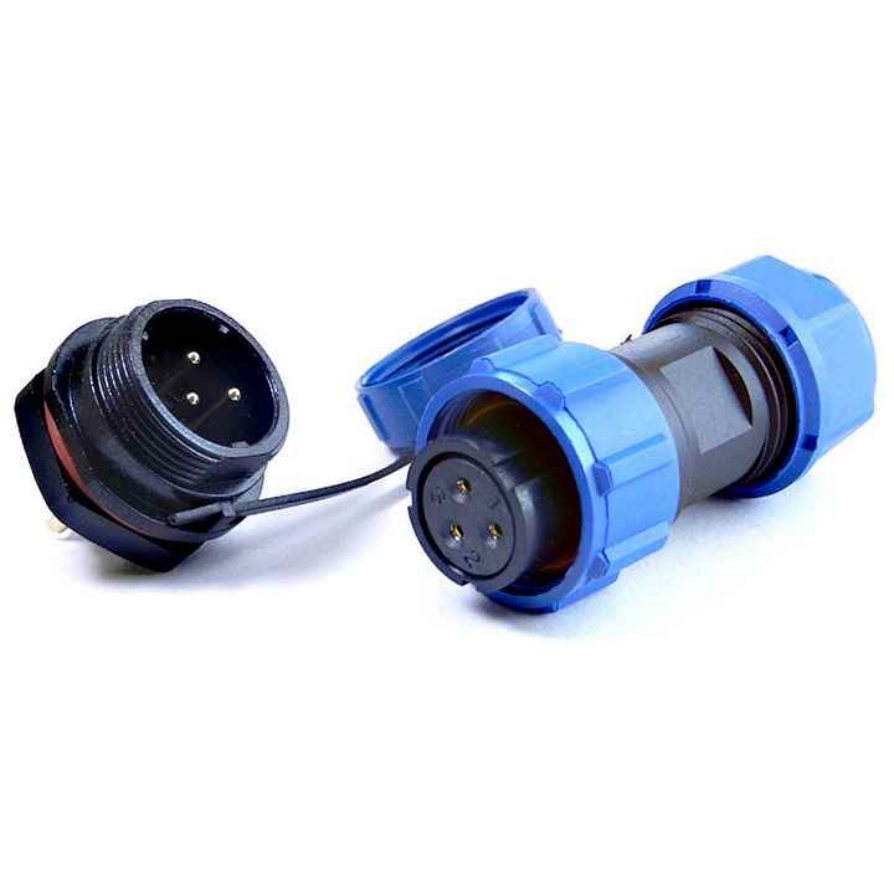
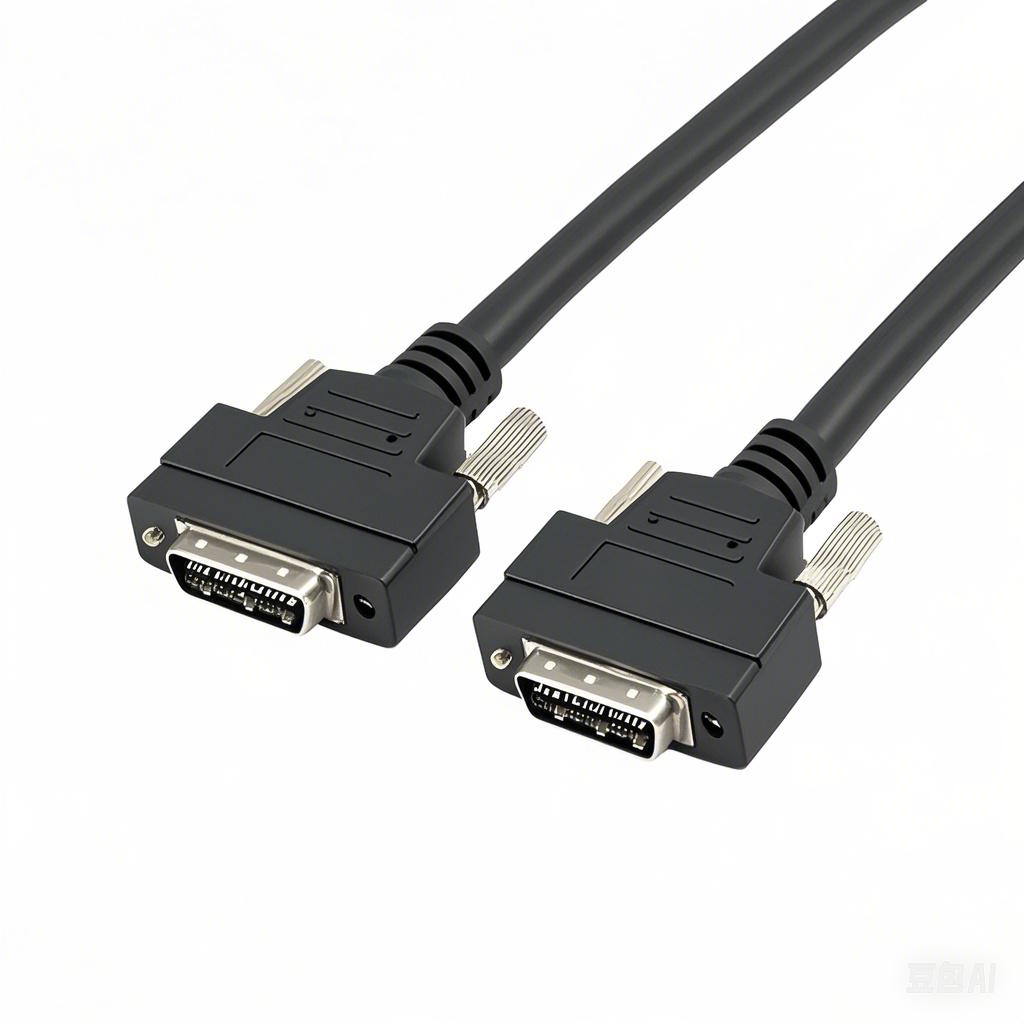
If the cable assembly requires panel-mounted connectors, install them on the equipment panel first. Use the appropriate fasteners and tighten them with a torque wrench to the manufacturer’s specifications. Ensure that the connector is aligned correctly to avoid strain on the cable when mating.
Step 2: Route Cables According to Plan
Route the cable assembly along the pre-planned path. Use cable trays, clamps, or cable ties to secure the cable at regular intervals (typically every 30-50 cm) to prevent sagging or movement. Avoid pulling the cable too tightly—leave a small amount of slack to accommodate thermal expansion or equipment vibration. Never route cables over sharp edges; use edge protectors if necessary to prevent damage to the jacket.
Step 3: Mate Connectors Properly
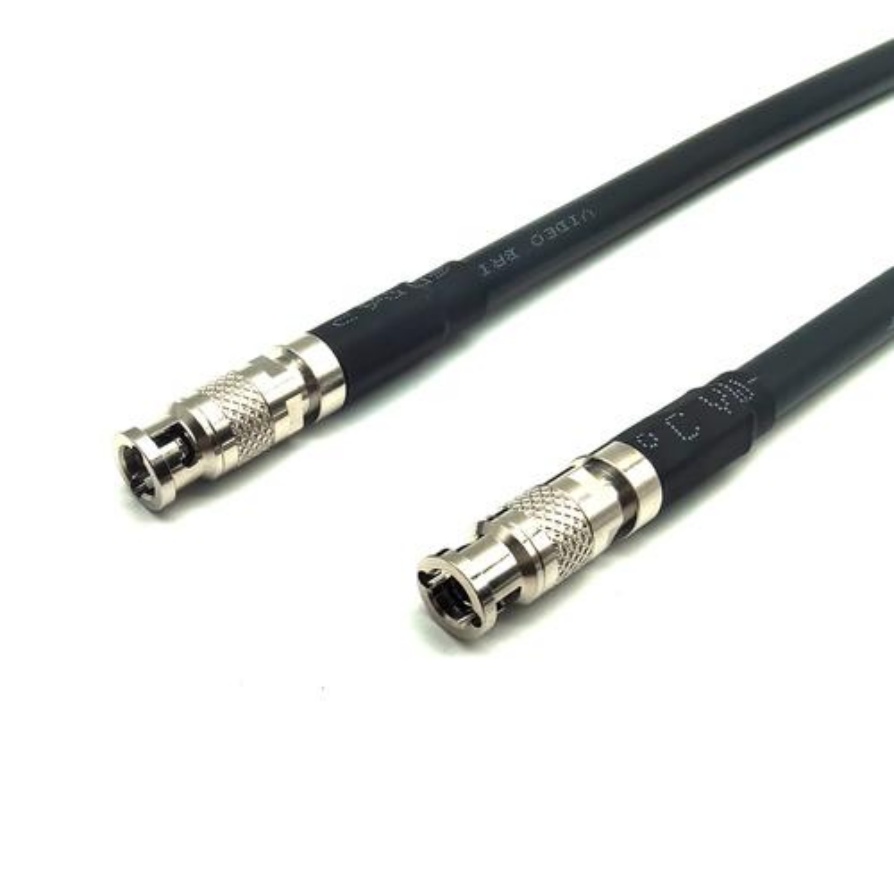
Align the male and female connectors correctly and mate them smoothly. Do not force the connectors—if they do not mate easily, check for misalignment or debris in the connector sockets. Once mated, secure the connectors using locking mechanisms (e.g., screws, clips, or bayonet locks) to prevent accidental disconnection due to vibration.
Step 4: Ground Shields (If Applicable)
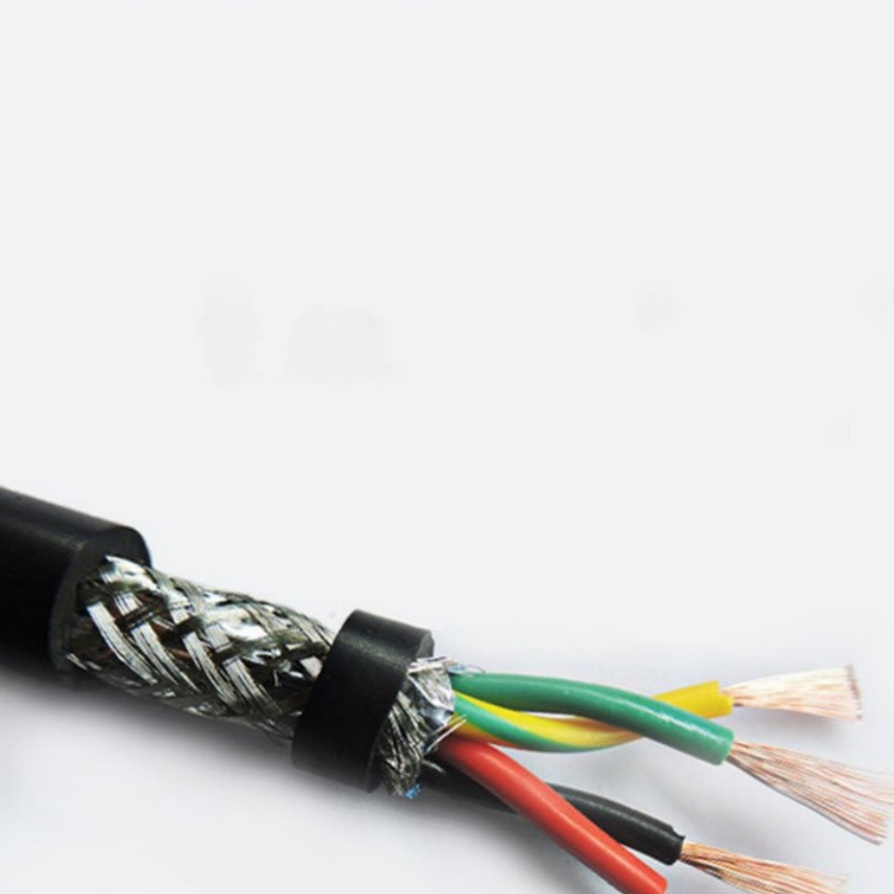
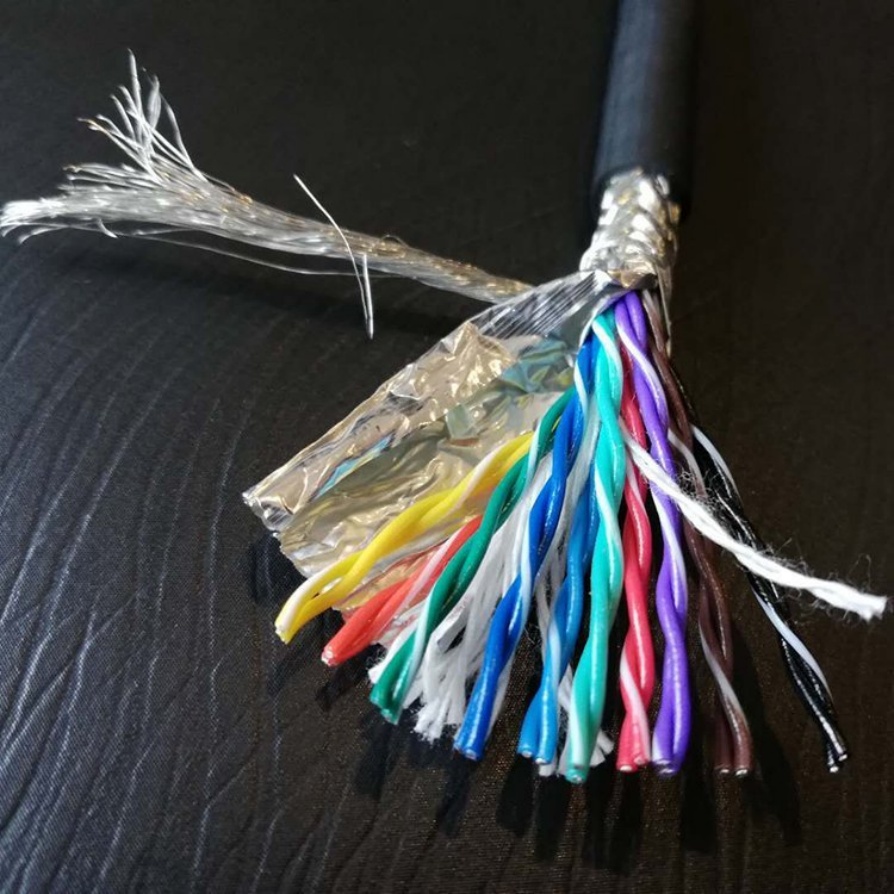
For shielded cable assemblies, proper grounding is critical to prevent EMI. Connect the shield to the equipment’s ground plane using a dedicated grounding lug or by attaching it to the connector shell (if the connector is designed for this). Ensure that the ground connection is clean and tight—remove any paint, rust, or oxidation from the grounding surface to ensure good electrical contact. Avoid grounding the shield at both ends unless specified by the manufacturer, as this can create ground loops that cause interference.
Step 5: Test Connections
After installation, perform tests to verify the integrity of the connections. Use a multimeter to check for continuity in power and signal lines, ensuring there are no open circuits or short circuits. For signal cables, use an oscilloscope to check for signal distortion or interference. If the equipment has built-in diagnostic tools, run a system check to confirm that the cable assemblies are transmitting data correctly.
3. Common Installation Mistakes and How to Avoid Them
Even experienced technicians can make mistakes during installation. Here are some common pitfalls and their solutions:
- Over-Tightening Connectors: Over-tightening can damage connector threads or deform pins, leading to poor contact. Always use a torque wrench and follow the manufacturer’s torque specifications.
- Ignoring EMI Sources: Routing signal cables near motors or transformers can cause EMI, leading to signal errors. Keep signal cables at least 30 cm away from high-voltage power cables and EMI sources, or use shielded cables with proper grounding.
- Improper Cable Routing: Allowing cables to hang freely or come into contact with moving parts can cause wear and tear. Use cable management accessories to secure cables and keep them away from moving components.
- Neglecting Cable Insulation: Damaged insulation can lead to short circuits or electric shocks. Always inspect cables before installation and replace any damaged ones immediately.
4. Post-Installation Maintenance
Proper maintenance ensures the long-term performance of machine cable assemblies. Regularly inspect cables for signs of wear, such as cracked jackets or loose connectors. Clean connectors periodically to remove dust and debris, and re-tighten any loose fasteners. Keep a record of installation dates and maintenance activities to schedule timely replacements.
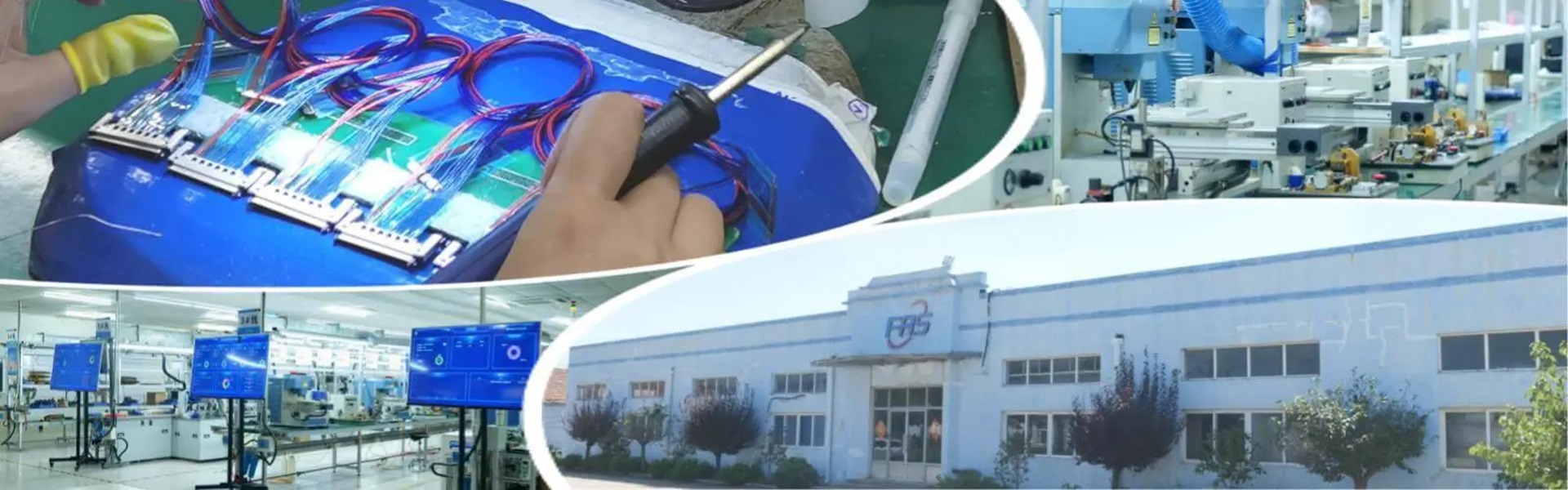
When it comes to reliable machine cable assemblies that simplify installation and ensure long-term performance, FRS brand factory stands out. With years of experience in manufacturing industrial-grade cable assemblies, FRS adheres to strict quality control standards, from raw material selection to production and testing. Each FRS cable assembly is designed to withstand harsh industrial environments, including high temperatures, vibration, and EMI. Whether you need standard or custom cable assemblies, FRS provides solutions that meet your specific requirements, backed by professional technical support to guide you through every step of installation. Choose FRS, and let your industrial equipment operate with confidence.