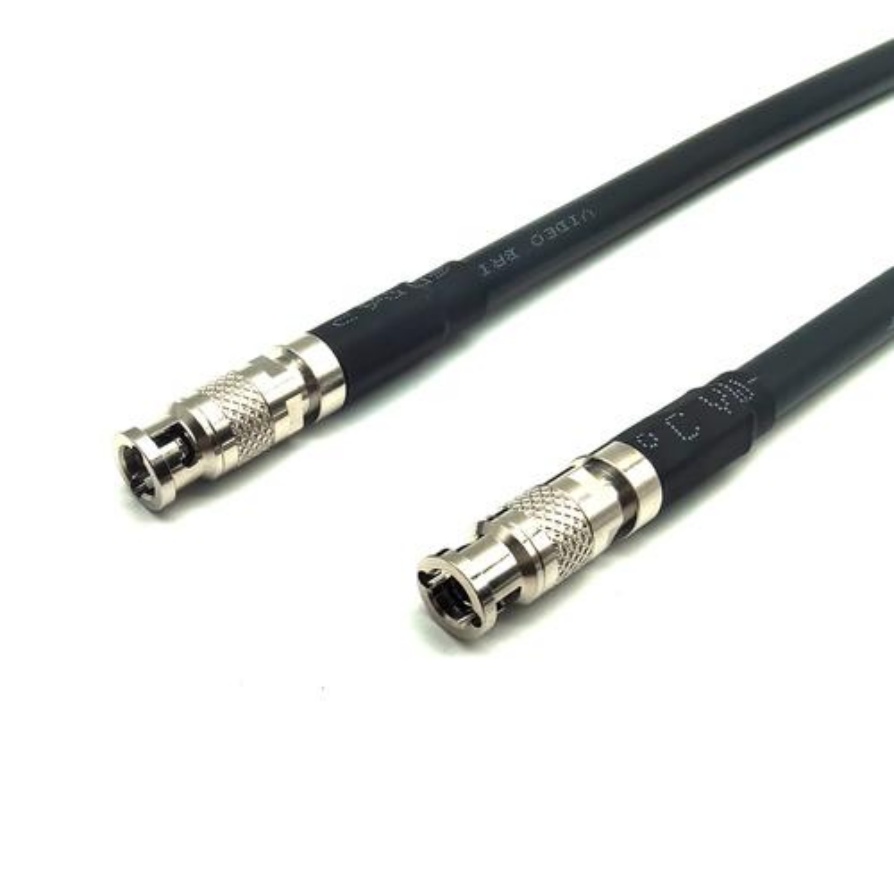
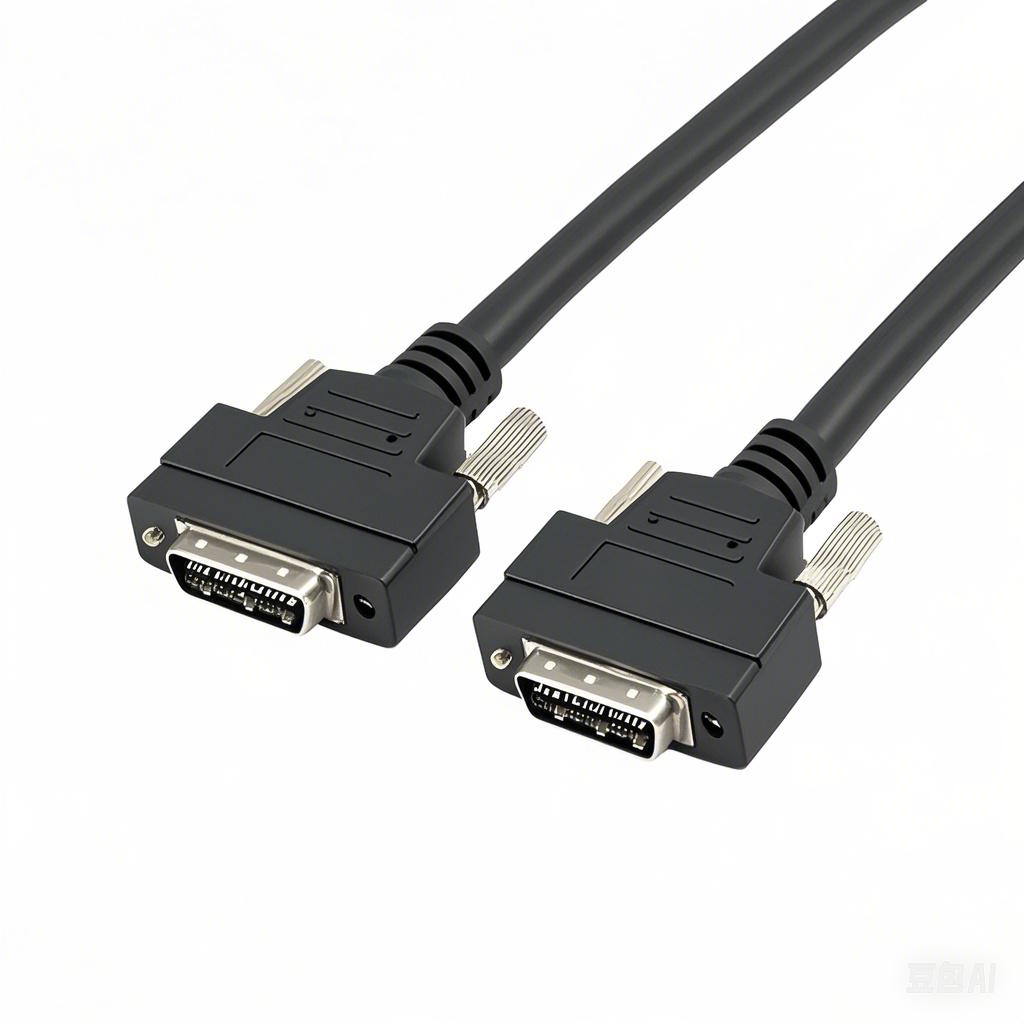
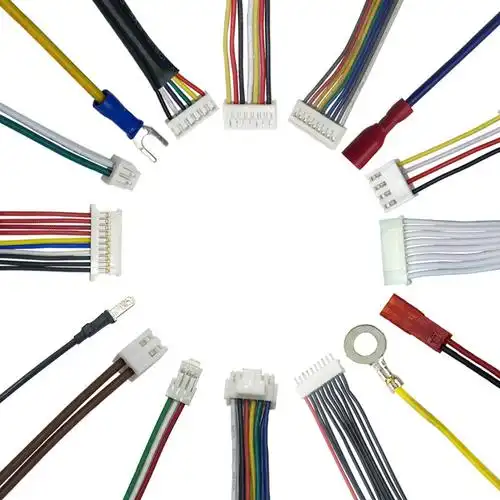
How to connect machine cable Assemblies to connectors properly
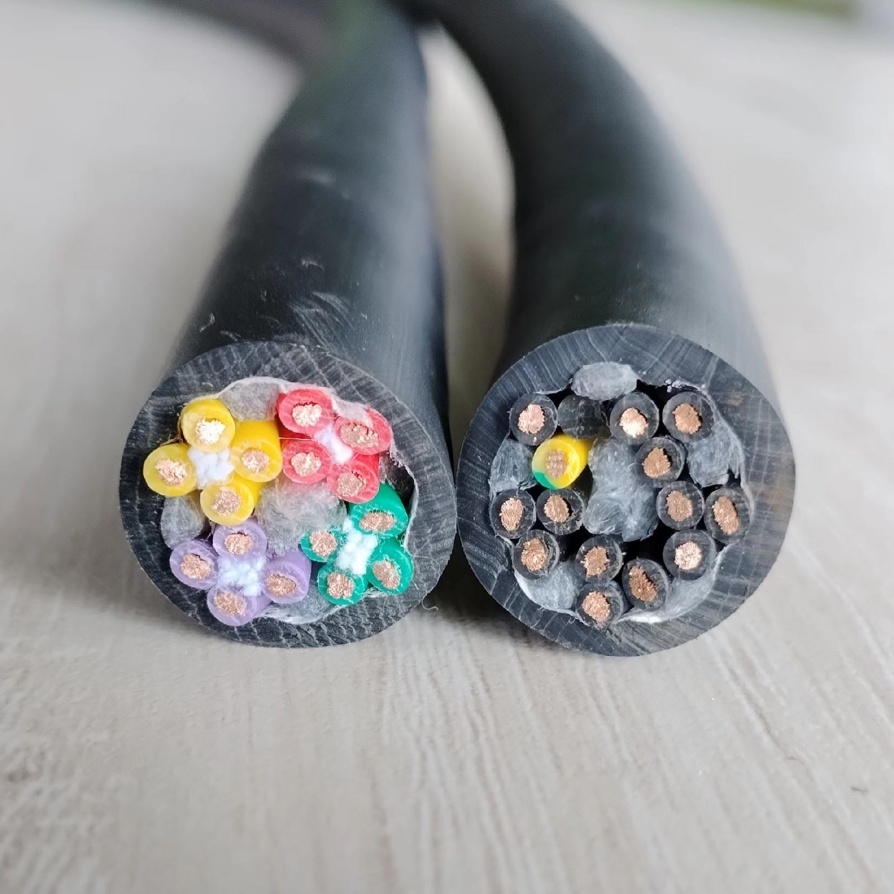
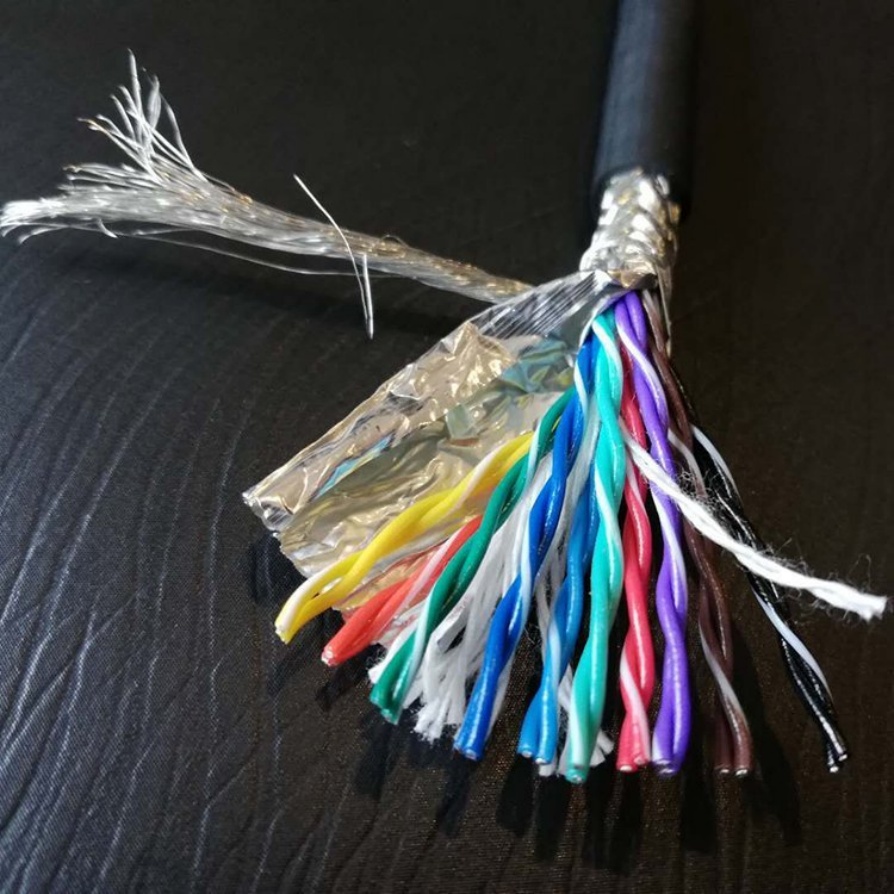
In the complex ecosystem of industrial machinery, the proper connection between machine cable assemblies and connectors is the backbone of reliable operation. Machine cable assemblies, which bundle multiple wires or cables into a single, organized unit, are responsible for transmitting power, signals, and data between different components of a machine. Connectors, on the other hand, act as the interface that enables secure and detachable connections. A faulty or improper connection can lead to a cascade of issues, including signal interference, power loss, equipment downtime, and even safety hazards. Therefore, mastering the art of connecting machine cable assemblies to connectors properly is essential for engineers, technicians, and anyone involved in the installation, maintenance, or repair of industrial equipment. This comprehensive guide will walk you through every step of the process, from pre-connection preparation to post-connection verification, ensuring that your connections are not only secure but also optimized for long-term performance.
Pre-Connection Preparation: Lay the Foundation for Success
Before you even touch the machine cable assembly or the connector, thorough preparation is crucial. Rushing into the connection process without proper checks can result in costly mistakes. Here are the key steps to take during the pre-connection phase:
1. Verify Compatibility Between Cable Assemblies and Connectors
The first and most important step is to ensure that the machine cable assembly is compatible with the connector. Compatibility encompasses several aspects, including pin configuration, voltage rating, current capacity, environmental resistance, and physical dimensions. Using incompatible components is a recipe for failure. For example, a cable assembly designed for low-voltage signals cannot be used with a high-voltage connector, as this can cause arcing, insulation breakdown, and damage to both the cable and the connector. Similarly, if the pin count of the cable assembly does not match that of the connector, you will not be able to establish a proper connection, leading to missing signals or incorrect power distribution.
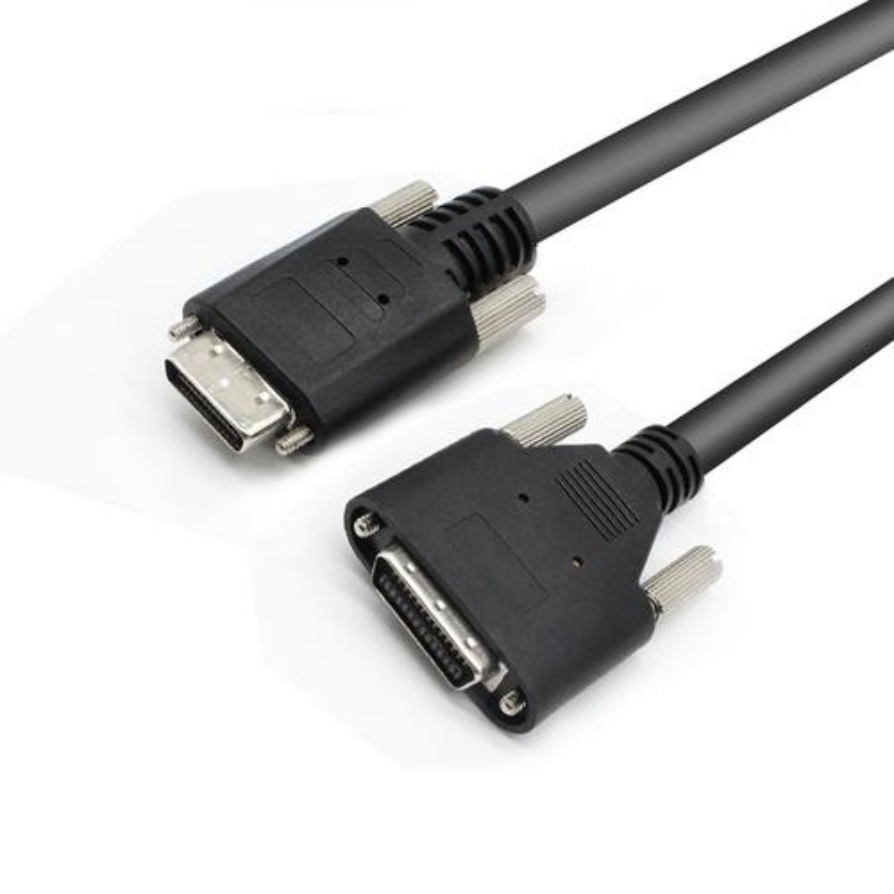
To verify compatibility, always refer to the manufacturer’s specifications for both the machine cable assembly and the connector. These specifications will provide detailed information about the product’s electrical and mechanical properties. Pay close attention to the connector type (e.g., D-sub, USB, Ethernet, circular connectors) and the cable assembly’s conductor gauge, insulation material, and shielding type. If you are unsure about compatibility, consult with the manufacturer or a technical expert to avoid making a costly error.
2. Inspect for Physical Damage
Next, conduct a visual inspection of both the machine cable assembly and the connector to check for any physical damage. Even minor damage can compromise the integrity of the connection. For the cable assembly, look for cuts, frays, or kinks in the outer jacket, as these can expose the internal conductors to moisture, dust, or mechanical stress. Check the insulation around each conductor to ensure there are no cracks or剥 (peeling), which can lead to short circuits. For the connector, inspect the pins or sockets for bent, broken, or corroded contacts. Corrosion, often caused by exposure to moisture or harsh chemicals, can increase contact resistance, leading to signal degradation or power loss. Bent pins can also prevent proper mating between the cable assembly and the connector, resulting in a loose connection.
If you discover any damage, do not proceed with the connection. Damaged cable assemblies should be replaced immediately, as repairing them (unless done by a qualified professional) can compromise their performance. For connectors with minor damage, such as slightly bent pins, you may be able to straighten them using a small, flathead screwdriver or a pin straightening tool, but only if you are confident in your ability to do so without causing further harm. For severely damaged connectors, replacement is the safest option.
3. Clean the Components
Dirt, dust, oil, and other contaminants can interfere with the electrical contact between the cable assembly and the connector. Over time, these contaminants can accumulate on the connector pins and the cable’s contact points, leading to increased resistance, signal noise, and even contact failure. Therefore, cleaning both components before connection is essential.
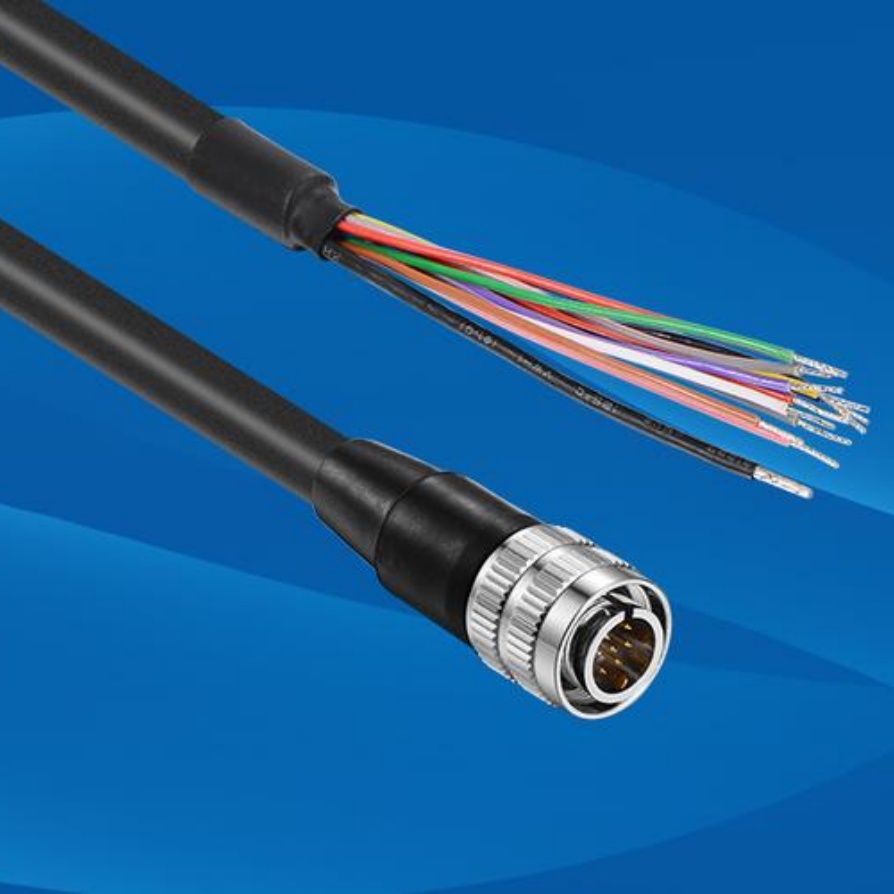
To clean the connector, use a lint-free cloth dampened with a mild, non-corrosive cleaning solution (such as isopropyl alcohol). Gently wipe the pins or sockets to remove any dirt or debris. Avoid using harsh chemicals or abrasive materials, as these can damage the connector’s plating or insulation. For the cable assembly’s contact ends, if they are exposed, use the same method to clean them. If the cable assembly has a connector attached (a pre-terminated cable), clean the connector’s mating surface as you would the other connector. Ensure that both components are completely dry before proceeding with the connection, as moisture can cause short circuits.
Step-by-Step Guide to Connecting Machine Cable Assemblies to Connectors
Once you have completed the pre-connection preparation, you are ready to proceed with the actual connection. The exact steps may vary slightly depending on the type of connector and cable assembly you are using, but the following general guidelines apply to most industrial connections:
1. Align the Cable Assembly with the Connector
Proper alignment is critical to avoid damaging the pins or sockets during mating. Most connectors are designed with a keying feature (such as a notch, tab, or unique shape) that ensures the cable assembly can only be inserted in one correct orientation. This keying prevents incorrect pin mating, which can cause equipment damage or signal misalignment.
Hold the machine cable assembly’s connector (or the cable end if it is being terminated to a connector) and align it with the mating connector. Ensure that the keying features are properly engaged. Do not force the connection if it does not align easily. Forcing the connector can bend the pins or damage the keying mechanism, making future connections difficult or impossible. If you are having trouble aligning the components, double-check the compatibility and inspect for any obstructions or damage that may be preventing proper alignment.
2. Insert the Cable Assembly into the Connector
Once aligned, gently insert the cable assembly into the connector. Apply even pressure along the axis of the connector, ensuring that all pins or sockets make full contact. For some connectors, you may hear a “click” sound when the components are fully mated. This click indicates that the connector’s locking mechanism has engaged, securing the connection.
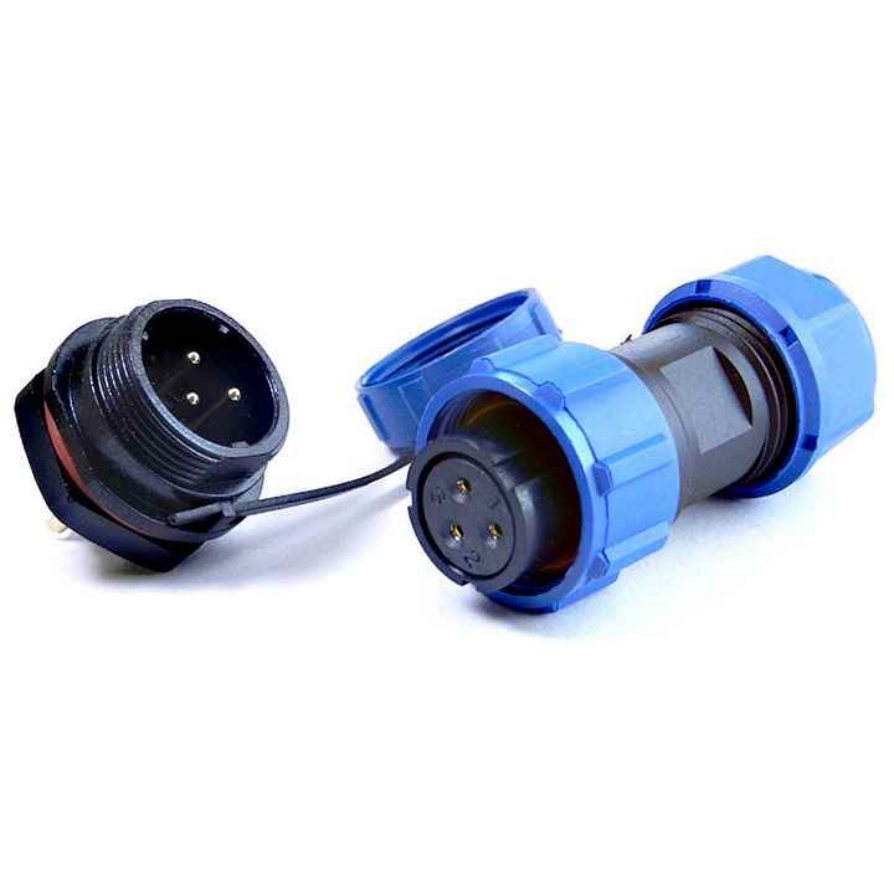
Be careful not to twist or angle the cable assembly during insertion, as this can cause uneven contact or damage to the internal components. For larger or heavier connectors, you may need to use both hands to ensure a steady and controlled insertion. If the connector requires a threaded coupling (such as many circular industrial connectors), start threading it by hand to avoid cross-threading. Cross-threading can damage the connector’s threads, making it impossible to achieve a secure connection. Once the threads are engaged, use a wrench (if recommended by the manufacturer) to tighten the coupling to the specified torque. Do not over-tighten, as this can damage the connector or the cable assembly.
3. Secure the Connection
After inserting the cable assembly into the connector, it is important to secure the connection to prevent accidental disconnection due to vibration, movement, or external forces. The method of securing will depend on the type of connector:
- Threaded Connectors: As mentioned earlier, tighten the threaded coupling to the manufacturer’s recommended torque. This ensures a secure seal and prevents the connector from coming loose.
- Push-Pull Connectors: These connectors use a push-pull mechanism to lock into place. After inserting the connector, pull back on the outer sleeve to engage the lock. You should feel a firm resistance when the lock is engaged.
- Clamp or Screw-Lock Connectors: Some connectors use a clamp or screw-lock to secure the cable assembly. Tighten the clamp or screw until it is snug, but not so tight that it damages the cable jacket.
- Cable Ties or Straps: In addition to the connector’s built-in locking mechanism, you may want to use cable ties or straps to secure the cable assembly to a fixed point near the connector. This reduces strain on the connection and prevents the cable from being pulled or twisted.
4. Verify the Connection
Once the connection is secured, it is essential to verify that it is working properly. Verification ensures that the connection is transmitting power, signals, or data as intended and that there are no issues such as short circuits, open circuits, or signal interference.
The verification method will depend on the type of application: For power connections, use a multimeter to check the voltage and current at the connector to ensure they match the expected values. For signal or data connections, use a signal tester or oscilloscope to check for signal integrity, including noise, distortion, and transmission speed. For network connections (such as Ethernet), use a network tester to verify that the connection is established and that data is being transmitted without errors.
In addition to electrical verification, perform a physical check to ensure the connection is secure. Gently tug on the cable assembly to see if it comes loose. If it does, recheck the alignment and locking mechanism and re-secure the connection. Also, inspect the connector and cable assembly for any signs of damage that may have occurred during the connection process.
Common Issues and Troubleshooting Tips
Even with proper preparation and execution, issues can sometimes arise when connecting machine cable assemblies to connectors. Here are some common problems and how to troubleshoot them:
1. Loose Connection
A loose connection is one of the most common issues and can be caused by improper alignment, insufficient tightening, or a damaged locking mechanism. Symptoms of a loose connection include intermittent signal loss, fluctuating power, or equipment that turns on and off unexpectedly.
To troubleshoot, first check the connector’s locking mechanism. Ensure that it is fully engaged (e.g., the threaded coupling is tightened, the push-pull sleeve is locked). If the locking mechanism is damaged, replace the connector. If the connection is still loose, re-align the cable assembly and connector and re-insert them, applying even pressure. For threaded connectors, use a torque wrench to tighten to the recommended torque.
2. Signal Interference or Degradation
Signal interference or degradation can be caused by poor shielding, incompatible components, or dirty contacts. Symptoms include noisy signals, slow data transmission, or incorrect data readings.
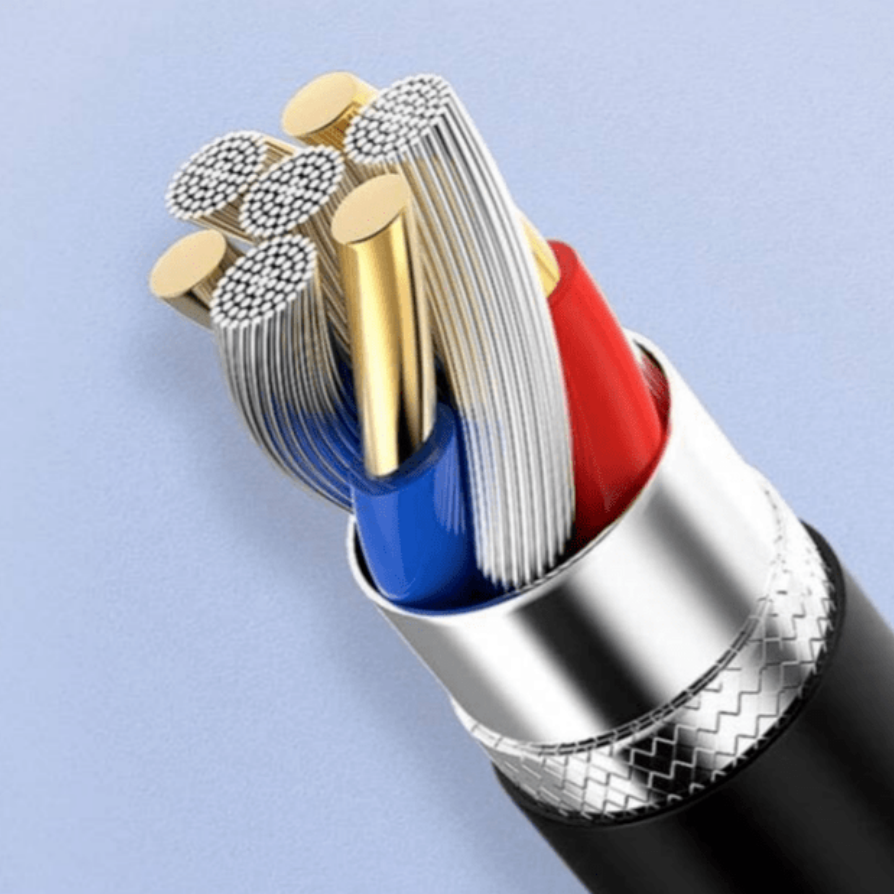
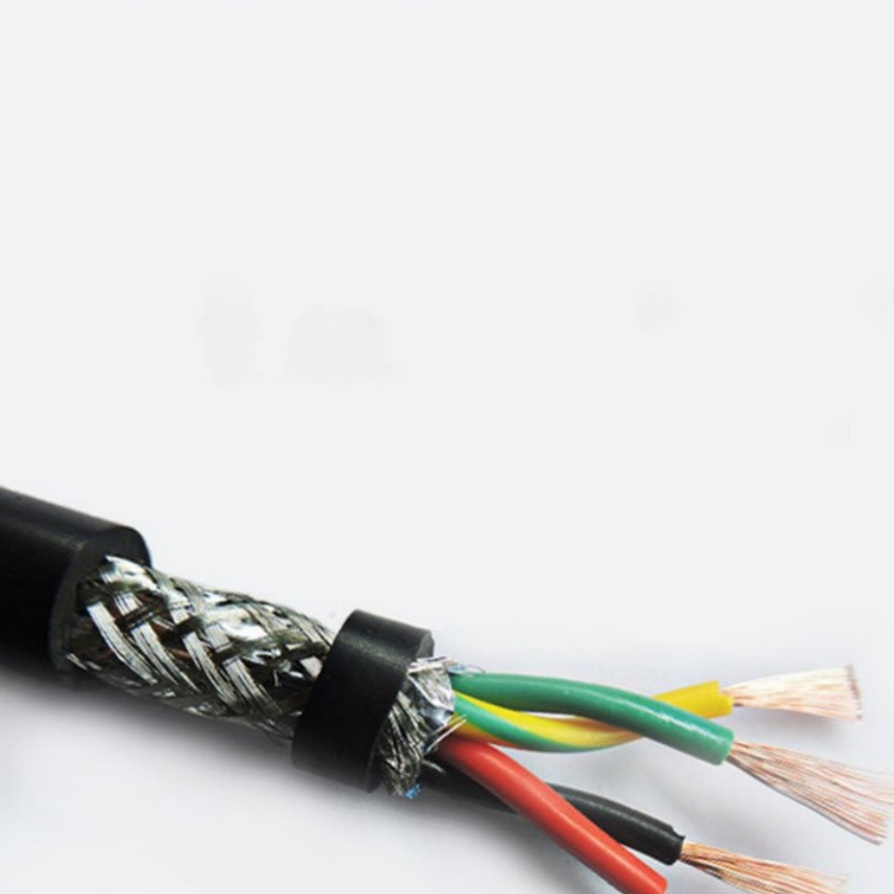
Start by checking the shielding of the machine cable assembly. Ensure that the shield is properly grounded and that there are no breaks in the shield. If the cable assembly is not shielded, and the application is in a noisy environment, consider replacing it with a shielded cable assembly. Next, clean the connector contacts with isopropyl alcohol and a lint-free cloth. If the problem persists, verify that the cable assembly and connector are compatible in terms of impedance and signal frequency. Incompatible impedance can cause signal reflections, leading to degradation.
3. Short Circuit
A short circuit occurs when two or more conductors come into contact with each other, bypassing the normal load. This can be caused by damaged insulation, bent pins, or incorrect wiring. Symptoms include blown fuses, tripped circuit breakers, or damage to equipment.
If you suspect a short circuit, immediately disconnect the power to the equipment. Use a multimeter to check for continuity between the conductors. If continuity is present where it should not be, inspect the cable assembly for damaged insulation or exposed conductors. Check the connector pins for bent or broken contacts that may be touching each other. If the cable assembly is pre-terminated, it may be faulty and need to be replaced. If you are terminating the cable assembly yourself, recheck the wiring to ensure that the correct conductors are connected to the correct pins.
4. Open Circuit
An open circuit occurs when there is a break in the conductor, preventing current or signal flow. This can be caused by a broken wire, a loose connection at the termination point, or a damaged connector pin.
To troubleshoot, use a multimeter to check for continuity along the conductor. If there is no continuity, inspect the cable assembly for cuts or frays that may have broken the wire. Check the termination point (if the cable is terminated to the connector) to ensure that the wire is properly crimped or soldered. If the connector pin is broken, replace the connector. For pre-terminated cable assemblies, a break in the wire may require replacement of the entire assembly.
Best Practices for Long-Term Connection Reliability
To ensure that your machine cable assembly connections remain reliable over time, follow these best practices:
- Avoid Overbending the Cable: Excessive bending can damage the internal conductors and insulation. Maintain a minimum bend radius as specified by the cable manufacturer.
- Protect Against Environmental Factors: If the connection is in a harsh environment (e.g., wet, dusty, corrosive), use connectors with appropriate environmental ratings (e.g., IP67 for water and dust resistance) and consider using cable glands or protective boots to seal the connection.
- Secure Cables Properly: Use cable ties, clamps, or cable management systems to secure the cable assembly and prevent it from moving or vibrating excessively. This reduces strain on the connection.
- Perform Regular Inspections: Schedule periodic inspections of the connections to check for signs of damage, corrosion, or loosening. Early detection of issues can prevent costly downtime.
- Use High-Quality Components: Investing in high-quality machine cable assemblies and connectors from reputable manufacturers ensures better performance and durability. Cheap, low-quality components are more likely to fail, leading to downtime and additional costs.
Why Choose FRS for Your Machine Cable Assembly Needs
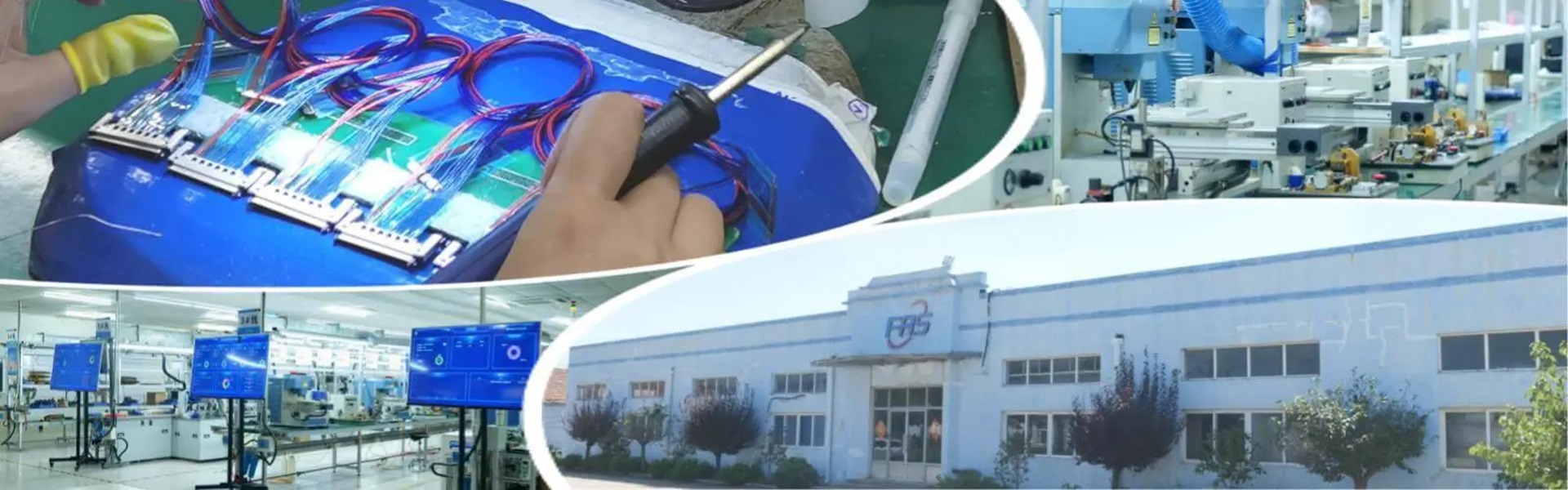
When it comes to ensuring proper connections between machine cable assemblies and connectors, the quality of the cable assembly itself is paramount. At FRS, we understand the critical role that machine cable assemblies play in industrial operations, and we are committed to delivering high-quality, reliable products that make proper connections easier and more durable.
Our machine cable assemblies are designed and manufactured to the highest industry standards, with a focus on compatibility, durability, and performance. We use only premium materials, including high-grade conductors, insulation, and shielding, to ensure that our cable assemblies can withstand the rigors of harsh industrial environments. Each cable assembly undergoes rigorous testing, including electrical performance testing, mechanical stress testing, and environmental resistance testing, to ensure that it meets or exceeds our customers’ expectations.
Whether you need standard or custom machine cable assemblies, FRS has the expertise and capabilities to deliver solutions tailored to your specific needs. Our team of experienced engineers works closely with customers to understand their application requirements, ensuring that the cable assemblies we provide are compatible with their connectors and optimized for their unique operating conditions. From design to production to delivery, we maintain strict quality control processes to ensure that every product that leaves our factory is of the highest quality.
When you choose FRS machine cable assemblies, you can trust that you are getting a product that will make proper connections easy, reliable, and long-lasting. We are dedicated to supporting our customers with exceptional service, technical expertise, and timely delivery, making us the ideal partner for all your machine cable assembly needs. Experience the FRS difference today and ensure that your industrial connections are always secure and optimized for performance.