Which machine vision cables are fully compatible with Basler cameras?
In the field of machine vision, the performance of Basler cameras is widely recognized for their high resolution, fast frame rates, and reliable stability. However, many users often overlook a critical component that directly affects the camera’s performance: the machine vision cable. A mismatched or low-quality cable can lead to signal loss, transmission delays, image artifacts, and even complete system failures. If you’re asking, “Which machine vision cables are fully compatible with Basler cameras?”, you’re on the right track to ensuring your vision system operates at its peak. This article will break down the key cable types compatible with Basler cameras, the factors to consider when selecting them, and practical guidance to help you make the right choice.
Key Machine Vision Cable Types Compatible with Basler Cameras
Basler cameras support a variety of interface standards, each requiring a specific type of machine vision cable to ensure compatibility and optimal performance. Below are the most common cable types that work seamlessly with Basler cameras, along with their application scenarios and advantages.
1. GigE Vision Cables (Gigabit Ethernet Cables)
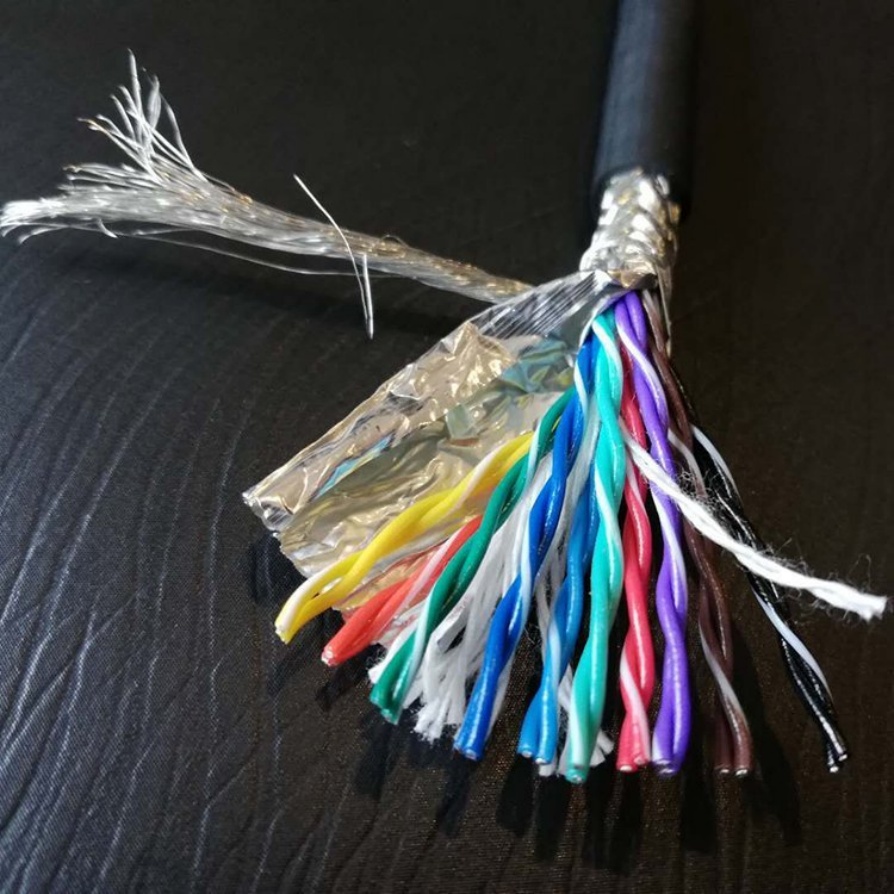
GigE Vision is one of the most widely used interfaces in Basler’s product lineup, including popular series like Basler ace, Basler pulse, and Basler dart. For these cameras, Category 5e (Cat5e) or Category 6 (Cat6) shielded twisted-pair (STP) cables are the gold standard for compatibility and performance.
Cat5e cables support Gigabit Ethernet speeds (1 Gbps) over distances of up to 100 meters, which is sufficient for most industrial machine vision applications. Cat6 cables, on the other hand, offer better signal integrity, lower crosstalk, and can support 10 Gbps speeds over shorter distances (up to 55 meters). This makes Cat6 cables ideal for high-resolution Basler cameras (e.g., 20MP+ models) that transmit large volumes of image data, or for systems where cables are routed near sources of electromagnetic interference (EMI) such as motors, inverters, or welding equipment.
It’s important to note that unshielded twisted-pair (UTP) cables are not recommended for industrial environments, even if they are Cat5e or Cat6 rated. The shielding in STP cables protects the signal from EMI, which is crucial for maintaining image quality and transmission stability in noisy industrial settings. Basler also recommends using cables that comply with the IEEE 802.3 standard to ensure full compatibility with GigE Vision protocols.
2. USB 3.0/3.1 Vision Cables
Basler’s USB 3.0 Vision cameras (e.g., Basler ace USB 3.0, Basler dart USB 3.0) rely on high-speed USB cables to transmit image data. For these cameras, USB 3.0 SuperSpeed cables (also known as USB 3.1 Gen 1) are mandatory for full compatibility and performance. These cables are identifiable by their blue-colored connectors and support data transfer speeds of up to 5 Gbps, which is essential for streaming high-resolution, high-frame-rate images without lag or dropped frames.
When selecting USB 3.0 cables for Basler cameras, it’s critical to choose cables that meet the USB-IF (USB Implementers Forum) certification standards. Non-certified cables may not support the full 5 Gbps speed, or they may have poor shielding, leading to signal degradation. Additionally, the length of the USB 3.0 cable matters: the maximum recommended length for USB 3.0 Vision cables is 3 meters. If you need to extend the distance beyond 3 meters, you can use a USB 3.0 active extension cable or a USB 3.0 fiber extender, both of which are compatible with Basler USB 3.0 cameras when selected from reputable manufacturers.
For newer Basler USB 3.1 Gen 2 cameras (which support speeds up to 10 Gbps), you’ll need USB 3.1 Gen 2 cables (identifiable by their red or teal connectors) to unlock the full performance potential. These cables are backward compatible with USB 3.0 cameras but offer faster data transfer for high-bandwidth applications.
3. Camera Link Cables
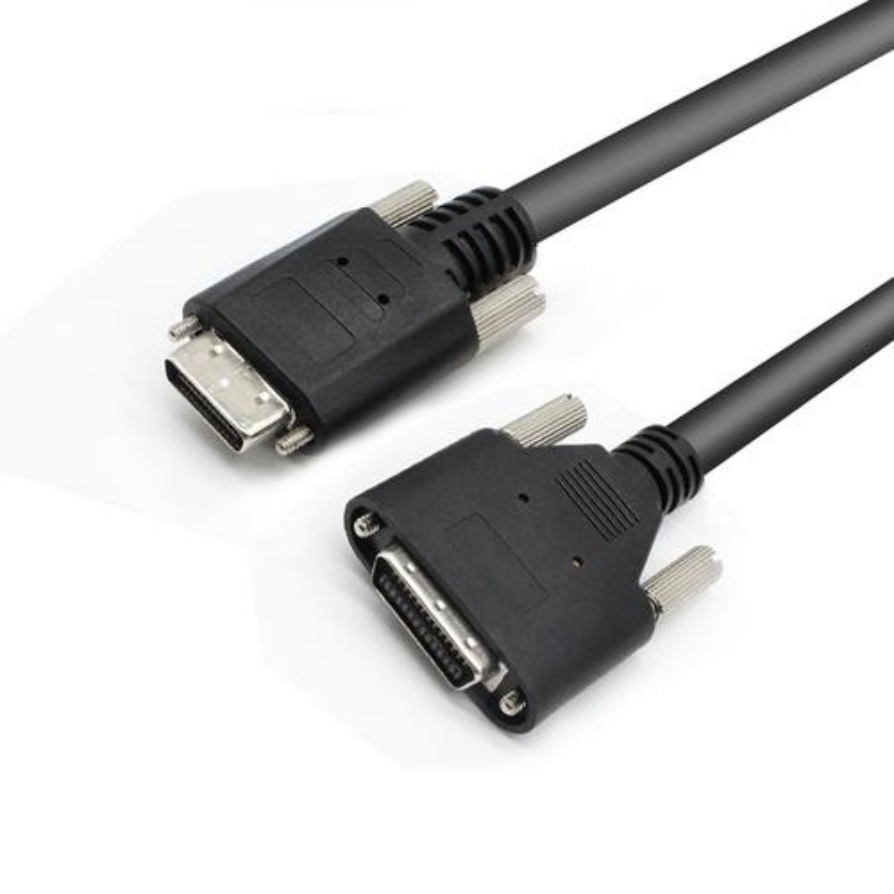
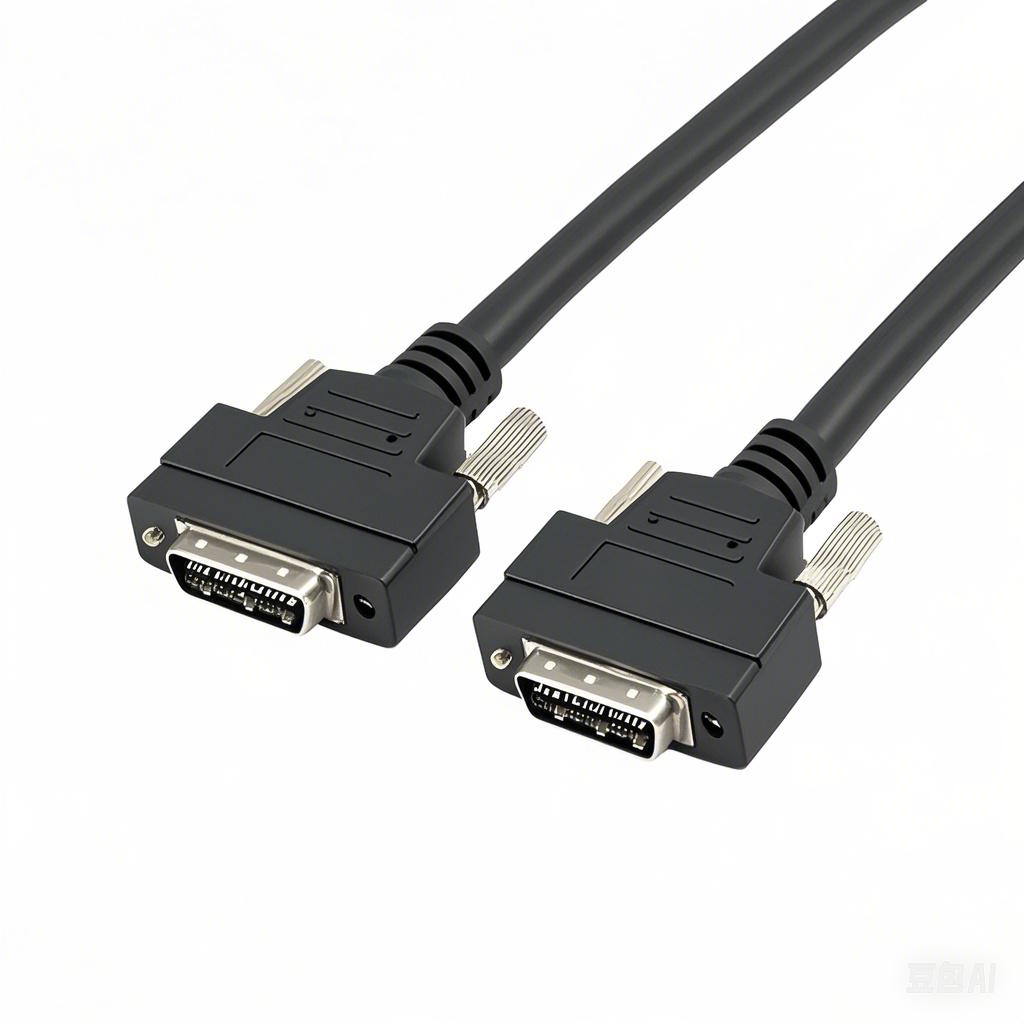
Basler’s high-performance industrial cameras, such as the Basler ace Camera Link and Basler pilot series, use the Camera Link interface, which requires specialized Camera Link cables (also known as MDR-26 or MDR-50 cables). These cables are designed specifically for machine vision applications and feature a compact, rugged connector (MDR = Micro-D Ribbon) that provides secure mating and reliable signal transmission.
Camera Link cables come in three configurations: Base, Medium, and Full, which correspond to different data transfer speeds. Base configuration supports up to 2.048 Gbps per channel, Medium up to 4.096 Gbps, and Full up to 6.144 Gbps. The exact cable configuration you need depends on your Basler camera model: for example, a Basler ace Camera Link Base camera will work with a Base configuration cable, while a higher-bandwidth Full configuration camera requires a Full configuration cable.
Unlike Ethernet or USB cables, Camera Link cables are not interchangeable across configurations, so it’s essential to match the cable to the camera’s Camera Link specification. Additionally, Camera Link cables have a maximum recommended length of 10 meters (for copper cables); for longer distances, fiber-optic Camera Link cables are available, which can extend the range up to 1000 meters and offer superior EMI resistance.
4. CoaXPress Cables
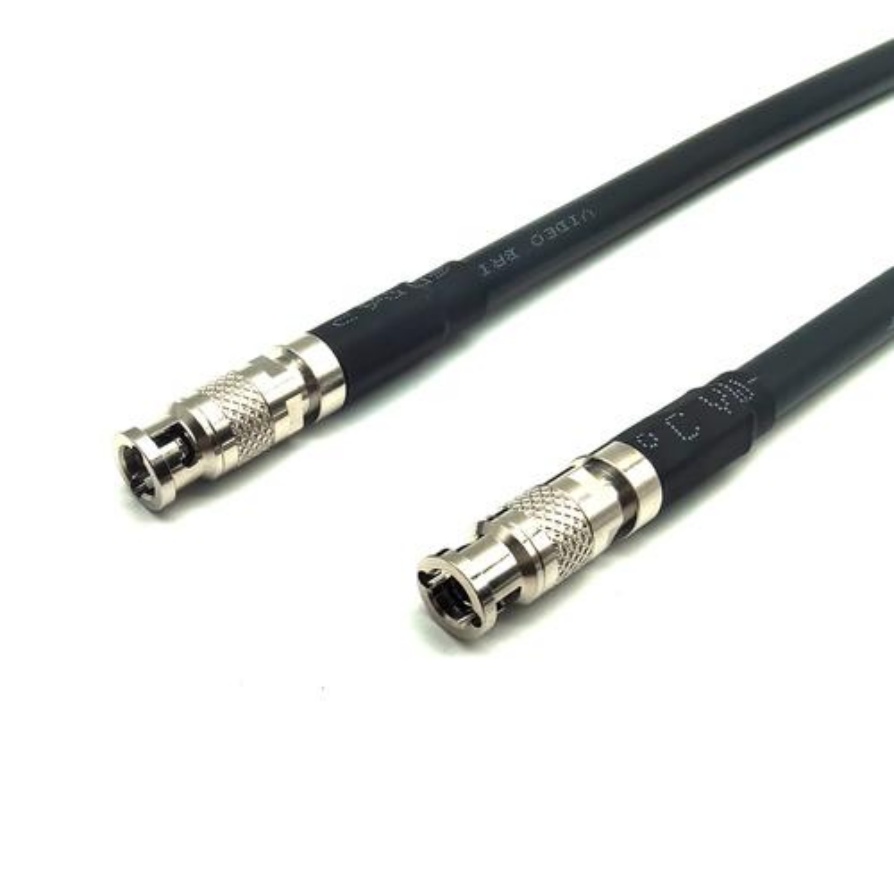
CoaXPress is a high-speed interface used in Basler’s advanced machine vision cameras, such as the Basler ace CoaXPress and Basler pilot CoaXPress series. This interface requires 75-ohm coaxial cables, specifically designed for CoaXPress applications. Coaxial cables are ideal for high-speed data transmission because they have excellent shielding (a copper braid or foil layer) that prevents EMI and signal leakage, even in harsh industrial environments.
CoaXPress cables come in two versions: CoaXPress 1.1 (supporting speeds up to 6.25 Gbps per cable) and CoaXPress 2.0 (supporting speeds up to 12.5 Gbps per cable). Basler CoaXPress cameras are compatible with both versions, but to achieve the highest performance, you should match the cable version to the camera’s capabilities. For example, a Basler ace CoaXPress 2.0 camera will require a CoaXPress 2.0 cable to reach 12.5 Gbps speeds.
The maximum length of CoaXPress copper cables is typically 100 meters for CoaXPress 1.1 and 70 meters for CoaXPress 2.0. For longer distances, fiber-optic CoaXPress extenders can be used, which are fully compatible with Basler CoaXPress cameras.
Critical Factors to Ensure Full Compatibility Between Cables and Basler Cameras
Selecting the right cable type is the first step, but there are several other factors to consider to ensure full compatibility and avoid performance issues. Below are the key considerations for choosing Basler-compatible machine vision cables.
1. Match the Cable to the Camera’s Interface
This may seem obvious, but it’s the most common mistake users make. Before purchasing a cable, check your Basler camera’s interface specification (GigE Vision, USB 3.0/3.1, Camera Link, or CoaXPress). For example, a USB 3.0 cable will not work with a GigE Vision camera, and a Camera Link cable will not work with a CoaXPress camera. You can find the interface information in the camera’s datasheet or on Basler’s official website.
2. Choose Shielded Cables for Industrial Environments
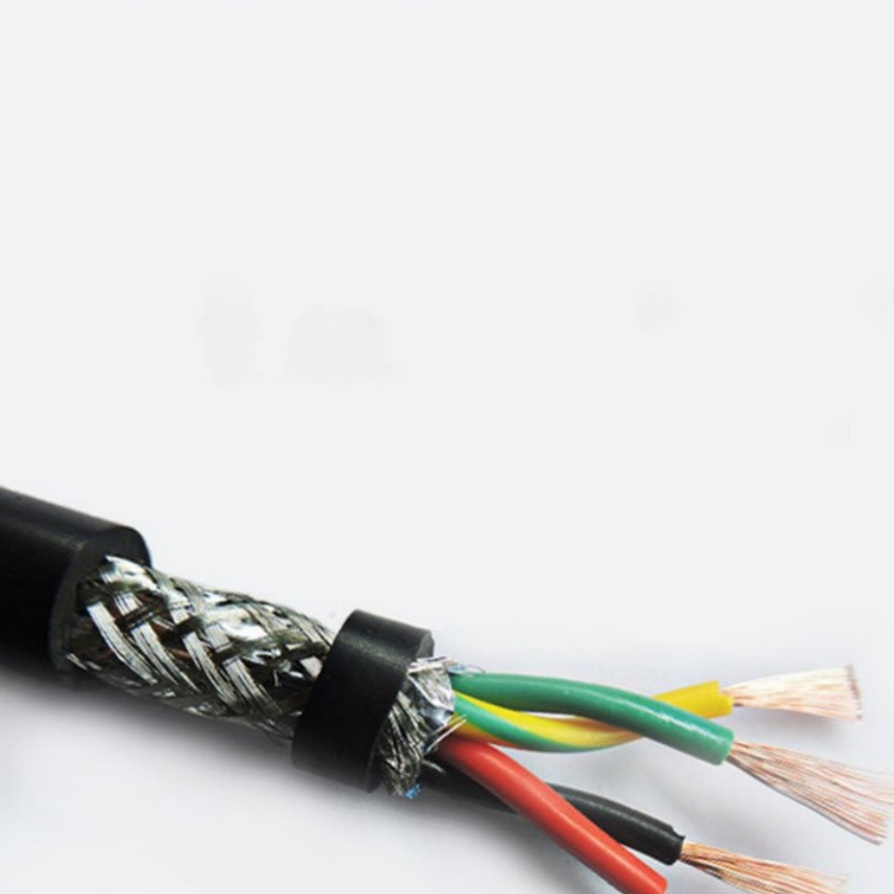
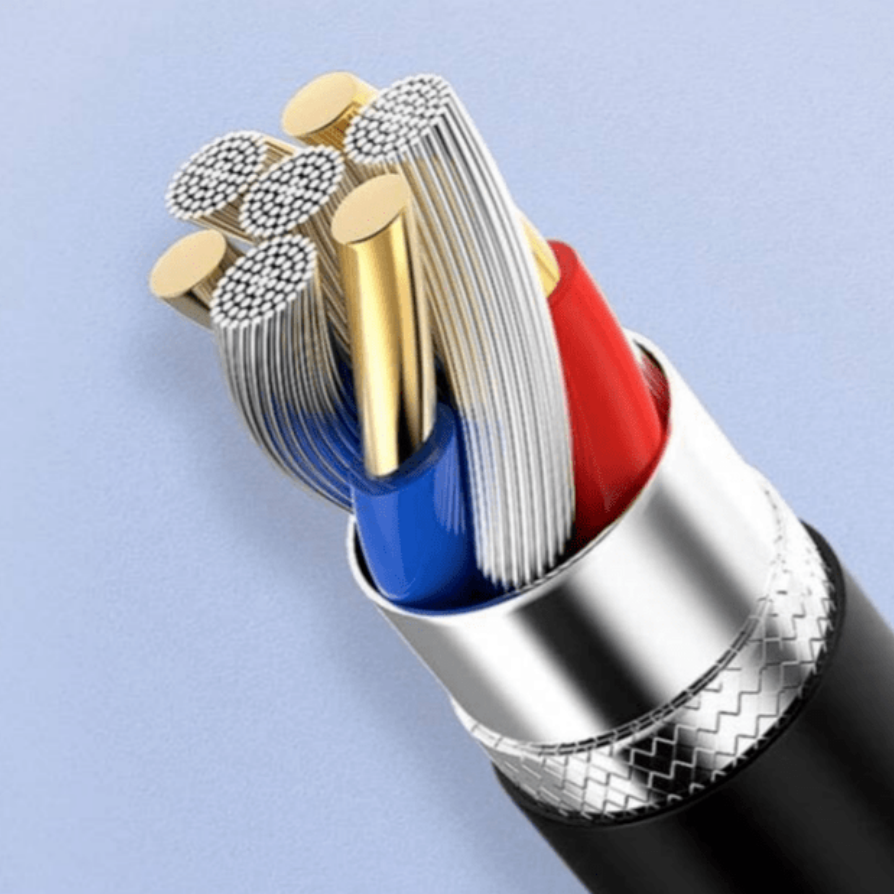
Industrial settings are filled with EMI sources, such as electric motors, power lines, and industrial controllers. Unshielded cables are highly susceptible to EMI, which can cause signal distortion, leading to blurry images, dropped frames, or even communication failures. All Basler-compatible machine vision cables should be shielded (STP for Ethernet, shielded USB for USB 3.0, MDR-shielded for Camera Link, and coaxial for CoaXPress) to ensure reliable performance in these environments.
3. Check Cable Length and Signal Integrity
Each cable type has a maximum recommended length to maintain signal integrity. Exceeding this length can result in signal loss, reduced data transfer speeds, and poor image quality. For example:
- GigE Vision (Cat5e/Cat6 STP): Max 100 meters
- USB 3.0/3.1: Max 3 meters (copper); extendable with active extenders
- Camera Link (copper): Max 10 meters; fiber for longer distances
- CoaXPress (copper): Max 70-100 meters; fiber for longer distances
If your application requires a longer cable run than the maximum copper length, use fiber-optic extenders or fiber-optic cables (where supported). Basler recommends using extenders that are certified for use with their cameras to ensure compatibility.
4. Opt for High-Quality, Certified Cables
Not all cables are created equal. Low-quality cables may use inferior materials, have poor shielding, or fail to meet industry standards, even if they are labeled as “compatible.” To ensure full compatibility with Basler cameras, choose cables from reputable manufacturers that offer certification (e.g., USB-IF certification for USB cables, IEEE 802.3 for GigE cables, or Camera Link Association certification for Camera Link cables).
Some trusted cable manufacturers for Basler cameras include Belden, L-com, Harting, and Phoenix Contact. These manufacturers offer cables specifically designed for machine vision applications, with rugged construction to withstand industrial conditions (e.g., oil, dust, vibration) and reliable signal transmission.
5. Consider Specialized Requirements
In some applications, you may need specialized cables to meet unique requirements. For example:
- High-temperature environments: If your camera is installed in a high-temperature area (e.g., near ovens or furnaces), choose cables with high-temperature insulation (e.g., Teflon) that can withstand temperatures up to 150°C or higher.
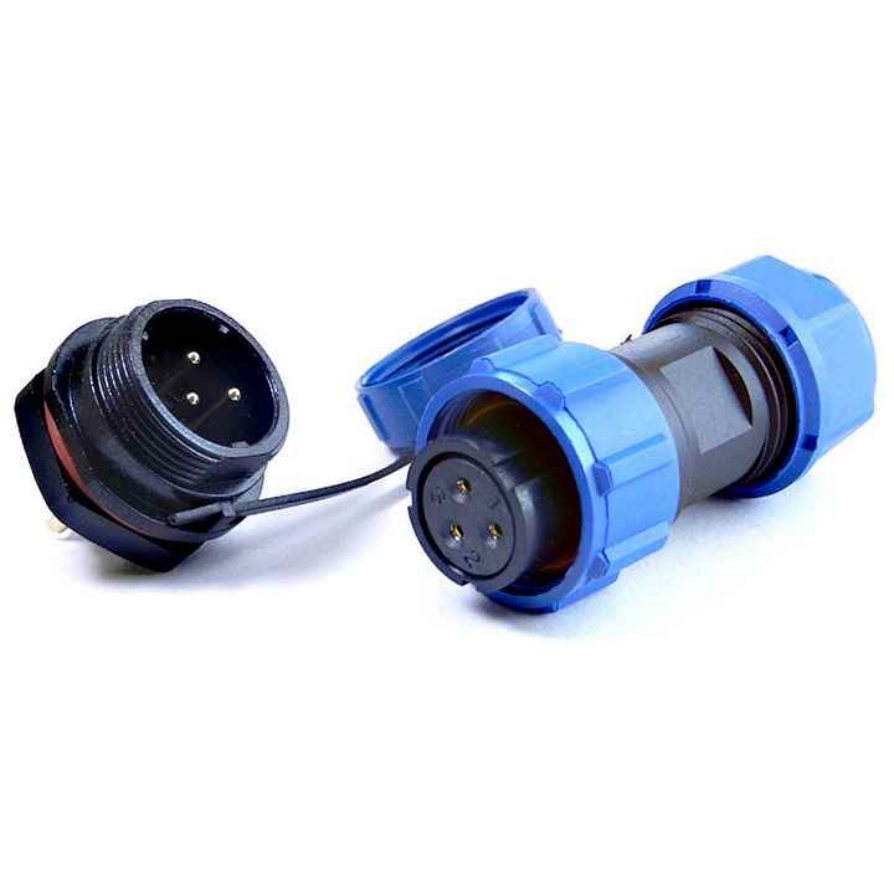
- Washdown environments: For food and beverage or pharmaceutical applications where cables may be exposed to water or cleaning agents, use cables with IP67 or higher-rated connectors that are resistant to moisture and chemicals.
- Flexible applications: If the cable needs to bend or move (e.g., on a robotic arm), choose a flexible, high-flex cable that can withstand millions of bending cycles without breaking or losing signal integrity.
How to Verify Cable Compatibility with Your Basler Camera
Even if you’ve selected a cable that should be compatible, it’s always a good idea to verify its performance with your Basler camera before deploying it in your system. Here’s a step-by-step guide to verify compatibility:
- Check the camera’s datasheet: The first step is to review the camera’s datasheet, which lists the recommended cable types, specifications, and maximum lengths. This is the most authoritative source of information for compatibility.
- Test the cable in a controlled environment: Connect the cable to your Basler camera and a compatible frame grabber or host computer. Use Basler’s Pylon Viewer software (a free tool provided by Basler) to stream images and check for issues such as dropped frames, image artifacts, or communication errors.
- Monitor signal quality: Use diagnostic tools (e.g., a network analyzer for GigE cables, a USB analyzer for USB cables) to monitor signal quality. Look for signs of signal degradation, such as high error rates or low signal-to-noise ratio (SNR).
- Test in the actual application environment: Finally, test the cable in the actual industrial environment where the camera will be deployed. This will help you identify any EMI or environmental issues that may affect performance. If you experience issues, try re-routing the cable away from EMI sources or upgrading to a higher-quality shielded cable.
Common FAQs About Basler Camera-Compatible Machine Vision Cables
Q1: Can I use a regular Ethernet cable with my Basler GigE Vision camera?
No, regular unshielded Ethernet cables are not recommended for industrial machine vision applications. While a regular Cat5e UTP cable may work in a laboratory environment, it will not provide adequate EMI shielding in industrial settings, leading to signal degradation. Always use shielded twisted-pair (STP) Cat5e or Cat6 cables that comply with IEEE 802.3 standards for Basler GigE Vision cameras.
Q2: What happens if I use a USB 2.0 cable with my Basler USB 3.0 Vision camera?
A USB 2.0 cable will physically connect to a Basler USB 3.0 camera, but it will not support the full 5 Gbps data transfer speed of USB 3.0. Instead, the camera will default to USB 2.0 speeds (up to 480 Mbps), which is insufficient for high-resolution, high-frame-rate image streaming. This will result in slow frame rates, dropped frames, or distorted images. Always use a USB 3.0 or higher cable for Basler USB 3.0 Vision cameras.
Q3: Can I extend the length of my Basler camera cable beyond the recommended maximum?
Yes, but you must use the correct extension method. For GigE Vision cables, you can use Ethernet switches or fiber-optic extenders to extend the length beyond 100 meters. For USB 3.0 cables, use active USB 3.0 extension cables or USB 3.0 fiber extenders (passive extenders will not work for lengths beyond 3 meters). For Camera Link and CoaXPress cables, use fiber-optic cables or extenders. Never use passive extension cables for lengths beyond the recommended maximum, as this will cause signal loss.
Q4: Are Basler cameras compatible with third-party machine vision cables?
Yes, as long as the third-party cable meets the required specifications (e.g., Cat5e STP for GigE, USB-IF certified for USB 3.0, Camera Link Association certified for Camera Link). Basler does not require the use of proprietary cables, but they do recommend using high-quality, certified cables from reputable manufacturers to ensure performance and reliability. Avoid generic, uncertified cables, as they may not be compatible or may fail in industrial environments.
Conclusion
Choosing the right machine vision cable is critical for unlocking the full performance of your Basler camera. The key to compatibility is matching the cable to the camera’s interface (GigE Vision, USB 3.0/3.1, Camera Link, or CoaXPress), selecting shielded, high-quality cables that meet industry standards, and considering the specific requirements of your application (e.g., length, environment, flexibility).
To recap, the fully compatible machine vision cables for Basler cameras are:
- GigE Vision: Cat5e/Cat6 STP Ethernet cables (IEEE 802.3 certified)
- USB 3.0/3.1 Vision: USB 3.0/3.1 Gen 1/2 shielded cables (USB-IF certified)
- Camera Link: MDR-26/MDR-50 Camera Link cables (Base/Medium/Full configuration, CLA certified)
- CoaXPress: 75-ohm CoaXPress coaxial cables (CoaXPress 1.1/2.0 certified)
By following the guidance in this article, you can select a cable that is fully compatible with your Basler camera, ensuring reliable performance, high-quality images, and a stable machine vision system. If you’re still unsure about which cable to choose, consult Basler’s technical support team or the cable manufacturer for personalized recommendations based on your specific camera model and application.