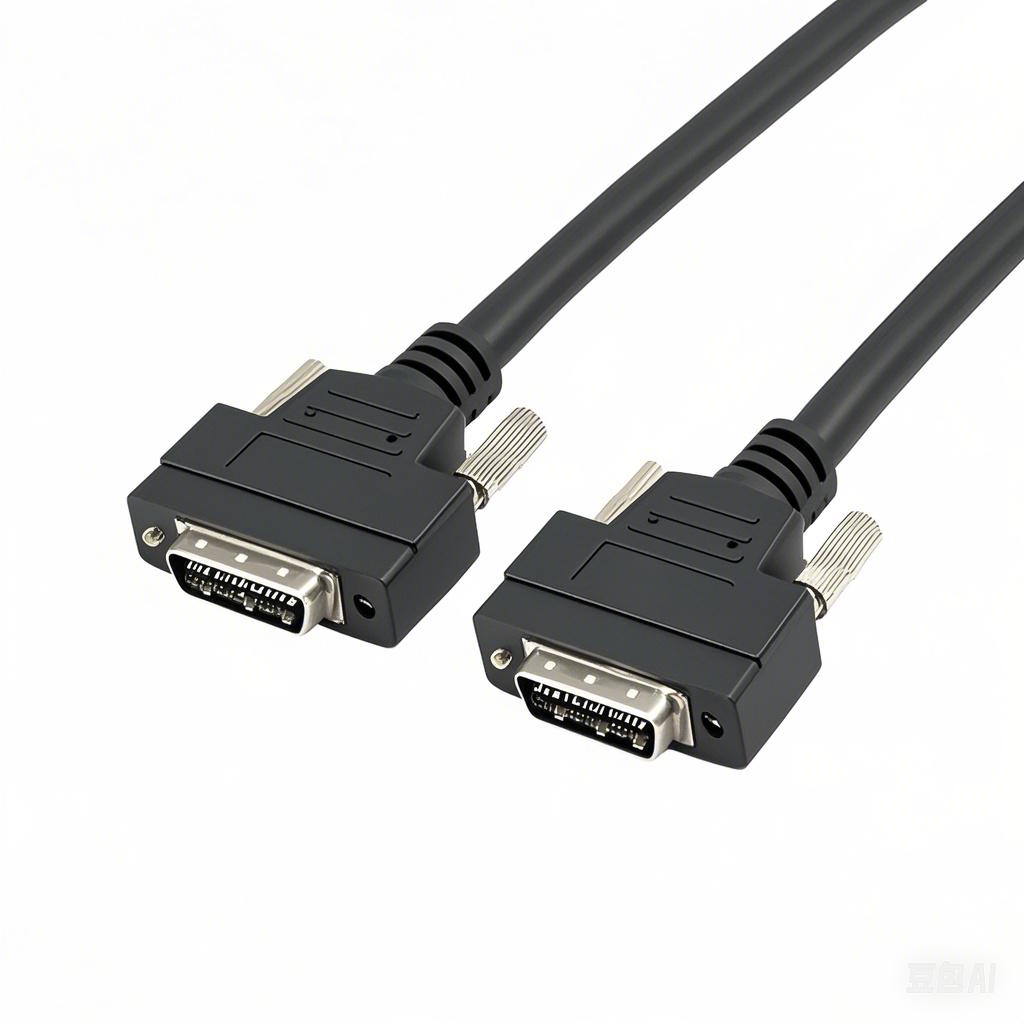
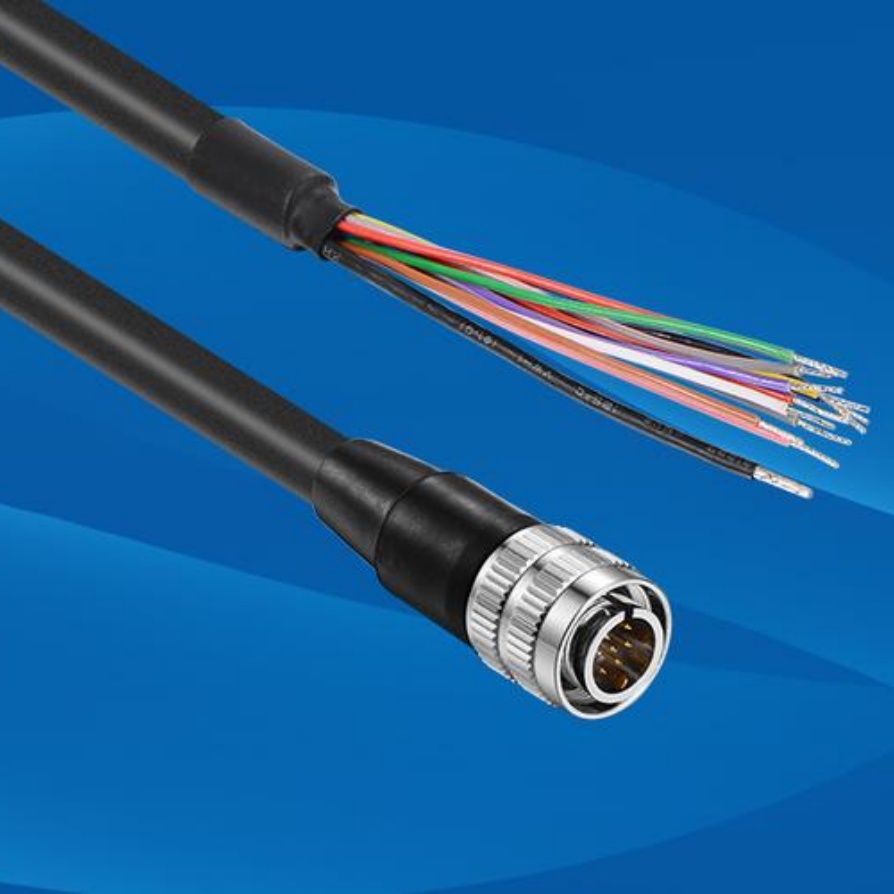
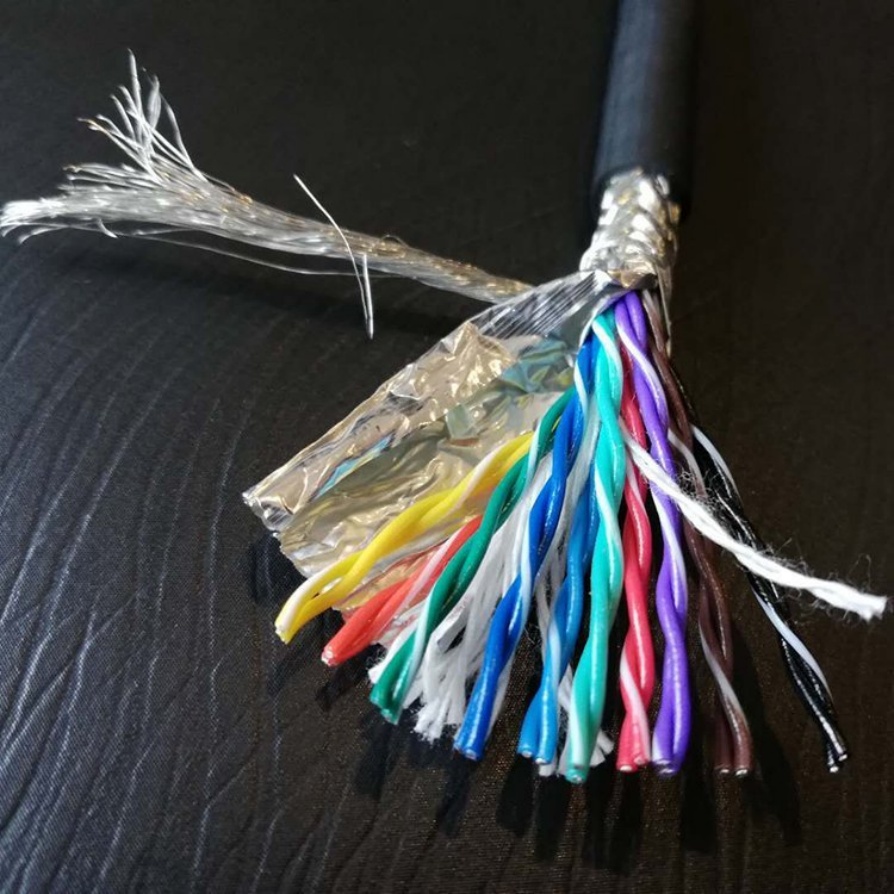
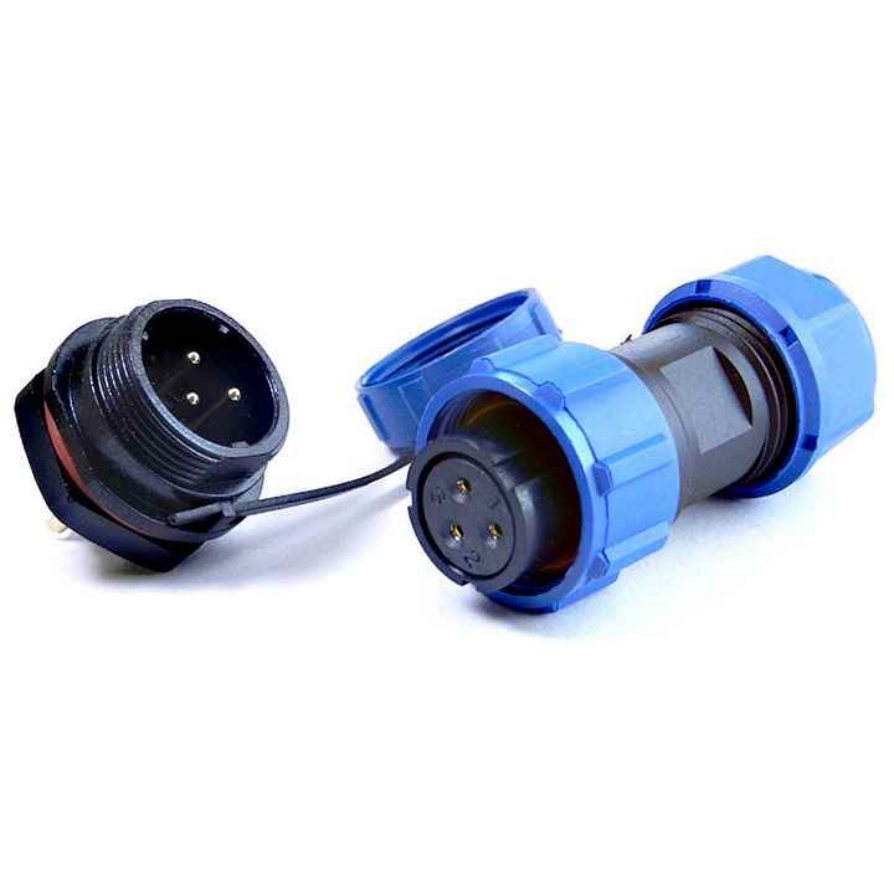
In industrial machine vision, cables are the critical link between the camera and the host. A low-cost machine vision cable that is also high-quality and in-stock can significantly reduce downtime and total cost of ownership. This guide provides a practical framework for B2B buyers to select, specify, and install the right cable, with a focus on real-world parameters and common pitfalls.
Why Cable Quality is Non-Negotiable
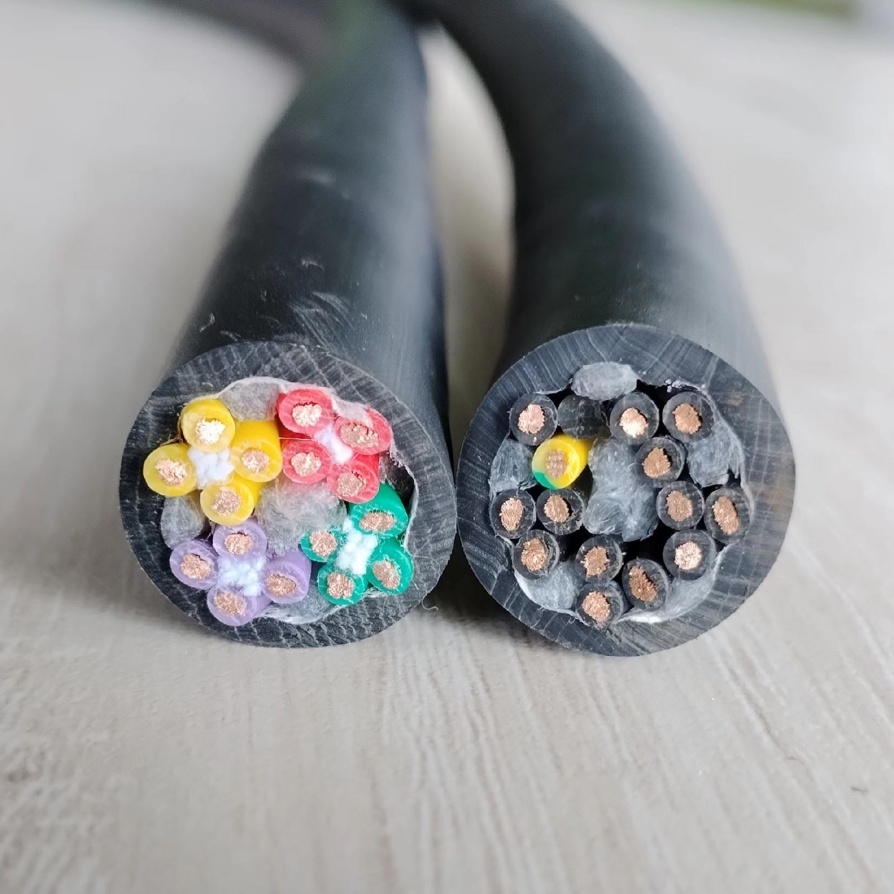
Machine vision cables are not just “wires.” They are high-frequency data channels that must maintain signal integrity, withstand mechanical stress, and perform reliably in harsh factory environments.
Signal Integrity:High-resolution, high-frame-rate cameras generate massive data streams. Any signal loss or jitter from a poor-quality cable can cause image artifacts, dropped frames, or even complete system failure.
Reliability & Downtime:A failed cable on a high-speed line can halt production, leading to significant costs. Industrial-grade cables are designed and tested for millions of flex cycles, unlike fragile consumer-grade alternatives.
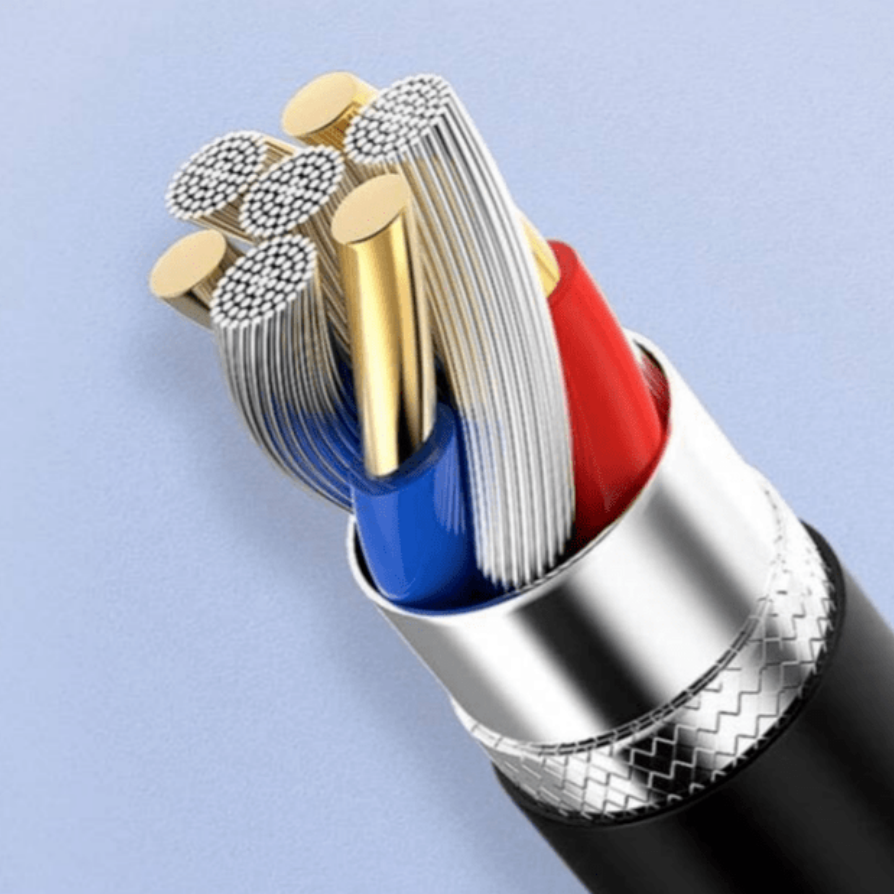
EMI/EMC:Factory floors are full of electromagnetic noise from motors and drives. Proper shielding in a quality cable is essential to prevent data corruption and intermittent faults.
Common Machine Vision Interfaces at a Glance
Choosing the right interface is the first step. Here’s a comparison of the most common standards:
Interface
Typical Speed
Max. Distance (Copper)
Key Features & Use Cases
GigE Vision (1G/10G)
1-10 Gbps
100m(1G/10G)
Most popular.Uses standard Cat5e/Cat6A Ethernet. Ideal for large workcells and long cable runs. Supports PoE.
USB3 Vision
5-10 Gbps
~5-10m(Passive)
Best for short distances.Simple plug-and-play with PCs. Requires locking connectors for industrial use.
Camera Link
Up to 6.8 Gbps
~10m
For high-resolution.Requires a frame grabber. Available in Full, Medium, and Base configurations.
CoaXPress (CXP)
6.25-12.5 Gbps per lane
>100m(with repeaters)
For ultra-high speed.Excellent for line-scan and high-resolution applications. More complex setup.
Fiber Optic
1-400+ Gbps
Kilometers
For extreme distances/EMI.Immune to EMI. Requires media converters, increasing cost and complexity.
How to Select the Right Cable (Step-by-Step)
Match the Interface:Ensure the cable’s connector and standard (e.g., GigE Vision, USB3 Vision) are fully compatible with your camera and frame grabber/PC. Using an adapter or non-compliant cable is a common cause of failure.
Define Performance Needs:
Resolution & Frame Rate:Calculate the required bandwidth (e.g., 4K @ 60 fps). Add a 20-30% margin for protocol overhead.
Cable Length:Always choose the shortest cable that meets your layout needs. Longer cables increase signal loss and susceptibility to interference.
Assess the Mechanical Environment:
Static (Fixed):A standard flexible cable is sufficient.
Dynamic (Moving):For robots or moving platforms, you need a high-flex or robot-grade cablerated for drag chain use (e.g., 1 million+ bend cycles). Pay close attention to the minimum bend radius.
Evaluate the Electrical Environment:
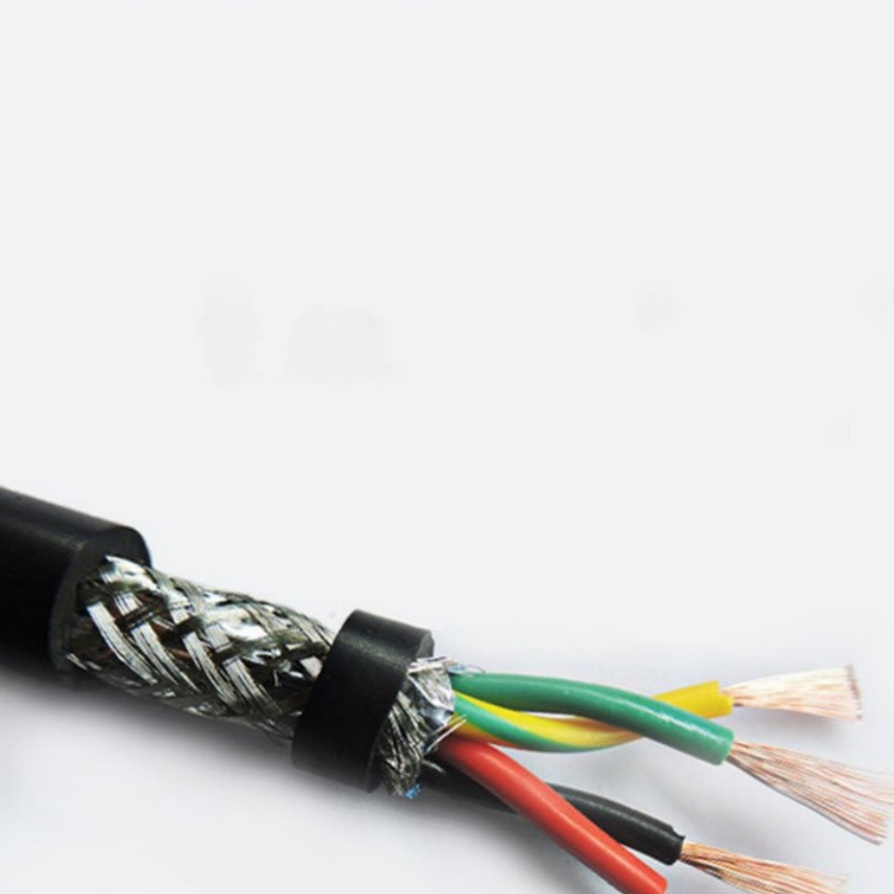
EMI Sources:If cables run near VFDs, welders, or large motors, prioritize cables with robust shielding (e.g., double-shielded braid + foil).
Grounding:Follow the manufacturer’s guidelines for grounding the shield to avoid creating noise loops.
Confirm Environmental Specs:Ensure the cable’s operating temperature, oil resistance, and flame retardancy (e.g., UL, VW-1, CE, RoHS) match your application.
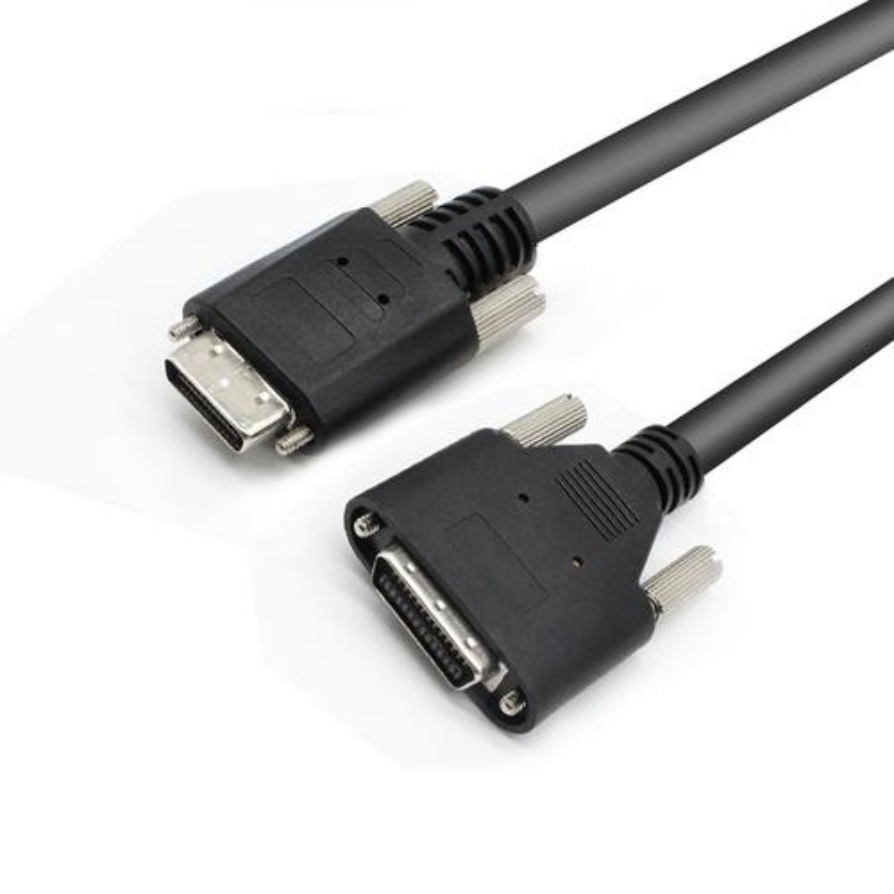
Check Locking & Mating Cycles:For moving applications, use connectors with screw locks or robust latching mechanisms. Verify the manufacturer’s rating for mating cycles.
Installation Best Practices
Proper installation is as crucial as the cable itself.
Bend Radius:Never bend a cable tighter than its specified minimum (typically ≥ 8x the outer diameter). Use guides or cable carriers to maintain this radius, especially near connectors.
Cable Management:Use drag chains or cable tracks for moving cables. Prevent tight bends, knots, or crushing. Maintain a separation of at least 30 cm(or cross at 90°) from high-power cables.
Strain Relief:The cable should bear the weight, not the connector. Use strain relief boots or brackets to secure the cable near the plug.
Connector Handling:Plug/unplug connectors straight in/out without wiggling. Tighten locking screws to the specified torque.
Post-Installation Check:After startup, re-check for any cable pinch points or tension. Monitor system performance for dropped frames or image errors.
Common Pitfalls to Avoid
Using Consumer-Grade Cables:Standard USB or Ethernet cables lack the shielding and flex life for industrial environments, leading to premature failure.
Ignoring the Environment:Using an indoor PVC cable in a welding or oily environment will cause it to degrade quickly. Match the cable’s jacket to the environment.
Over-Lengthening Cables:Longer cables increase signal attenuation. If you need more distance, use the right interface (e.g., fiber) or a repeater, not just a longer copper cable.
Poor Grounding:An improperly grounded shield can amplify noise. Follow the cable and camera manufacturer’s grounding recommendations.
Neglecting Locking Mechanisms:Vibration or cable pull can easily disconnect a non-locking connector, causing costly downtime.
Real-World Application Examples
Electronics PCB Inspection:A 2-3m GigE Visioncable with a locking RJ45 connector is typically used. For robot-mounted cameras, a high-flex Cat6A cable in a drag chain is essential.
Automotive Weld Seam Inspection:GigEor Camera Linkcables are common. In high-EMI areas near robots, double-shielded or even fibersolutions are preferred.
Pharmaceutical Bottle Labeling:A short USB3 Visioncable with a screw-lock is often sufficient for an off-the-shelf camera above the conveyor.
Your 5-Minute Cable Spec Checklist
Before you order, use this checklist to ensure you have all the necessary information:
Interface:GigE Vision, USB3 Vision, Camera Link, CoaXPress, or Fiber?
Bandwidth:What is the required data rate (Gbps)?
Distance:What is the required cable length?
Motion:Is the cable static or dynamic (e.g., in a robot arm)?
Environment:What are the temperature, oil, chemical, and EMI conditions?
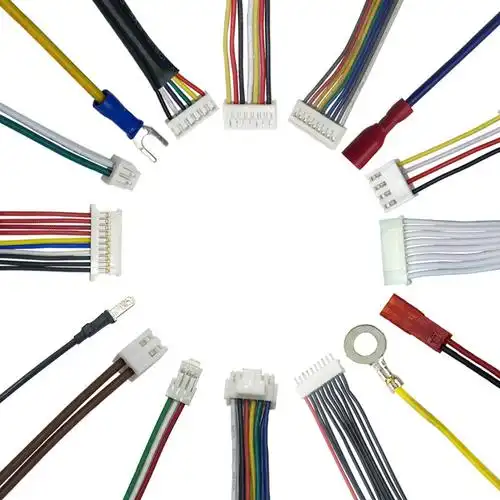
Connector:What is the required connector type and locking mechanism?
Compliance:What certifications are needed (e.g., CE, RoHS, UL)?
Quantity & Lead Time:What is the required MOQ and delivery time?
Your In-Stock Solution for Cost-Effective Reliability
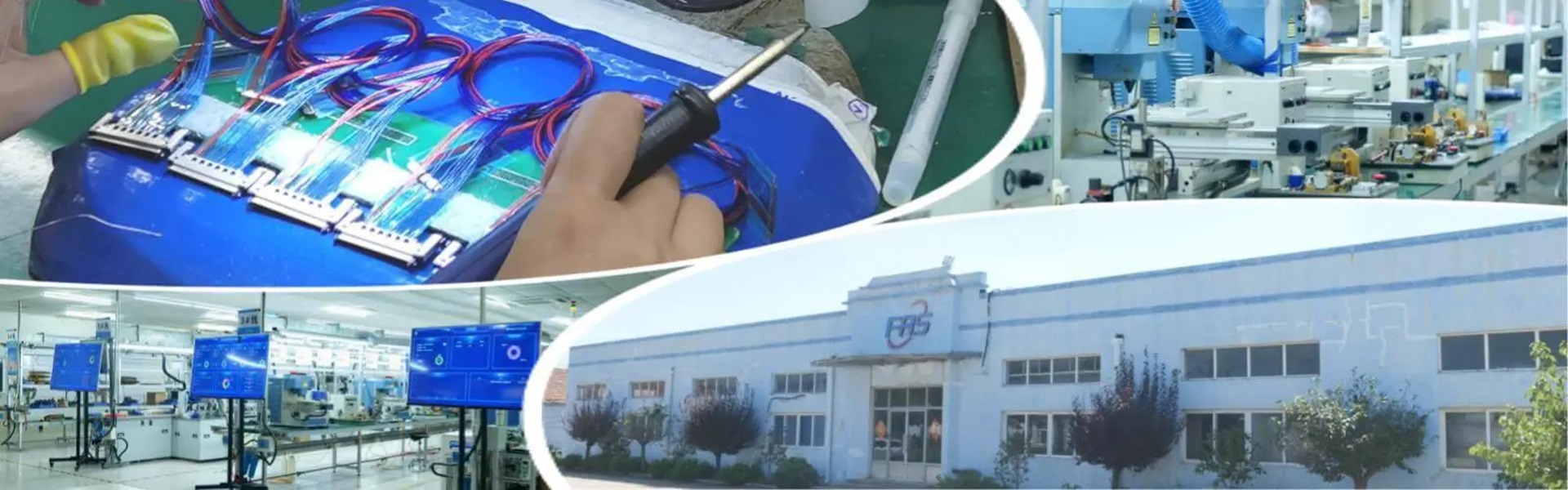
For B2B buyers, finding a reliable, high-quality machine vision cable that is also in-stockcan be a challenge. FRSspecializes in providing industrial-grade vision cables that are ready to ship, helping you avoid long lead times and project delays.
Why source your machine vision cables from FRS?
Truly In-Stock:Standard GigE, USB3, and Camera Link cables are kept in stock for immediate dispatch, reducing your project risk.
No Minimum Order Quantity (MOQ):Order only what you need, whether it’s a single prototype or a large production run.
Industrial-Grade Quality:All cables are built to withstand the rigors of factory automation, with robust shielding and durable construction.
Fast Delivery:With inventory on hand, FRS ensures quick turnaround times to keep your production lines running.
For a fast quote or to check stock availability, contact FRS today. Ensure your next machine vision project is built on a solid, reliable cable foundation.
Shielded Twisted-Pair Vision Cable – Ultra-Clear Signal Transmission for Demanding Environments
Ensure flawless video and data transmission in high-interference environments with our Shielded Twisted-Pair (STP) Vision Cable. Engineere.
The Precision Imaging Dedicated Vision Cable is a cutting-edge connectivity solution designed to deliver crystal-clear image transmission in high-stakes environments. Optimized for industrial automation, medical imaging, machine vision, .
Subtitle: A High-Performance Signal Cable Designed for 3D Scanners, Ensuring Lossless Data and Minimal Latency
Product OverviewThe 3D Scanner Vision Signal Cable is a premium signal transmission cable engineered for both industrial a.
Product Overview: Machine Vision Cables
Machine vision cables are specialized components designed to ensure high-speed, stable data transmission and signal integrity in automated imaging systems. Key features include:
Technical S.
Meta Description: Discover premium Robotic Vision System Cables engineered for seamless data transmission, durability, and precision in industrial automation. Ensure flawless vision system performance.
Enhance Automation Precision with.
Enhance the reliability and performance of your automated systems with our Industrial-Grade Machine Vision Cable—engineered to deliver unparalleled signal integrity, durability, and speed for demanding industrial applications. Designed f.
Elevate your visual data transmission with the IP67 Waterproof Vision Connection Cable, engineered to deliver seamless performance in the harshest conditions. Designed for industrial, outdoor, and mission-critical applications, this rugg.
Meta Description: Discover the Flexible & Bend-Resistant Vision Cable, engineered for precision imaging in demanding environments. Durable, reliable, and built to last. Perfect for industrial, medical, and robotic applications.
Int.
High-speed factories demand flawless synchronization between machines and vision systems. Yet, challenges like electromagnetic interference (EMI), cable fatigue, and data bottlenecks often disrupt operations. The right machine vision cab.
Meta Description: Experience seamless 4K/8K video transmission with our High-Speed Anti-Interference Vision Cable. Engineered for crystal-clear visuals, robust durability, and interference-free performance. Perfect for gaming, profes.