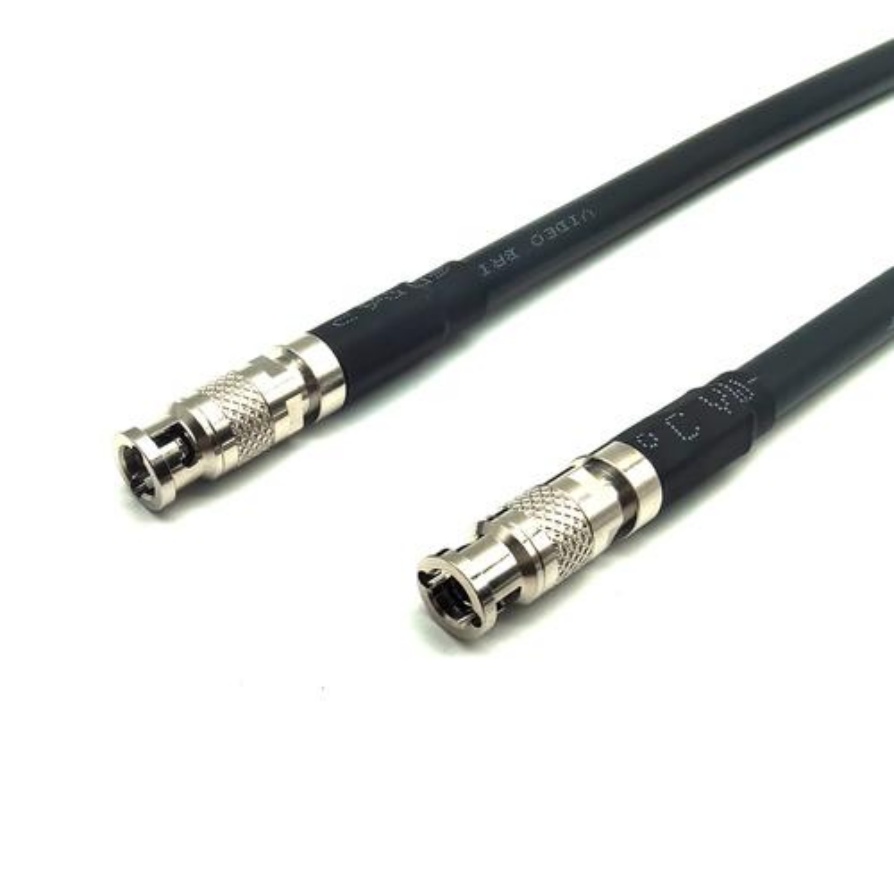
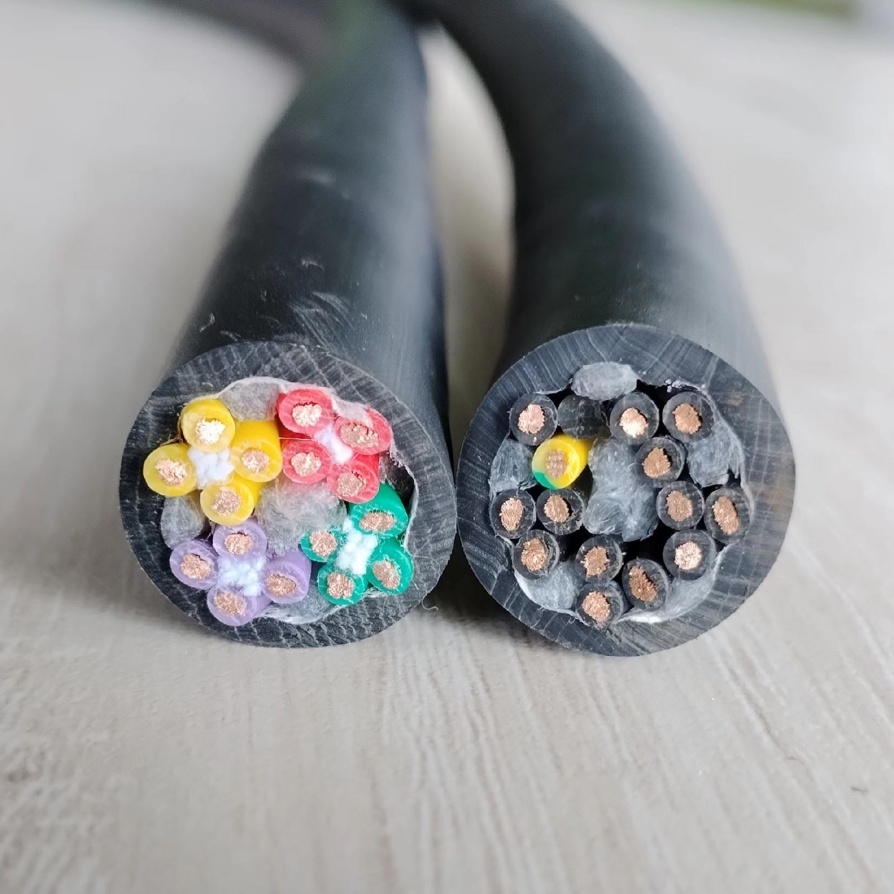
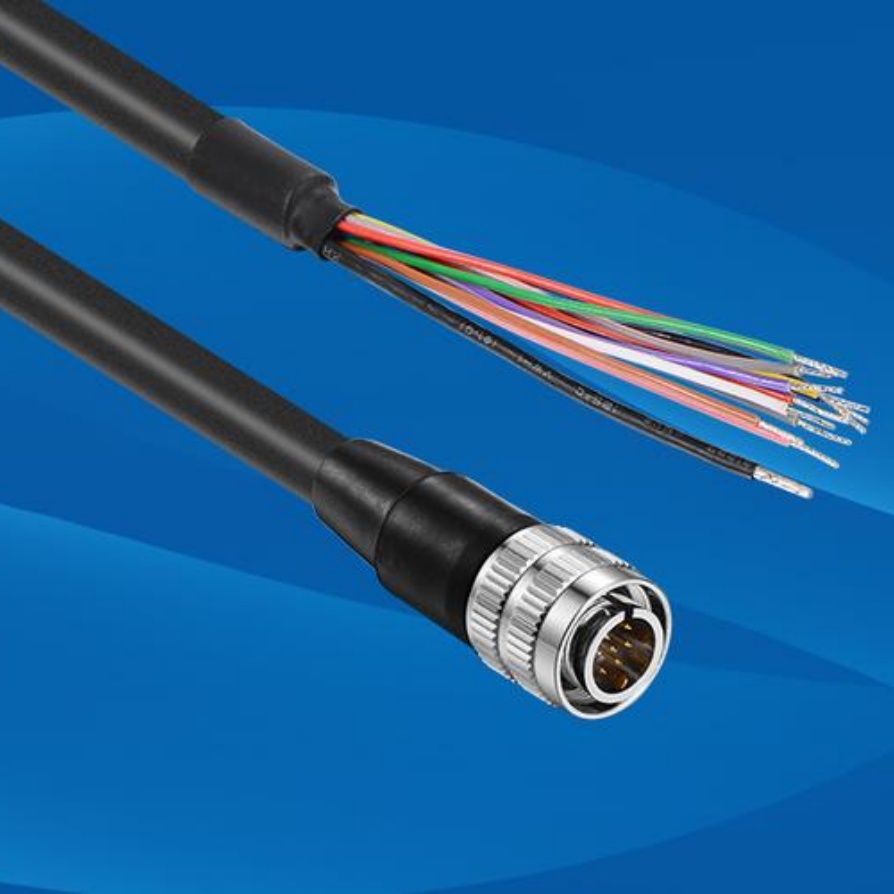
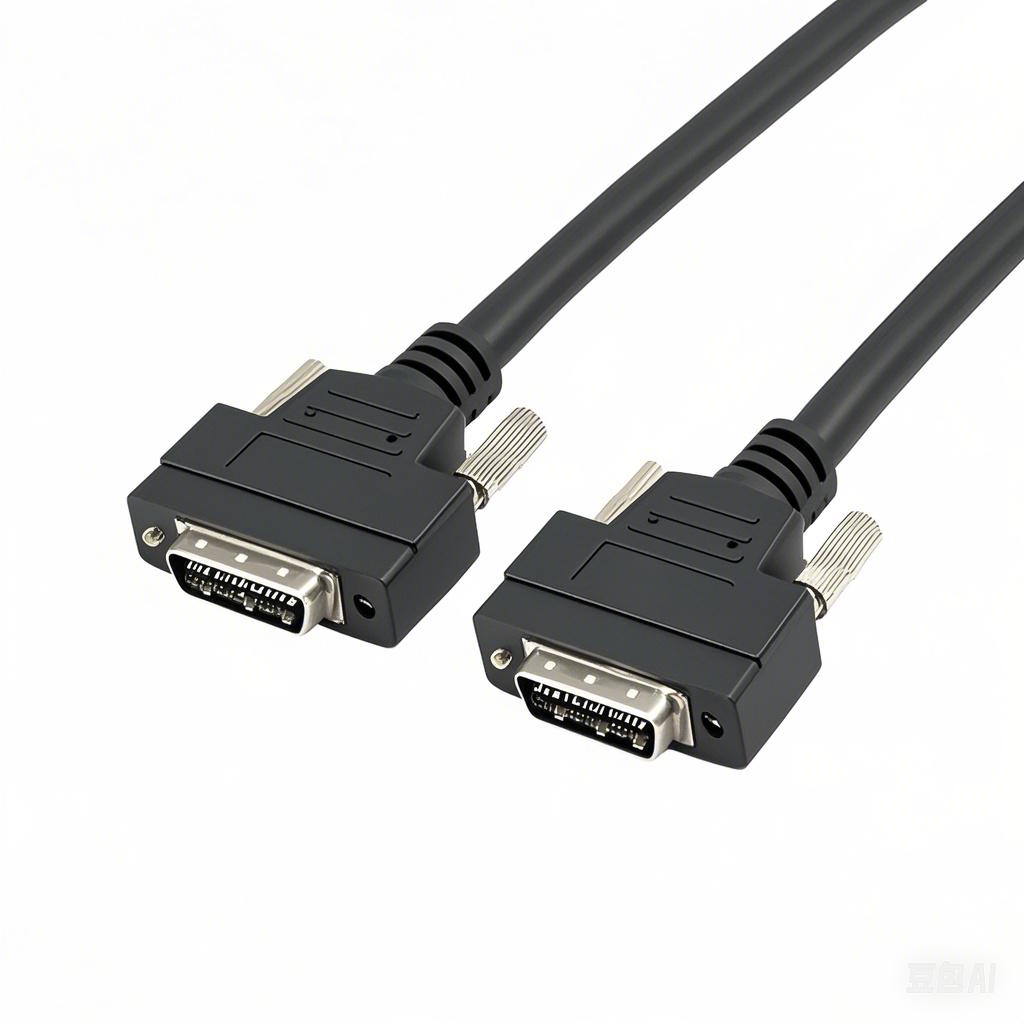
GigE Machine Vision Cable | 5Gbps High-Speed Transmission
In the fast-paced world of industrial automation, every millisecond counts. As camera resolutions climb and frame rates soar, the humble cable connecting your sensor to your processor becomes the critical lifeline of your operation. Enter the GigE Machine Vision Cable, now turbocharged with 5Gbps high-speed transmission.
This isn’t just an incremental upgrade; it’s a game-changer for industries demanding zero-latency precision. Whether you are battling electromagnetic interference on a factory floor or managing a complex robotic cell, understanding the nuances of 5Gbps GigE cables is essential for maintaining peak operational efficiency.
Understanding 5Gbps Transmission in GigE Vision
To understand the leap to 5Gbps, we first need to look at the evolution of Ethernet-based vision standards. Traditional GigE (1 Gigabit Ethernet) has served us well, but modern high-definition sensors quickly saturate that 1Gbps bandwidth.
The 5Gbps standard relies on NBASE-T technology. Think of it as a superhighway built over an existing road. Instead of tearing down your infrastructure, NBASE-T utilizes standard twisted-pair copper cables (like Cat 5e or Cat 6) to deliver speeds up to 5 Gigabits per second.
Why does this matter?
- Bandwidth: 5Gbps is five times faster than standard GigE. This allows for higher resolution imaging (e.g., 5MP or 10MP cameras) at higher frame rates without compression artifacts.
- Distance: Unlike USB3 Vision which struggles beyond 5 meters, 5Gbps GigE maintains full speed over 100 metersusing standard copper cabling .
- Standardization: Built on the IEEE 802.3bz standard, it ensures interoperability between cameras from brands like Basler, Teledyne, and JAI, and standard network interface cards (NICs) .
Key Technical Parameters & Specifications
When sourcing cables for a 5Gbps system, “specs” aren’t just numbers on a datasheet—they dictate whether your line runs smoothly or crashes during a shift change. Here is what you need to verify:
1. Cable Category & Frequency
To reliably hit 5Gbps, you cannot rely on outdated cabling.
- Cat 5e: Technically supports 5Gbps up to 100m, but it is highly susceptible to crosstalk and alien crosstalk in dense bundles. Use with caution.
- Cat 6 / Cat 6a: The Gold Standard.Cat 6 supports 250MHz bandwidth, while Cat 6a pushes to 500MHz. For industrial stability, Cat 6a is the safest bet to ensure signal integrity at 5Gbps over 100m .
2. Shielding (EMI Protection)
Industrial environments are noisy. Motors, Variable Frequency Drives (VFDs), and welders pump out electromagnetic interference (EMI) that can corrupt image packets.
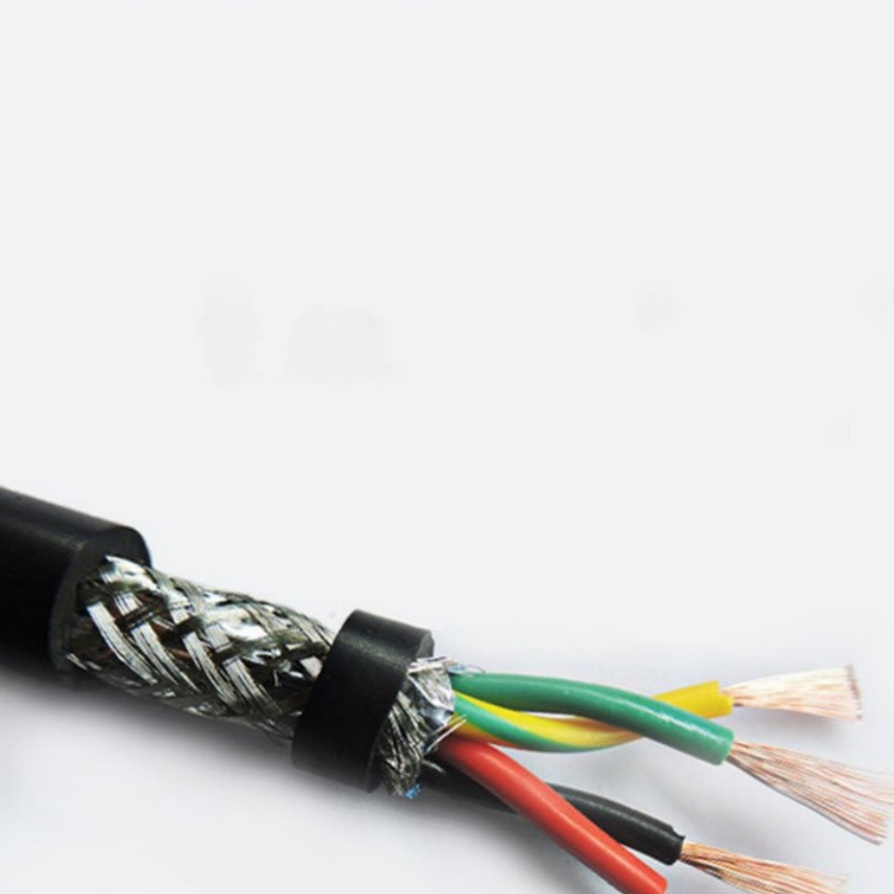
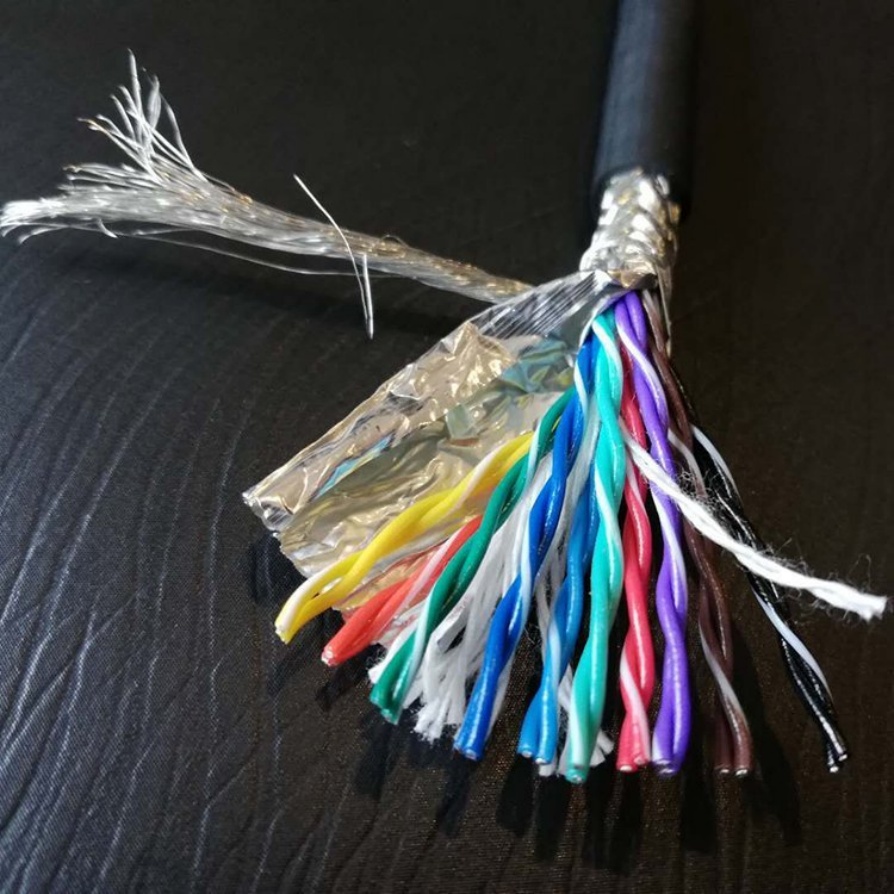
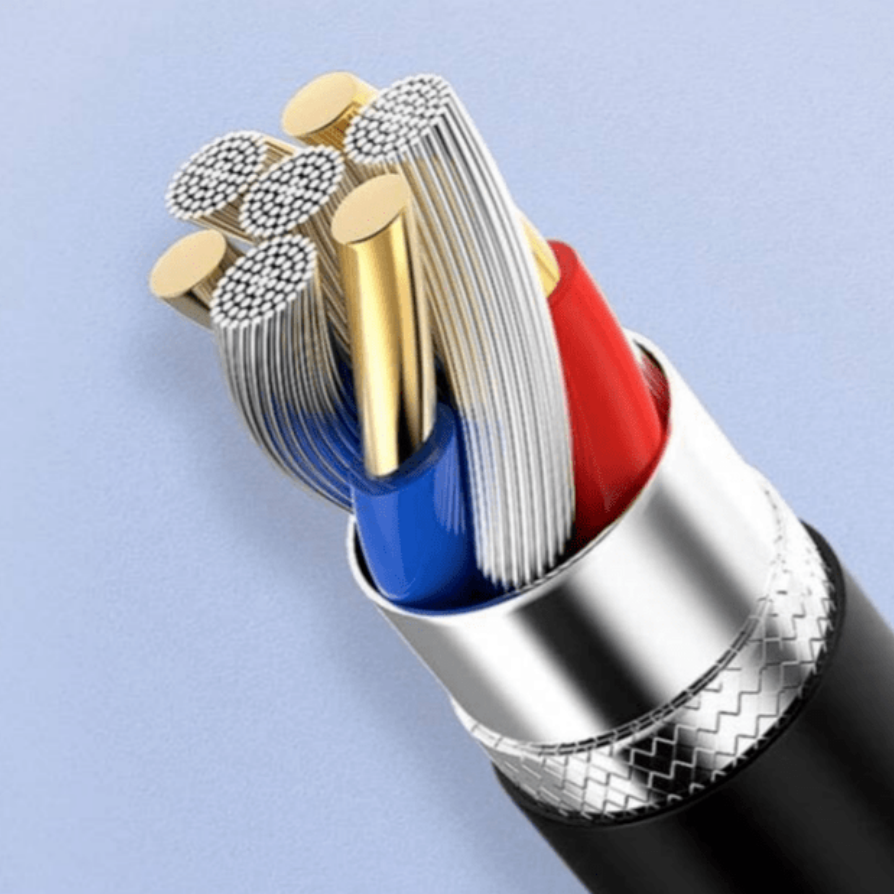
- Look for: S/FTP(Screened Fully Shielded Twisted Pair) or F/UTP(Foiled Unshielded Twisted Pair).
- Coverage: Aim for shielding coverage >85%. If the cable lacks robust shielding, you risk packet loss, leading to ghosting or dropped frames in your inspection software .
3. Connector Types
The physical interface is your weakest link if not chosen correctly.
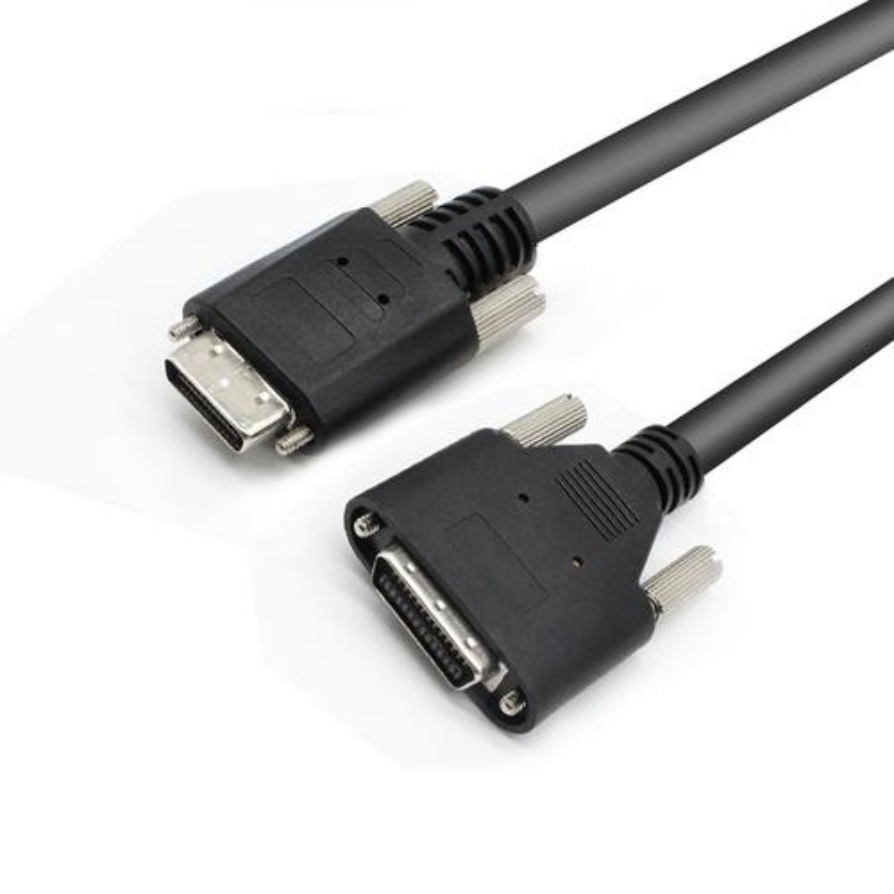
- RJ45 with Screw Locks: The standard for stationary cameras. The screw locks prevent accidental disconnection due to vibration.
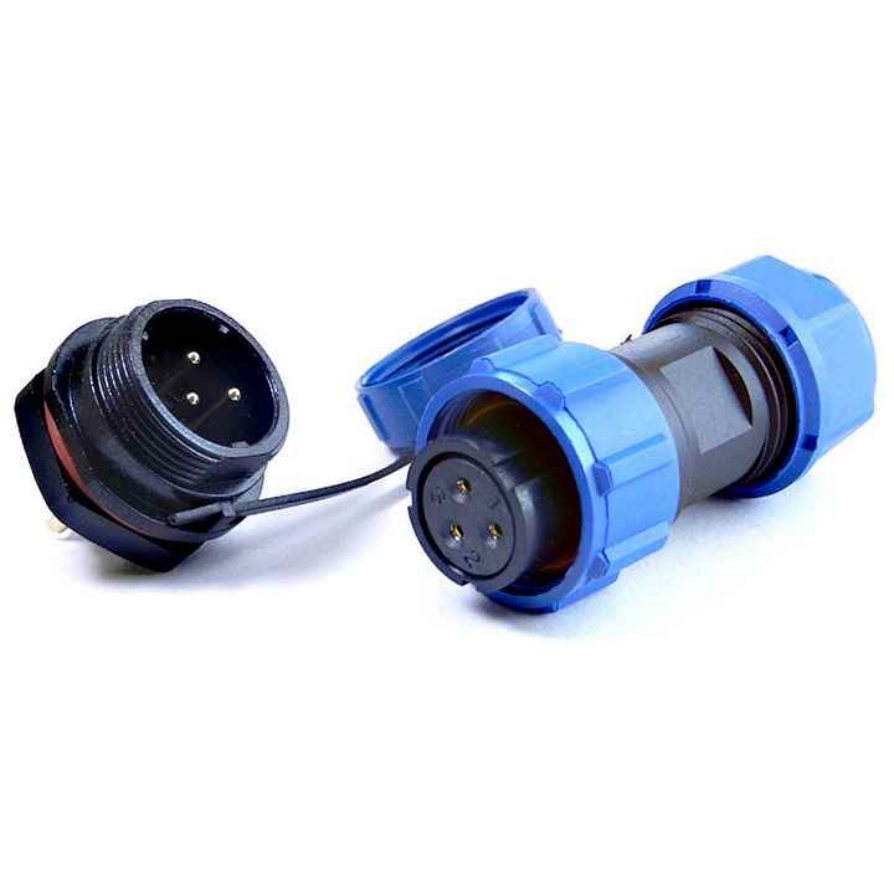
- M12 (X-Coded): Essential for washdown areas or high-vibration zones. The X-coding ensures high-frequency data transmission while maintaining an IP67 seal against dust and water .
Critical Selection Criteria: Static vs. High-Flex
One of the biggest mistakes in machine vision design is treating all cables equally. The mechanical stress on a cable dictates its lifespan.
Scenario A: Static Installation (Fixed Mount)
- Application: Conveyor belt inspection, stationary CCTV-style mounting.
- Requirement: Standard PVC or LSZH (Low Smoke Zero Halogen) jacket.
- Key Metric: Focus on electrical performance and shielding. A standard industrial Ethernet cable is sufficient here.
Scenario B: Dynamic Installation (Motion)
- Application: Pick-and-place robots, 6-axis arms, linear slides, Drag Chains.
- Requirement: High-Flex / Continuous Flexcables.
- Key Metric: Bend Radiusand Cycle Life.
- Standard cables will develop fractured conductors after 50,000 cycles.
- High-flex cables (often with a PUR outer jacket and special stranding) are rated for 10 million+ cycles.
- Warning: Never use a standard patch cable in a drag chain. It will fail, causing unplanned downtime.
Common Pitfalls & “Gotchas” to Avoid
Even experienced engineers stumble on these details. Avoid these common traps to save hours of troubleshooting:
- The “Cheap Cable” Trap: Consumer-grade Ethernet cables lack the tight impedance matching required for machine vision. They might connect, but you will see high packet error rates. Always use industrial-gradecomponents .
- Ignoring PoE (Power over Ethernet) Requirements: 5Gbps transmission generates heat. If you are powering the camera via PoE (PoE+ or PoE++), ensure your cable uses 23 AWG or 24 AWG conductors. Undersized wires cause voltage drop, leading to camera reboots under load .
- Ground Loop Issues: In complex systems, differing ground potentials between the camera and the PC can introduce noise. Use shielded cables with proper drain wires and ensure your PC NIC is isolated, or use optical isolation where necessary .
- Bend Radius Violations: When routing cables near a robotic joint, respect the minimum bend radius(usually 10x the cable diameter for static, 5x for dynamic). Sharp 90-degree kinks permanently damage the internal twist of the pairs, ruining high-speed performance .
Practical Application Scenarios
Where does 5Gbps GigE shine brightest?
- Electronics Manufacturing: Inspecting smartphone screens or PCBs requires 4K resolution at 30+ fps. 5Gbps provides the bandwidth to stream uncompressed 10-bit images, allowing for precise defect detection.
- Medical & Life Sciences: In digital pathology or ophthalmology, high-speed transmission ensures that large gigapixel tissue scans are transferred to the processing unit without latency, critical for real-time diagnosis .
- Logistics & Sorting: High-speed parcel sorting demands rapid triggering and image capture. The 100-meter reach of GigE allows centralized processing units to be located far away from the conveyor belts, simplifying maintenance .
Actionable Tips for Your Next Project
Ready to integrate 5Gbps? Keep these tips in your back pocket:
- Calculate Your Bandwidth: Before buying, check your camera’s specification.
- Formula:
(Resolution Width * Height * Bit Depth * Frame Rate) / 1,000,000,000 = Required Gbps.
- Example: 5MP (2448×2048) @ 10-bit @ 60fps ≈ 3.0 Gbps. Standard GigE (1Gbps) cannot handle this; 5Gbps is mandatory.
- Future-Proof with Cat 6a: Even if your current setup is 2.5Gbps, buy Cat 6a cables. The price difference is negligible, but it guarantees you won’t have to rewire the plant when you upgrade cameras next year .
- Test with Jumbo Frames: Enable Jumbo Frames (MTU 9000) on your NIC and switch. This reduces CPU overhead and increases throughput efficiency for large image packets.
- Strain Relief is King: Always use cable glands or strain relief clamps at the connector entry point. The weight of a dragging cable pulling on a camera port is a leading cause of hardware failure.
Professional Summary
The transition to 5Gbps GigE Machine Vision Cablesmarks a pivotal moment for industrial automation, bridging the gap between the distance capabilities of fiber and the cost-effectiveness of copper. By strictly adhering to Cat 6a specifications, implementing proper shielding, and selecting the correct flexibility ratingfor your mechanical setup, you eliminate the cable as a bottleneck.