How to Resolve Signal Loss Issues with 100m CAT6 GigE Vision Machine ...
In industrial machine vision systems, GigE Vision technology has become the backbone of high-speed, high-resolution image data transmission, thanks to its ability to deliver uncompressed video streams over long distances. Among the most commonly used cabling solutions is the 100m CAT6 GigE Vision cable, which balances performance, cost, and installation flexibility. However, signal loss in these cables remains a persistent challenge that can disrupt system reliability—leading to blurred images, frame drops, or complete communication failures. For engineers, technicians, and system integrators, resolving these issues is critical to maintaining uptime and ensuring the accuracy of machine vision applications, from quality control on production lines to automated inspection in robotics.
This article dives deep into the root causes of signal loss in 100m CAT6 GigE Vision cables and provides actionable, step-by-step solutions to diagnose and fix problems. We’ll also cover preventive measures to avoid signal degradation in the first place, helping you build a robust machine vision system that performs consistently even in demanding industrial environments.
Understanding Signal Loss in 100m CAT6 GigE Vision Cables
Before troubleshooting, it’s essential to grasp why signal loss occurs in CAT6 cables used for GigE Vision. Unlike standard Ethernet applications, GigE Vision transmits large volumes of high-bandwidth data (often up to 1 Gbps or more) with strict latency requirements. A 100m CAT6 cable is designed to meet the TIA/EIA-568-C.2 standard, which specifies maximum attenuation (signal weakening) and crosstalk (interference between wires) limits. When these limits are exceeded, signal loss becomes inevitable.
Key terms to know:
Attenuation: The reduction in signal strength as it travels along the cable. Measured in decibels (dB), attenuation increases with cable length and frequency. For CAT6 at 100 MHz (a common GigE Vision frequency), the maximum attenuation at 100m is 21.6 dB for solid conductors—any value higher than this will cause signal loss.
Near-End Crosstalk (NEXT): Interference from a transmitting pair to a receiving pair at the same end of the cable. GigE Vision relies on balanced twisted pairs, so high NEXT can corrupt data signals.
Return Loss: Reflections of the signal caused by impedance mismatches (e.g., poor connector termination). These reflections bounce back and interfere with the original signal, leading to errors.
Common Causes of Signal Loss in 100m CAT6 GigE Vision Cables
Signal loss rarely stems from a single issue—instead, it’s often a combination of factors related to cable quality, installation, environment, or hardware compatibility. Below are the most frequent culprits:
1. Substandard or Non-Compliant CAT6 Cables
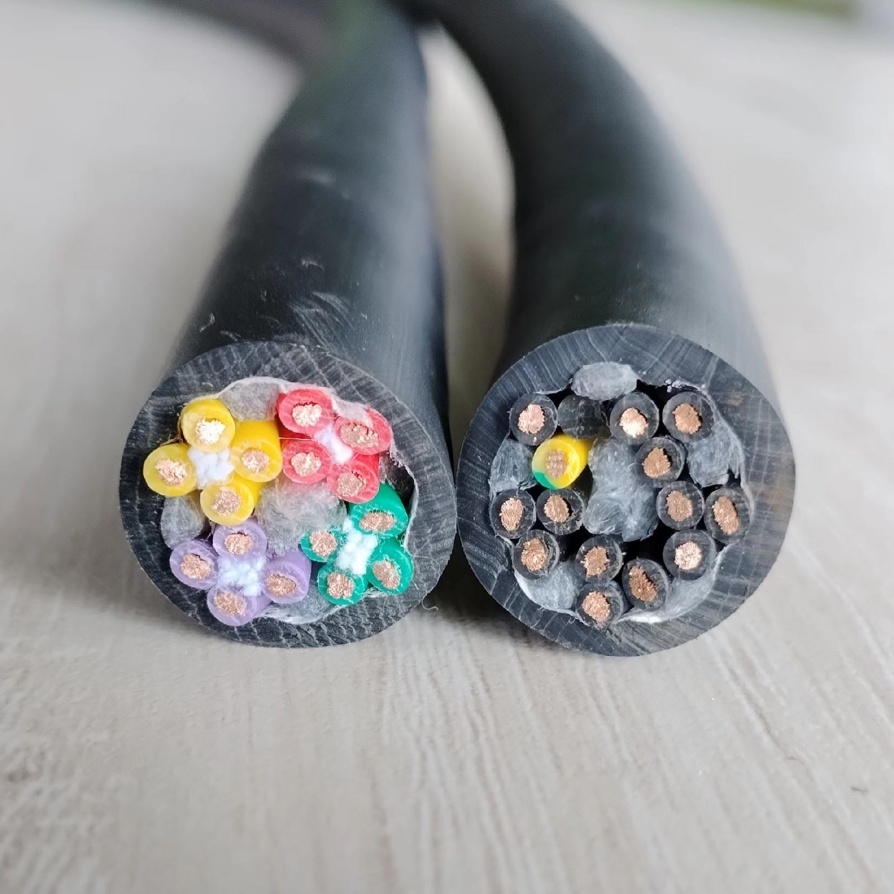
Not all CAT6 cables are created equal. Many low-cost cables on the market claim to be CAT6 but fail to meet the standard’s performance requirements. For example, some use thinner copper conductors (26 AWG instead of the recommended 24 AWG), which increase resistance and attenuation. Others skip the internal cross分离器 (a plastic piece that maintains pair spacing), leading to higher crosstalk. Using such cables for 100m GigE Vision runs is a recipe for signal loss, as they can’t handle the bandwidth over long distances.
2. Poor Connector Termination
Connectors are a weak point in any cabling system, and GigE Vision is no exception. If RJ45 connectors are terminated incorrectly—e.g., mismatched wire pairs, stripped insulation, or loose pins—impedance mismatches occur, causing return loss and signal reflections. Even a small mistake during termination (like using the wrong wiring standard, T568A vs. T568B) can disrupt signal integrity, especially at 100m.
3. Environmental Interference
Industrial environments are rife with electromagnetic interference (EMI) and radio frequency interference (RFI) from nearby equipment, such as motors, transformers, or welding machines. CAT6 cables have better shielding than CAT5e, but unshielded twisted pair (UTP) CAT6 is still vulnerable to EMI. When interference penetrates the cable, it corrupts the differential signals used by GigE Vision, leading to data errors and signal loss.
4. Excessive Cable Bending or Stretching
CAT6 cables have a minimum bend radius (typically 4x the cable diameter for horizontal runs and 8x for vertical runs). Bending the cable beyond this limit damages the twisted pairs, altering their impedance and increasing crosstalk. Similarly, stretching the cable during installation pulls the conductors apart, reducing signal strength. In machine vision setups, where cables may be routed around machinery, this is a common oversight.
5. Incompatible or Faulty Hardware
Signal loss can also originate from the GigE Vision camera, network switch, or frame grabber. For example, a camera with a weak transmitter may not send a strong enough signal to travel 100m. A faulty switch port with damaged pins can introduce noise, while an outdated firmware version on the frame grabber may not handle signal regeneration properly.
Step-by-Step Guide to Resolving Signal Loss Issues
Troubleshooting signal loss requires a systematic approach to isolate the root cause. Follow these steps to diagnose and fix problems with your 100m CAT6 GigE Vision cables:
Step 1: Test the Cable with a Cable Analyzer
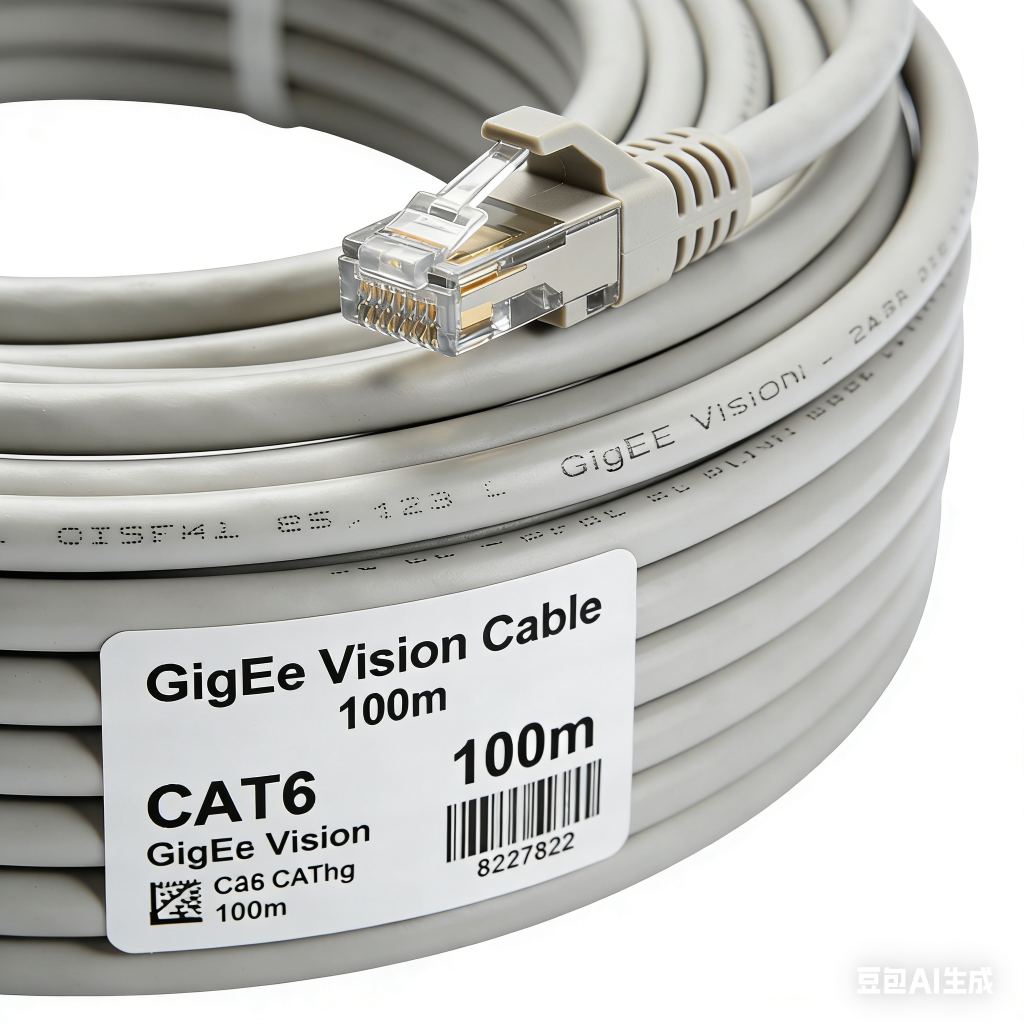
The first step is to verify if the cable meets CAT6 standards using a certified cable analyzer (e.g., Fluke Networks DSX-5000). This tool measures attenuation, NEXT, return loss, and other key parameters. A passing certification ensures the cable is compliant and capable of handling GigE Vision signals over 100m. If the cable fails, replace it with a certified CAT6 cable from a reputable manufacturer (e.g., Belden, Panduit, or CommScope).
Pro tip: Look for cables labeled “GigE Vision compliant” or “Industrial Grade”—these are designed to withstand harsh conditions and meet the stricter requirements of machine vision systems.
Step 2: Inspect and Re-Terminate Connectors
If the cable is certified, check the RJ45 connectors for damage or poor termination. Use a cable tester to verify wire mapping (ensure pairs are correctly aligned) and look for signs of wear, such as bent pins or frayed wires. If termination is suspect, re-terminate the connectors using a high-quality crimp tool and follow the T568B wiring standard (the most common in industrial applications). For critical systems, use shielded RJ45 connectors (STP) to reduce EMI.
Step 3: Minimize Environmental Interference
To combat EMI/RFI:
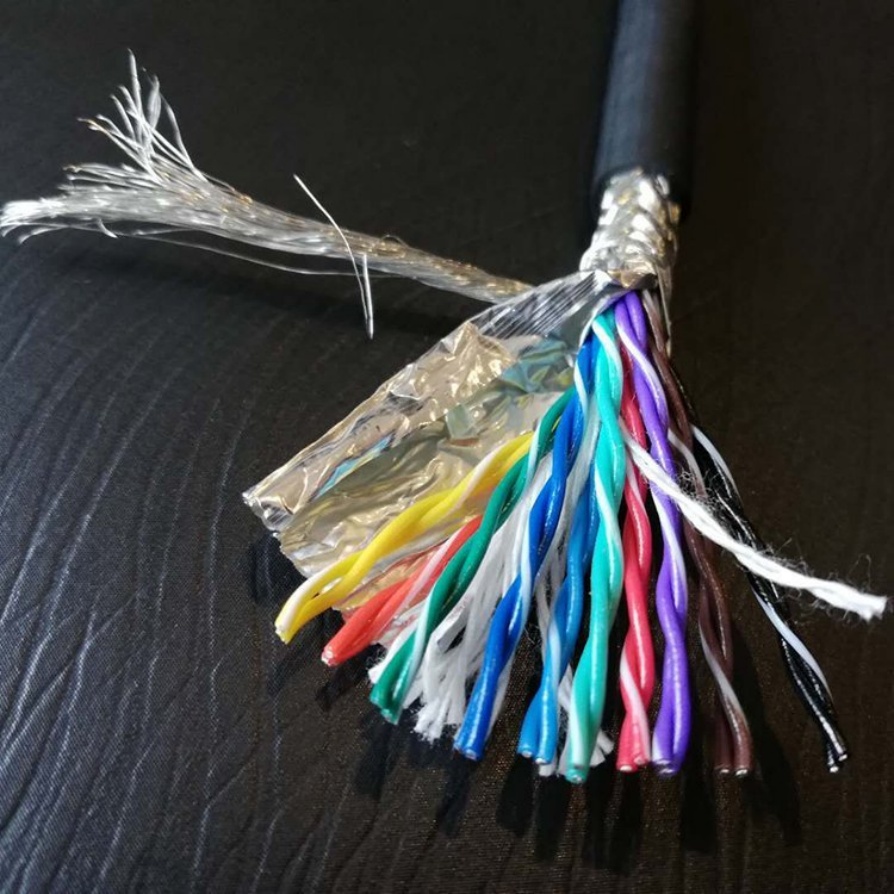
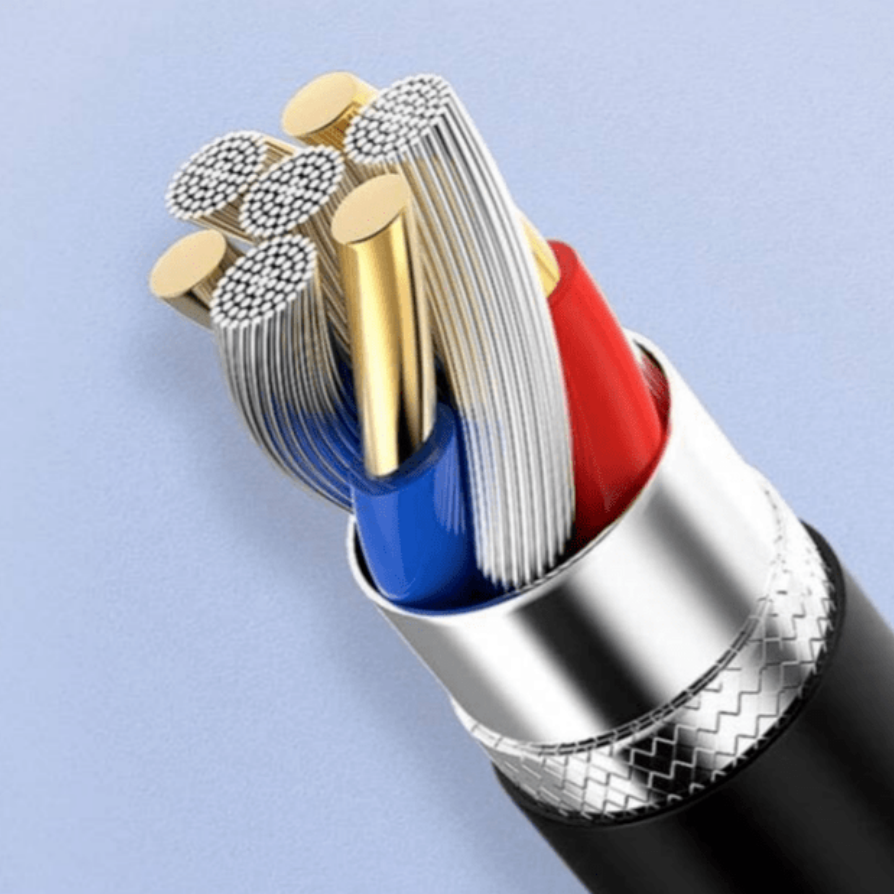
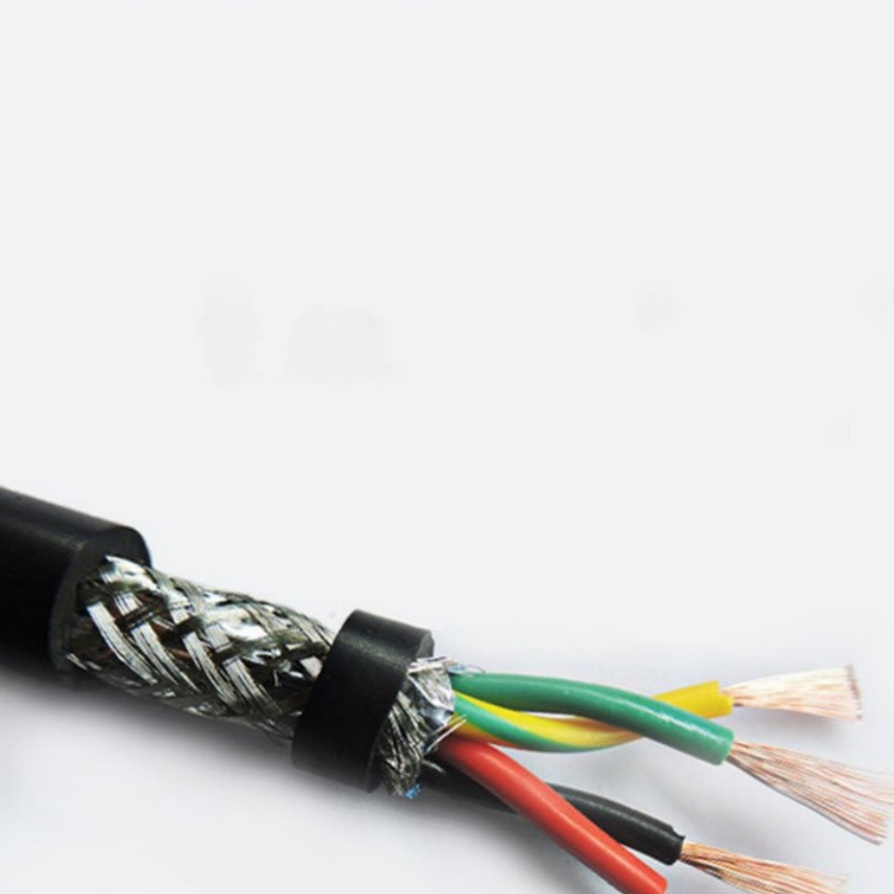
Use shielded CAT6 cables: Shielded twisted pair (STP) or foiled twisted pair (FTP) CAT6 cables have a metal shield around the pairs, blocking external interference. For extreme EMI environments (e.g., near high-voltage equipment), use double-shielded (SF/UTP) cables.
Route cables away from interference sources: Keep CAT6 cables at least 30cm away from power cables (110V/220V) and industrial equipment. Use cable trays with metal dividers to separate data and power cables.
Ground the shield: Ensure the cable’s shield is properly grounded at both ends (camera and switch) to dissipate interference. Use grounded patch panels and shielded keystone jacks.
Step 4: Correct Cable Routing and Installation
Fix any installation issues that may be damaging the cable:
Maintain the minimum bend radius: Use cable organizers (e.g., cable ties, raceways) to avoid sharp bends. For 24 AWG CAT6 cables, the minimum bend radius is typically 50mm (horizontal) and 100mm (vertical).
Avoid stretching or compressing the cable: When pulling cables through conduits or walls, use a cable puller and avoid excessive force. Never staple the cable directly (use cable clips instead) to prevent crushing the conductors.
Keep cables away from heat sources: High temperatures (above 60°C) degrade cable insulation and increase attenuation. Route cables away from heaters, motors, or hot pipes.
Step 5: Upgrade or Replace Faulty Hardware
If the cable and installation check out, test the connected hardware:
Camera and frame grabber: Update the firmware to the latest version (manufacturers often release fixes for signal handling). Use a different camera or frame grabber to see if the issue persists.
Network switch: Ensure the switch is Gigabit Ethernet compliant (1 Gbps) and has auto-negotiation enabled. Test the cable on a different switch port or replace the switch if ports are faulty.
Add a signal booster or repeater: For extremely long runs (接近 100m) or environments with high interference, install a GigE Vision signal repeater or switch with signal regeneration. These devices amplify the signal mid-run to maintain strength.
Step 6: Optimize GigE Vision Settings
Adjusting camera and software settings can also improve signal stability:
Reduce bandwidth: Lower the camera’s resolution or frame rate if full bandwidth isn’t necessary. This reduces the amount of data being transmitted, easing the load on the cable.
Enable link aggregation: If the camera and switch support it, use link aggregation (LACP) to split data across multiple cables, reducing signal strain on a single 100m run.
Use packet resend: Enable GigE Vision’s built-in packet resend feature (via the GigE Vision Control Protocol,GVCP) to automatically retransmit lost data packets.
Preventive Measures to Avoid Future Signal Loss
Once you’ve resolved the current issue, take these steps to prevent signal loss from recurring:
Invest in quality components: Always use certified CAT6 cables, shielded connectors, and industrial-grade hardware. The upfront cost is offset by reduced downtime and maintenance.
Document cable runs: Create a map of all CAT6 cable routes, noting distances, interference sources, and termination points. This makes troubleshooting faster in the future.
Perform regular maintenance: Inspect cables and connectors quarterly for damage, clean connectors with compressed air, and retest cables annually with a cable analyzer.
Train installation teams: Ensure technicians are trained on CAT6 termination standards, minimum bend radii, and EMI mitigation techniques.
Conclusion
Signal loss in 100m CAT6 GigE Vision cables can be frustrating, but it’s solvable with the right approach. By understanding the root causes—from substandard cables to poor installation and environmental interference—and following the step-by-step troubleshooting guide above, you can restore signal integrity and ensure your machine vision system operates reliably. Remember, prevention is key: investing in quality components, proper installation, and regular maintenance will save time and money in the long run.
For industrial applications where downtime is costly, don’t overlook the importance of a robust cabling infrastructure. A well-designed 100m CAT6 GigE Vision system not only delivers clear, consistent images but also forms the foundation for scalable, future-proof machine vision solutions.
High-speed factories demand flawless synchronization between machines and vision systems. Yet, challenges like electromagnetic interference (EMI), cable fatigue, and data bottlenecks often disrupt operations. The right machine vision cab.
Enhance the reliability and performance of your automated systems with our Industrial-Grade Machine Vision Cable—engineered to deliver unparalleled signal integrity, durability, and speed for demanding industrial applications. Designed f.
Meta Description: Discover the Flexible & Bend-Resistant Vision Cable, engineered for precision imaging in demanding environments. Durable, reliable, and built to last. Perfect for industrial, medical, and robotic applications.
Int.
Meta Description: Discover premium Robotic Vision System Cables engineered for seamless data transmission, durability, and precision in industrial automation. Ensure flawless vision system performance.
Enhance Automation Precision with.
Meta Description: Experience seamless 4K/8K video transmission with our High-Speed Anti-Interference Vision Cable. Engineered for crystal-clear visuals, robust durability, and interference-free performance. Perfect for gaming, profes.
The Precision Imaging Dedicated Vision Cable is a cutting-edge connectivity solution designed to deliver crystal-clear image transmission in high-stakes environments. Optimized for industrial automation, medical imaging, machine vision, .
Elevate your visual data transmission with the IP67 Waterproof Vision Connection Cable, engineered to deliver seamless performance in the harshest conditions. Designed for industrial, outdoor, and mission-critical applications, this rugg.
Shielded Twisted-Pair Vision Cable – Ultra-Clear Signal Transmission for Demanding Environments
Ensure flawless video and data transmission in high-interference environments with our Shielded Twisted-Pair (STP) Vision Cable. Engineere.
Product Overview: Machine Vision Cables
Machine vision cables are specialized components designed to ensure high-speed, stable data transmission and signal integrity in automated imaging systems. Key features include:
Technical S.
Subtitle: A High-Performance Signal Cable Designed for 3D Scanners, Ensuring Lossless Data and Minimal Latency
Product OverviewThe 3D Scanner Vision Signal Cable is a premium signal transmission cable engineered for both industrial a.