Why Do Machine Vision Cables Overheat in Continuous Operations
Introduction
In modern factories, machine vision systems run 24/7 to inspect products, guide robots, and ensure quality. However, a common and costly problem often occurs: machine vision cables overheat during continuous operation, leading to image loss, communication errors, or even complete system failure.
This article explains why machine vision cables overheat, how to diagnose the root causes, and practical steps you can take immediatelyto prevent downtime.
1. Poor Heat Dissipation from Cable Design
1.1 Inadequate Material Thermal Rating
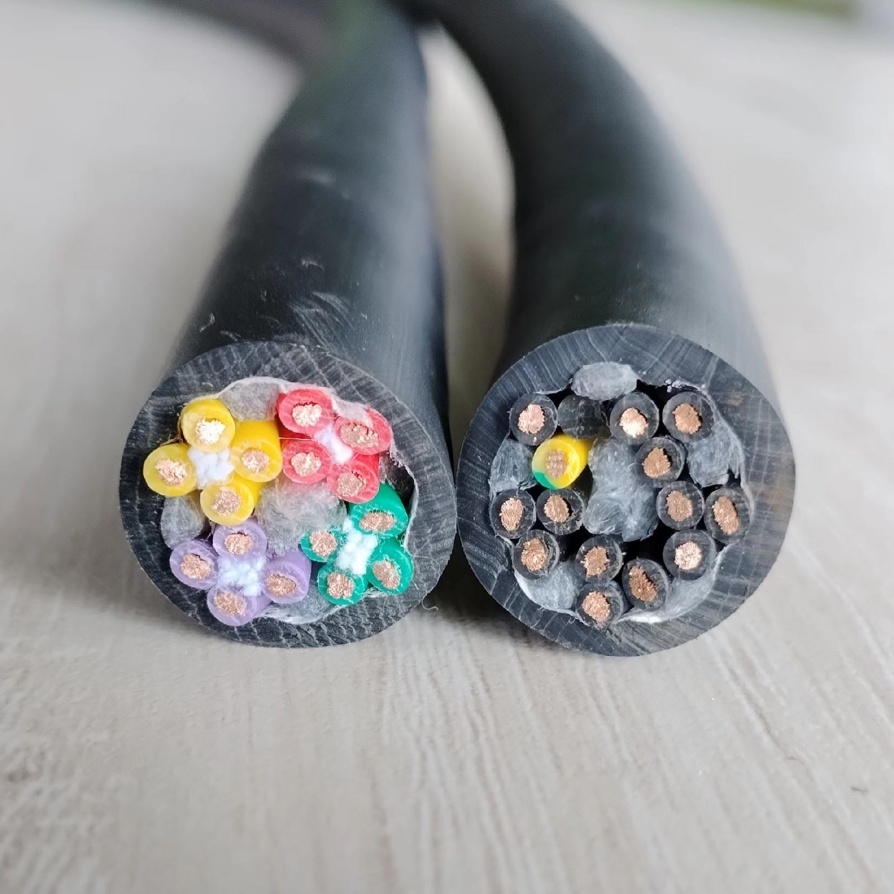
Many standard cables use PVC jackets with a maximum rating of 60–75°C. Under continuous load near heaters, ovens, or motors, the jacket softens, insulation degrades, and resistance increases, generating more heat—a vicious cycle .
What You Can Do
- Specify high-temperature materials: Look for cable jackets rated for at least 105°C continuous(e.g., PUR, TPE, silicone, PTFE, FEP). These materials also offer better oil and chemical resistance.
- Verify conductor temperature rating: Ensure the insulation on the copper conductors is also rated for high temperatures.
- Check certifications: Look for compliance with relevant ISO standards (e.g., ISO 6722 for temperature resistance) .
1.2 Insufficient Conductor Size for Continuous Current
Using a cable with too small a conductor for the required current leads to overheating. This is common in Camera Link, CoaXPress, and GigEcables carrying power.
What You Can Do
- Calculate the actual current draw: Measure the current for each power line (e.g., +12V, +24V) under full load. Do not estimate.
- Derate for continuous use and high ambient temperatures: If a cable is rated for 3A at 20°C, it may only safely handle 2A in a 60°C environment with continuous flexing.
- Select a larger gauge: When in doubt, choose the next larger conductor size to provide a safety margin .
2. High Ambient Temperature in Industrial Environments
2.1 Proximity to Heat Sources
Machine vision cables are often routed near ovens, curing systems, stamping machines, and large motors, absorbing radiant and conducted heat.
✅ What You Can Do
- Map heat sources: Identify all hot equipment along the cable route.
- Maintain physical separation: Re-route cables to keep them at least 20–30 cm away from direct heat sources whenever possible.
- Use thermal insulation or shields: Where separation is impossible, use heat shields or insulating conduits.
- Choose high-temp cable jacketing: This is critical in high-heat zones .
2.2 Inadequate Ventilation and Airflow
Cables bunched together in trays or inside closed panels cannot dissipate heat effectively, causing temperatures to rise.
What You Can Do
- Improve cable separation: Use wider trays or ladders to increase spacing between cable groups.
- Use cable ties or clips sparingly: Allow airflow along the entire length of the cable.
- Add forced air cooling: Install fans at both ends of a long cable run to create cross-ventilation.
- Avoid routing in hot spots: Do not run cables directly above hot motors or gearboxes .
3. Electrical and Signal Issues Causing Heat
3.1 Excessive Current from Power Supply Problems
Power issues are a primary cause of overheating. A power supply set too high, with excessive ripple, or poor voltage regulation can force excess current through a cable, turning it into a heater.
What You Can Do
- Measure voltage at the camera end: Check for unacceptable voltage drop (e.g., >5% on a 12V line).
- Verify power supply ripple: Use an oscilloscope to ensure low ripple and noise.
- Check for ground loops: A faulty ground can cause circulating currents in the cable shield, leading to significant heat. Ensure the system has a single, solid ground reference .
3.2 Signal Integrity Issues and Retransmissions
When a cable’s impedance is mismatched or there is excessive EMI, the receiver may request constant data retransmissions. This increases the effective data rate and processing load, generating more heat in the cable.
What You Can Do
- Use cables with controlled impedance: Essential for high-speed protocols like GigE, CoaXPress, and Camera Link.
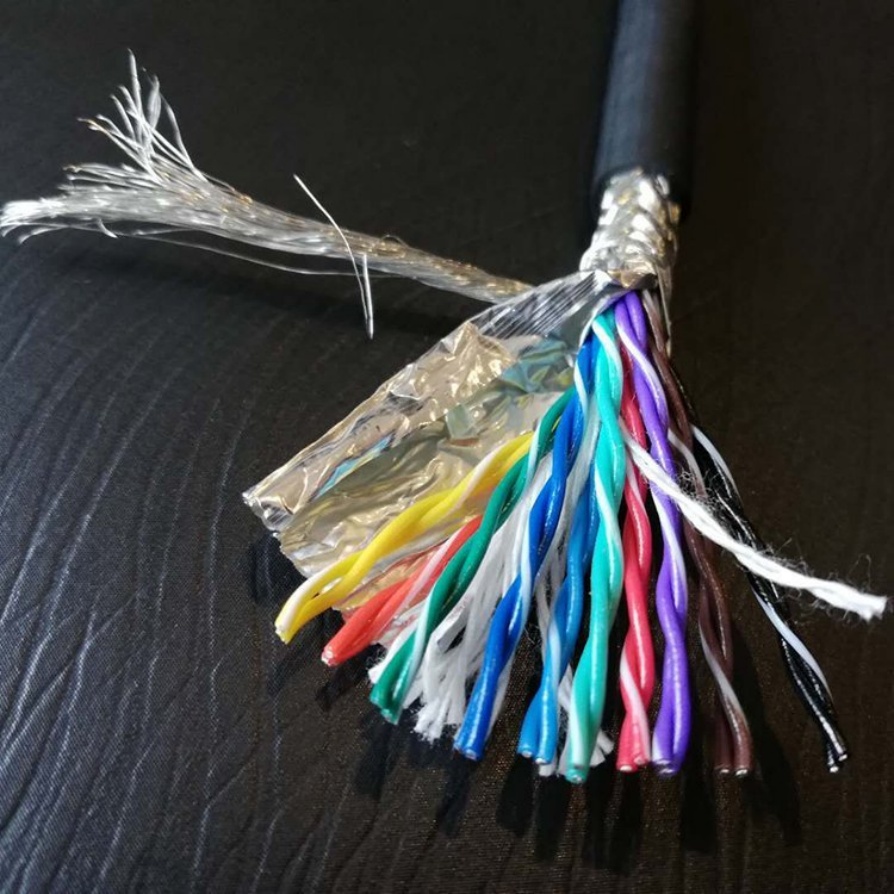
- Ensure proper shielding and termination: Use high-coverage braided shields and correctly terminate cables to prevent reflections.
- Route signal cables away from power lines: Keep data cables separated from high-current power and motor cables to reduce noise .
4. Mechanical Stress and Installation Errors
4.1 Excessive Bending and Torsion
Sharp bends, kinks, or twisting create concentrated stress points where the copper conductors can heat up due to increased resistance. This is especially true in continuous flex applicationslike robotic arms.
What You Can Do
- Respect the minimum bend radius: This is typically 7.5 to 10 times the cable’s outer diameter for dynamic applications.
- Use cable carriers (energy chains): These guide and support the cable through its motion path.
- Specify high-flex cables: Use cables specifically designed for dynamic applications with fine-stranded conductors and flexible extrusion .
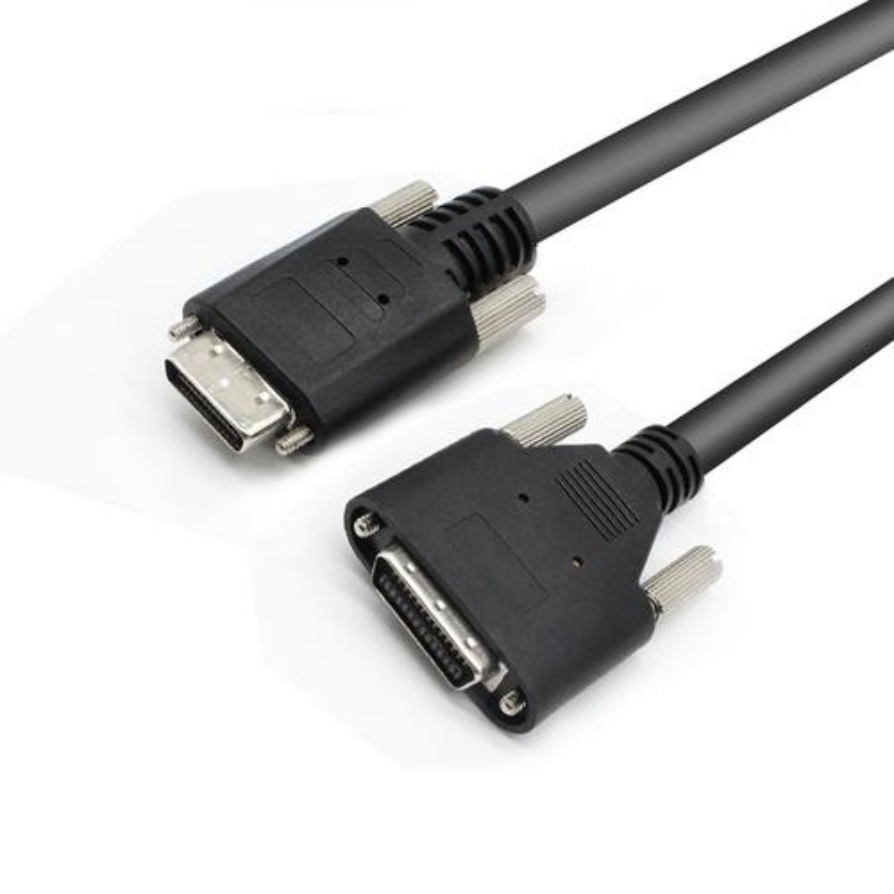
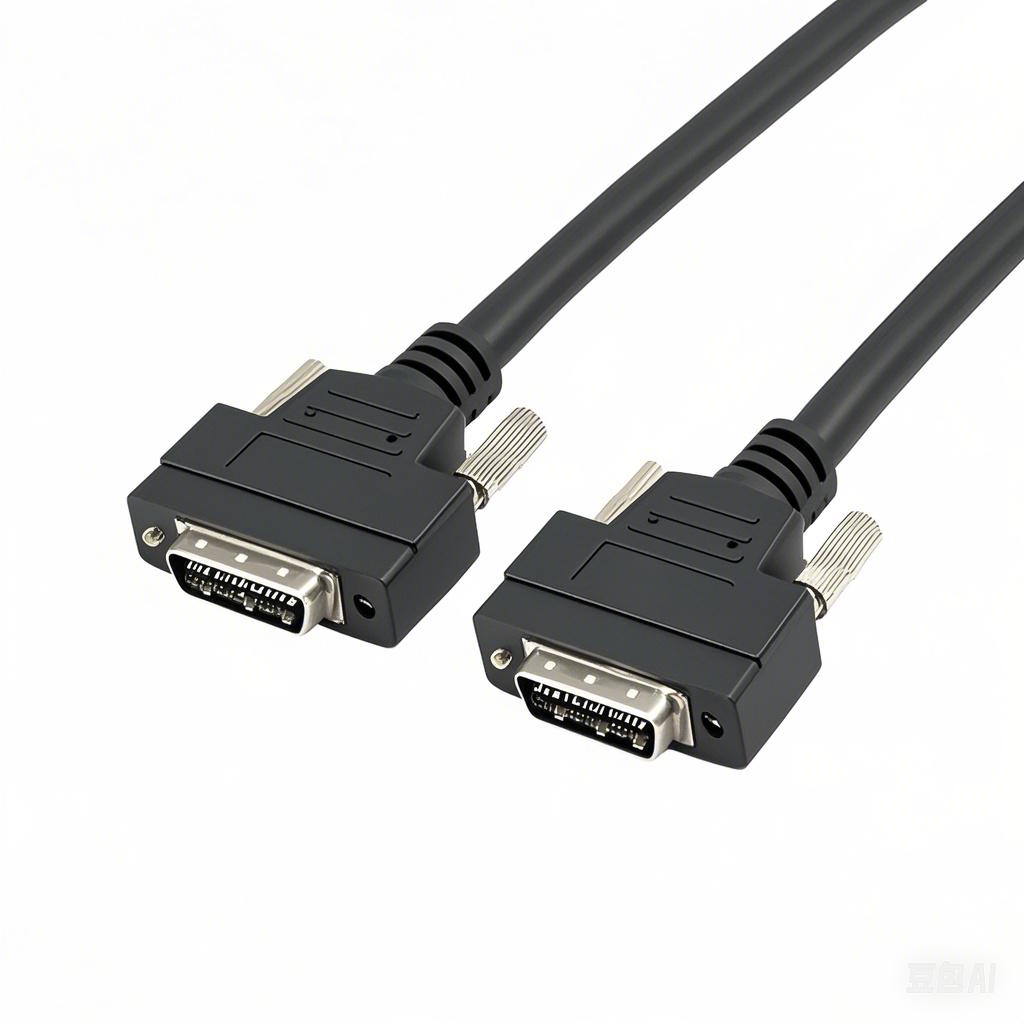
4.2 Poor Connector Contact and Crimping
A loose, corroded, or poorly crimped connector creates a high-resistance point that can get extremely hot, often burning the cable jacket.
What You Can Do
- Inspect connectors regularly: Look for discoloration, melting, or brittleness on the jacket near connectors.
- Use proper crimping tools and techniques: Ensure full insertion and correct crimp height.
- Apply dielectric grease: This helps prevent corrosion, especially in humid or dirty environments .
5. Diagnosing and Preventing Overheating: A Practical Checklist
Use this checklist during commissioning and for regular maintenance:
Design & Specification
- [ ] Is the cable jacket material rated for the maximum ambient temperature?
- [ ] Is the conductor size sufficient for the continuous current draw?
- [ ] Does the cable have proper shielding for the environment?
Installation
- [ ] Is there adequate separation from heat sources?
- [ ] Are cables properly supported with allowed bend radii?
- [ ] Is the cable routing neat with space for airflow?
Electrical Verification
- [ ] Is the voltage at the camera stable and within spec?
- [ ] Is the power supply ripple low and noise minimal?
- [ ] Are all connectors clean, tight, and properly crimped?
Ongoing Monitoring
- [ ] Periodically check cable temperature under load with an infrared thermometer.
- [ ] Listen for image transmission errors or retries in the software logs.
- [ ] Inspect cable jackets for signs of heat damage (discoloration, hardening).
Summary
Machine vision cable overheating in continuous operations is a preventable failure moderooted in four key areas: material selection, electrical design, thermal management, and mechanical installation. By addressing these systematically, you can dramatically improve system reliability.
Key takeaways for a robust system:
- Choose High-Temperature Cables: Specify cables with jackets and insulation rated well above your maximum ambient temperature.
- Size Conductors Correctly: Calculate the real current draw and select a conductor size with a safe margin for continuous operation and high heat.
- Design for Heat Dissipation: Ensure proper airflow, separation from heat sources, and avoid tight bundling.
- Ensure Electrical Integrity: Use stable power supplies, check for ground loops, and maintain good signal quality to prevent unnecessary heat from retransmissions.
- Follow Best Practices for Installation: Respect bend radii, use cable carriers for dynamic applications, and ensure high-quality connectorization.
By implementing these steps, you can ensure your machine vision system runs cooler, lasts longer, and delivers stable performance around the clock.