Does MDR 20-pin Machine Vision Cable Assembly Comply with Camera Link...
If you are sourcing components for a high-speed imaging system, you have likely encountered the terms “MDR” and “Camera Link” used interchangeably. This often leads to confusion regarding pin counts and compliance. The short answer is: No, a standard MDR 20-pin cable assembly does not comply with the standard Camera Link interface.
While the MDR (Mini D Ribbon) connector family is the foundation of the standard, the specific requirements of the Camera Link protocol mandate a different configuration. Below, we break down the technical distinctions, the evolution of the standard, and how to ensure you select the correct cable for your industrial vision application.
The Core Distinction: Pin Count and Protocol
The confusion stems from the fact that Camera Link uses an MDR-style connector, but it is not the standard 20-pin variant found in older SCSI or general data applications.
- Standard MDR 20-pin:Typically used for SCSI interfaces or general-purpose I/O. It lacks the specific pin density and shielding requirements mandated for high-speed image data transmission.
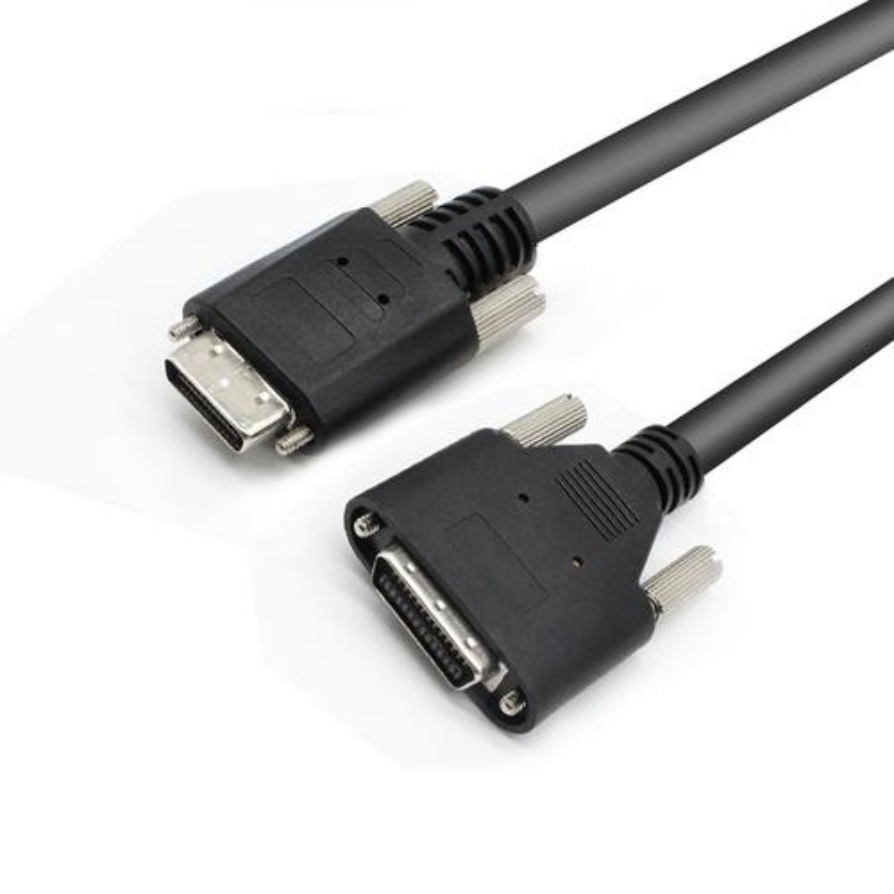
- Camera Link Standard (MDR-26):The Automated Imaging Association (AIA) specified the 26-pin MDR connector(often referred to as MDR-26) for the original Camera Link standard. This connector supports the necessary 11 differential pairs required to transmit the video data, clock, and control signals simultaneously.
Why Pin Count Matters in Machine Vision
In a Camera Link setup, the cable is not just a passive carrier; it is an active component of the high-speed transmission line. The 26-pin configuration is critical for maintaining signal integrity.
- Data Throughput:A Base Configuration Camera Link requires 4 data pairs (X0-X3), 1 clock pair, 4 camera control pairs, and 2 serial communication pairs. This totals 11 differential pairs, which fits perfectly within the 26-pin housing.
- Shielding and Grounding:The standard specifies that pins 1, 13, 14, and 26 must be dedicated to ground/shield. This specific grounding scheme is essential for minimizing crosstalk and electromagnetic interference (EMI) in industrial environments.
The Evolution: SDR and Mini Camera Link
While the 26-pin MDR connector remains the workhorse for standard Camera Link, the industry has evolved to address space constraints in modern cameras.
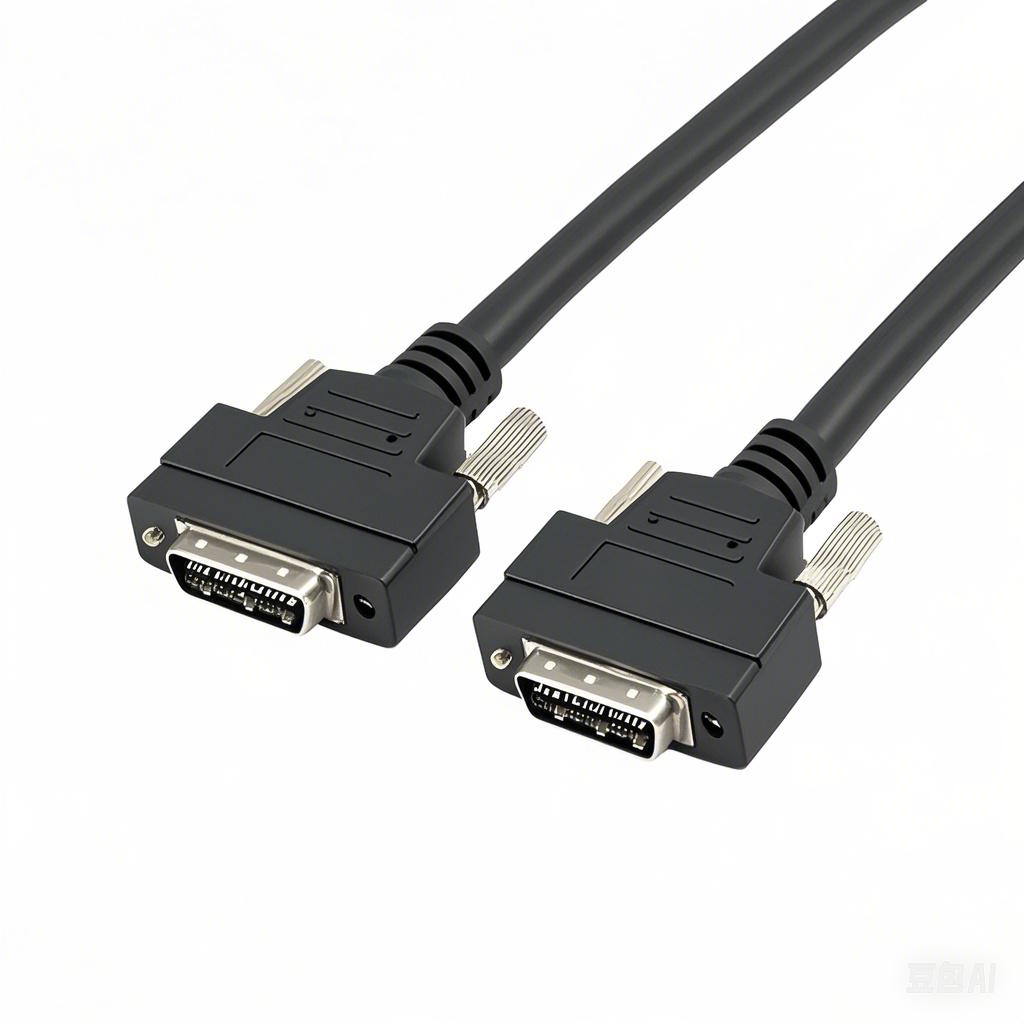
- MDR-26 (Standard):The rugged, thumbscrew-locking connector found on most frame grabbers and traditional industrial cameras.
- SDR-26 (Shrunk Delta Ribbon):Introduced in Camera Link v1.2, this is a high-density connector with a 0.8mm pitch (compared to 1.27mm for MDR). It uses the same 26-pin pinout but offers a significantly smaller footprint. This is often referred to as “Mini Camera Link.”
Crucial Note:Even with the introduction of SDR, the pin count remains 26. You cannot use a 20-pin cable for any compliant Camera Link device.
How to Identify a Compliant Camera Link Cable
When procuring cables, look for these specific indicators to ensure full compliance and interoperability:
- Connector Type:Must be explicitly labeled as MDR-26or SDR-26.
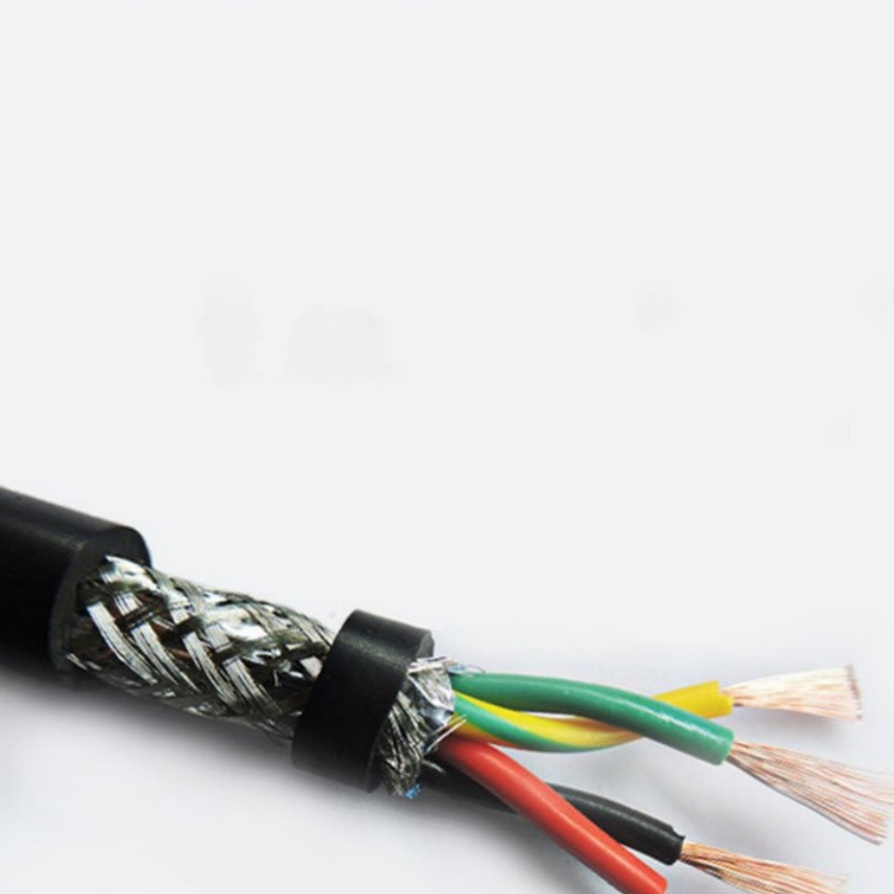
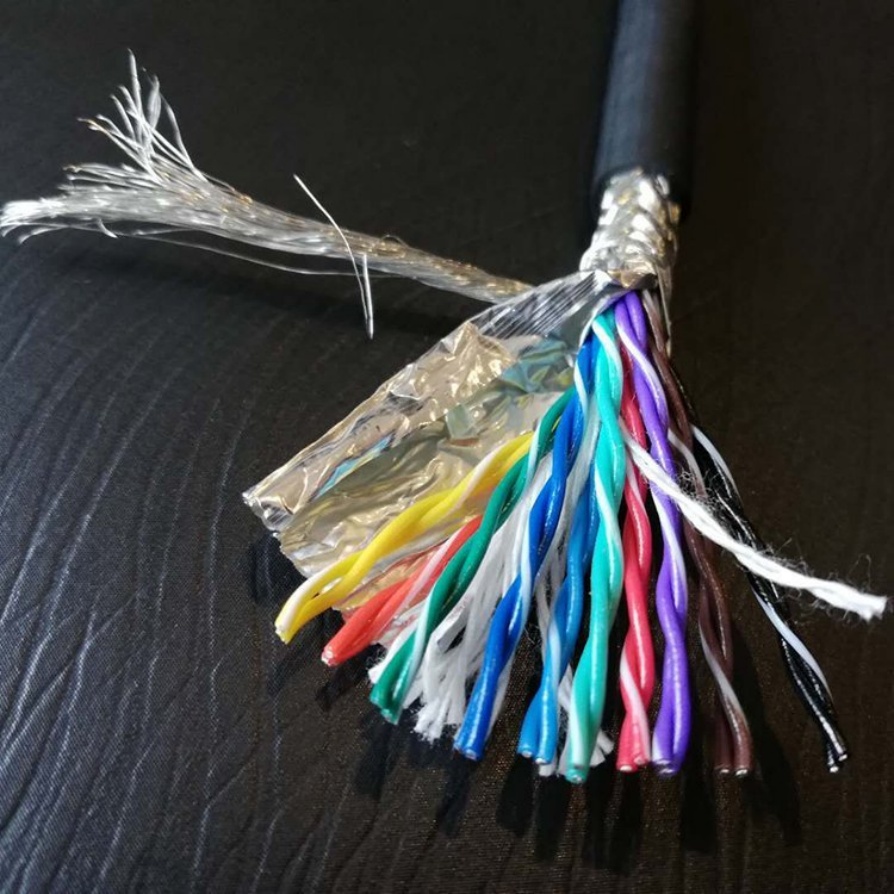
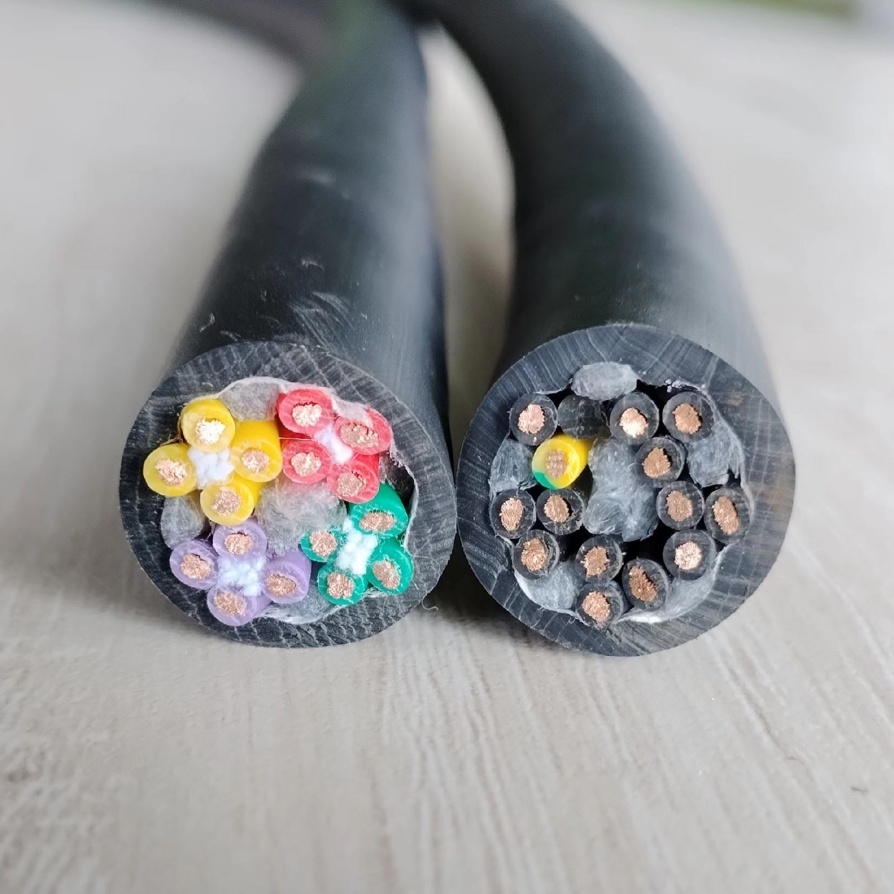
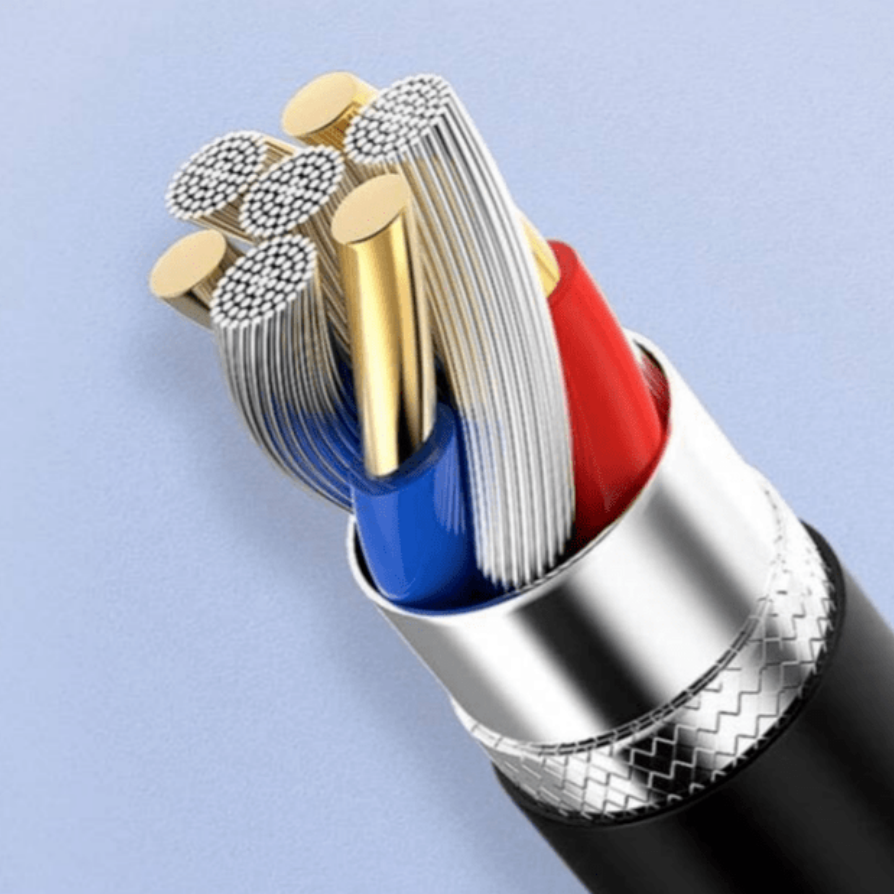
- Internal Construction:The cable must contain 11 shielded twisted pairs(often 28 AWG) plus 4 drain wires. The entire bundle should be shielded with foil and braid.
- Impedance:Compliant cables maintain a characteristic impedance of 100Ω ± 10%to match the LVDS (Low Voltage Differential Signaling) drivers on the camera and frame grabber.
- Skew Performance:For reliable high-speed transmission (up to 85MHz), the cable must exhibit low skew (typically < 50 ps/meter) to ensure data bits arrive simultaneously.
Summary Checklist for Procurement
To avoid costly integration errors, verify the following before purchasing:
- [ ] Count the Pins:Ensure the connector has 26 pins, not 20.
- [ ] Check the Standard:Confirm the cable is certified to the AIA Camera Link standard (supports Base, Medium, or Full configurations).
- [ ] Verify the Ends:Standard Camera Link cables are often unidirectional(Camera end vs. Frame Grabber end) due to specific pin-to-pin mapping. Ensure you have the correct orientation for your setup.
Final Thoughts
While the physical form factor is derived from the MDR family, Camera Link compliance is defined by the 26-pin configuration.Using an MDR 20-pin cable will result in a physical mismatch and a complete failure of the imaging system. By insisting on certified MDR-26 or SDR-26 assemblies, you ensure the high-speed, noise-immune data transfer required for mission-critical machine vision applications.